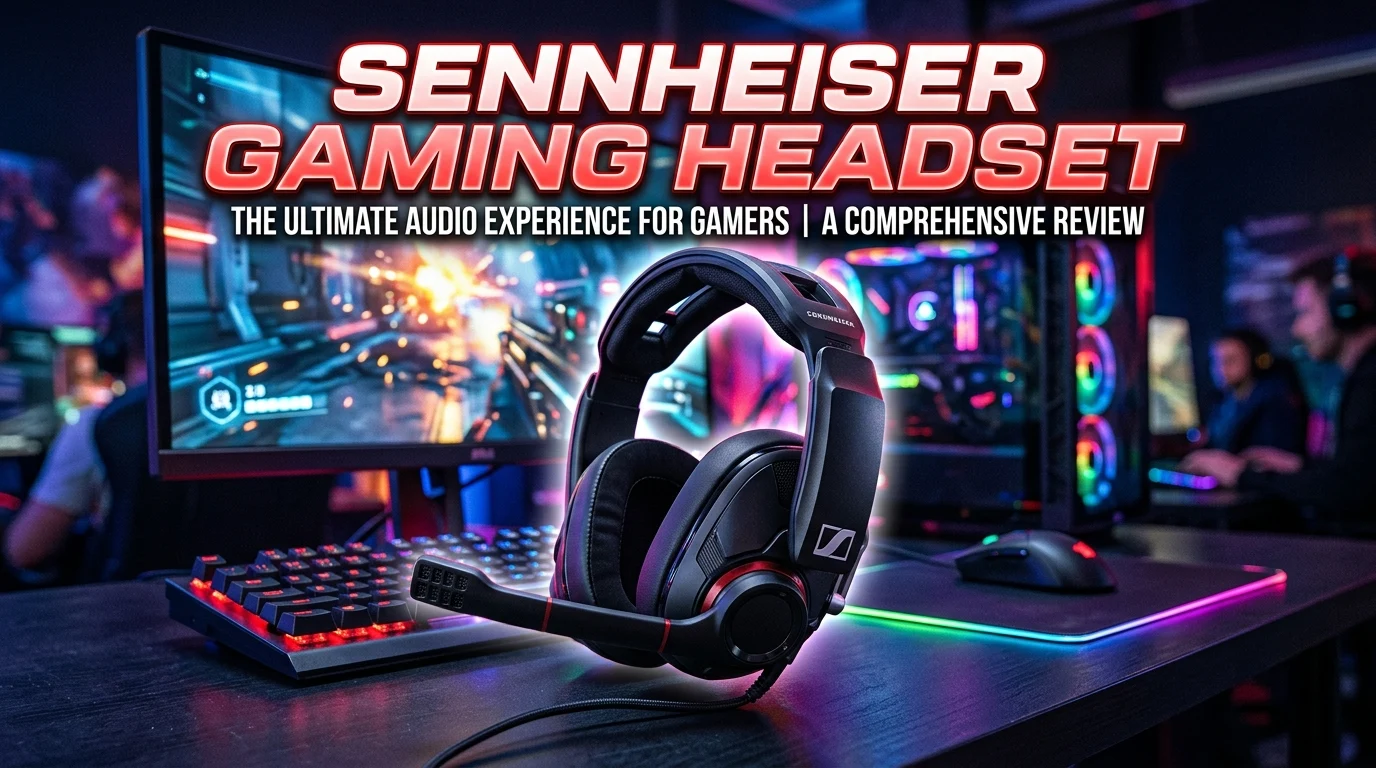
A Sennheiser gaming headset can be an excellent choice for players who care about detailed sound, clear communication, and comfortable long gaming sessions. Sennheiser has a long history in audio, and its gaming-focused headsets have attracted PC and console gamers who want more than basic stereo sound. Whether you play competitive shooters, open-world adventures, racing games, or multiplayer titles, a good gaming headset can make footsteps, dialogue, environmental sounds, and team communication easier to hear.
However, choosing the right model requires more than looking at the brand name. You should consider sound signature, microphone quality, comfort, connection type, platform compatibility, controls, and durability. This guide explains what to look for in a Sennheiser gaming headset and how to choose a model that matches your gaming style and budget.
What Is a Sennheiser Gaming Headset?
A Sennheiser gaming headset is an audio headset designed or marketed for gaming, typically combining headphones with an integrated microphone. Sennheiser’s reputation comes from its broader audio product range, and gaming headsets associated with the brand have traditionally emphasized sound quality, comfort, and communication.
For gamers, the most important advantage of a quality headset is the ability to hear subtle audio details. In competitive games, directional sounds can help you understand where activity is happening. In story-driven games, a well-tuned headset can make dialogue, music, environmental effects, and atmospheric sounds more immersive.
A gaming headset also needs to perform well during communication. A clear microphone helps teammates understand instructions without constantly asking you to repeat yourself.
Connection options vary between models. Some headsets use a traditional 3.5mm connection, while others may use USB or wireless technology. Compatibility can therefore differ between Windows PCs, PlayStation consoles, Xbox systems, and other devices.
Comfort is equally important. Gaming sessions can last for several hours, so lightweight construction, suitable clamping pressure, breathable ear cushions, and a comfortable headband can make a major difference.
Before buying, consider how and where you play. The best Sennheiser gaming headset for competitive PC gaming may not be the ideal choice for a console player who wants wireless convenience.
Why Choose a Sennheiser Gaming Headset?
One major reason gamers choose Sennheiser is its focus on audio reproduction. A gaming headset should not simply make sounds loud; it should reproduce them clearly enough that different sounds remain easy to distinguish.
Sound detail is particularly useful in competitive games. Footsteps, reloads, distant movement, and environmental effects can provide useful information. A well-balanced headset can help separate these sounds without making the overall audio unpleasant.
Comfort is another important factor. A headset that sounds excellent but becomes uncomfortable after an hour may not be a good gaming investment. Sennheiser gaming products have historically attracted users who value comfortable headphone designs for extended listening.
Build quality also matters. Gaming equipment experiences frequent handling, so durable hinges, headbands, ear cups, and cables can improve long-term ownership.
Microphone performance should not be overlooked. Multiplayer gaming often depends on voice communication, and a clear microphone can make conversations easier.
Another advantage is versatility. Depending on the model, a headset may work for gaming, music, movies, online meetings, and general computer use. This can make it more useful than a device designed only for gaming.
However, you should still compare individual models rather than assuming every headset under the same brand will suit your needs. Sound preferences, connection requirements, platform compatibility, and budget all influence the right choice.
Sennheiser Gaming Headset Sound Quality
Sound quality is one of the biggest reasons to consider a Sennheiser gaming headset. Good gaming audio should provide a balance between bass, mids, and treble while maintaining enough detail to separate different sounds.
Bass is important for explosions, engines, music, and cinematic effects. However, excessive bass can sometimes overpower quieter details. For competitive gaming, a controlled low-end response can make footsteps and other subtle sounds easier to distinguish.
Midrange frequencies are especially important for voices, dialogue, and many environmental sounds. A strong midrange can make character speech sound clearer and more natural.
Treble contributes to detail and definition. It can help reveal small sounds such as movement, weapon handling, or environmental effects. However, overly aggressive treble may become tiring during long sessions.
The best sound profile depends on the type of games you play. Competitive players may prefer clarity and positional information, while casual gamers may want a more cinematic presentation with stronger bass.
Equalizer software can sometimes help customize the sound. If your headset and operating system support EQ adjustment, you can experiment with different profiles for gaming, music, and movies.
Remember that sound quality is subjective. Reviews and measurements can provide useful information, but your personal preference ultimately matters. If possible, buy from a seller with a reasonable return policy so you can evaluate the headset yourself.
Sennheiser Gaming Headset for FPS Games
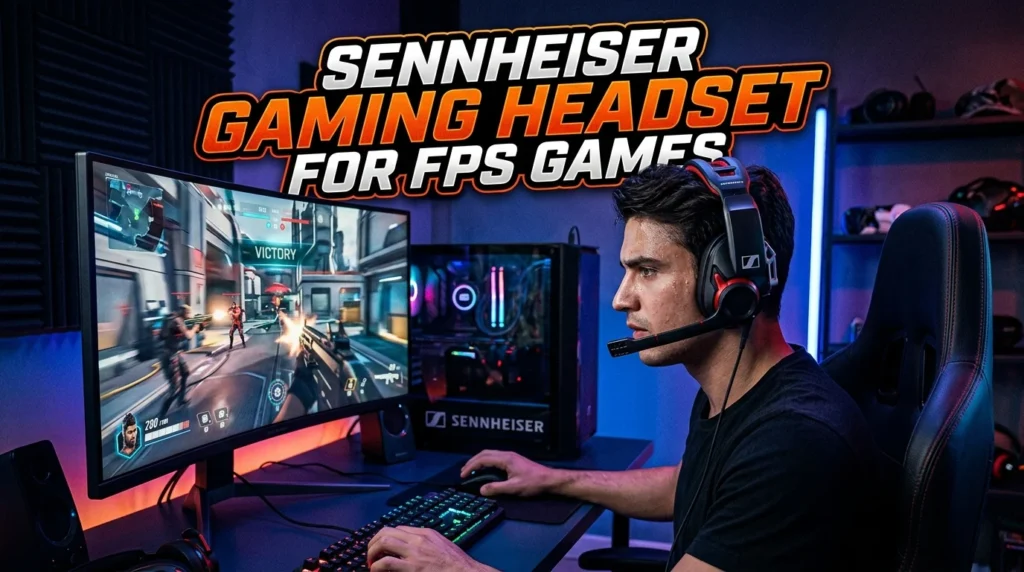
First-person shooter games place special demands on a gaming headset. Players often need to identify footsteps, gunfire, reloads, and other directional sounds quickly.
A suitable Sennheiser gaming headset should provide clear imaging and good separation between different audio elements. This can help you understand whether a sound is coming from the left, right, front, or rear.
Competitive gaming also benefits from a microphone that captures your voice clearly. Team communication needs to be quick and understandable, especially during fast matches.
Comfort matters because FPS players may spend long sessions wearing their headsets. Lightweight construction and comfortable ear cushions can reduce fatigue.
A closed-back headset can also help reduce outside distractions. This may be useful when playing in a noisy environment. However, open-back designs can provide a more spacious sound presentation and may feel more natural in a quiet room.
Do not assume that virtual surround sound automatically improves positional accuracy. Some players prefer straightforward stereo because it can provide a cleaner and more predictable presentation. Others enjoy surround processing for certain games.
The ideal FPS headset should therefore provide clear imaging, a comfortable fit, low-latency performance, and reliable communication.
Before buying, consider the games you play most. A headset optimized for competitive shooters may have a different sound character from one designed for immersive single-player gaming.
Sennheiser Gaming Headset for PC Gaming
PC gamers have access to a wide range of audio options, making compatibility an important consideration when selecting a Sennheiser gaming headset.
A wired 3.5mm headset can be convenient because it can work with many computers and other devices. It usually does not require battery charging and can provide a straightforward connection.
USB headsets may offer additional features such as digital audio processing, software controls, microphone adjustments, and equalizer profiles. However, they depend on USB connectivity and may be less convenient when switching between different devices.
Wireless headsets provide freedom of movement and eliminate cable clutter. For gaming, wireless latency is important. A good gaming-focused wireless connection should feel responsive enough that audio remains synchronized with gameplay.
PC gamers should also check software compatibility. Some features may require a dedicated application for EQ controls, firmware updates, microphone settings, or other customization.
The physical fit is just as important as technical specifications. Headsets with comfortable ear cups and moderate clamping force are generally better suited to long sessions.
If you use a desktop PC, consider cable length and connection placement. If you use a laptop, USB or wireless connectivity may be more convenient depending on your setup.
The best PC gaming headset is not simply the one with the most features. It is the one that provides the sound, comfort, microphone quality, and connectivity you will actually use.
Sennheiser Gaming Headset for Console Gaming
Console compatibility should be checked before purchasing any gaming headset. PlayStation and Xbox systems can have different connection requirements, and not every headset works equally across all platforms.
A 3.5mm headset may be convenient for controllers that include a compatible audio jack. This approach is simple and avoids additional wireless adapters.
USB headsets can provide digital audio and additional controls, but compatibility varies by console generation and model. Always verify compatibility before purchasing.
Wireless headsets can offer a cleaner gaming setup, but you should check whether the wireless connection is compatible with your console. Some wireless headsets are designed specifically for certain platforms.
Microphone quality is particularly important for multiplayer console games. A clear voice connection helps with team coordination and social gaming.
Comfort also becomes important during long console sessions. If you sit several feet away from the television, a wireless model can be more convenient than a wired headset.
You should also consider whether you want one headset for multiple platforms. If you play on both PC and console, a versatile model can provide better overall value.
Before purchasing, check the manufacturer’s compatibility information for your exact console. Do not assume that a headset compatible with one console automatically supports every other platform.
A good console gaming headset should offer reliable audio, clear communication, comfortable wear, and a connection method that fits your gaming environment.
Wired vs Wireless Sennheiser Gaming Headset
Choosing between wired and wireless gaming headsets depends largely on your priorities. Wired models are simple, reliable, and do not require battery charging. They can also provide low-latency audio without depending on wireless transmission.
A wired connection is particularly attractive to competitive gamers who want predictable performance. There is no battery level to monitor, and you can continue using the headset as long as the connected device remains available.
Wireless headsets offer greater freedom. You can move around without pulling a cable, which can make them more comfortable for casual gaming and entertainment. Wireless technology has also improved significantly, making many modern gaming headsets responsive enough for gaming.
Battery life becomes an important consideration with wireless models. Check the manufacturer’s claimed battery life and consider how frequently you want to recharge.
Wireless connectivity can also introduce additional setup requirements. Some models use USB receivers, while others may support Bluetooth or other connection methods. Gaming-focused wireless systems may use a dedicated low-latency connection.
Wired models can be more versatile if they use a standard 3.5mm connection. Wireless models may provide additional convenience but can be more platform-specific.
Neither option is universally better. Choose wired if reliability, simplicity, and continuous operation are your priorities. Choose wireless if freedom of movement and a clean setup matter more.
Sennheiser Gaming Headset Microphone Quality
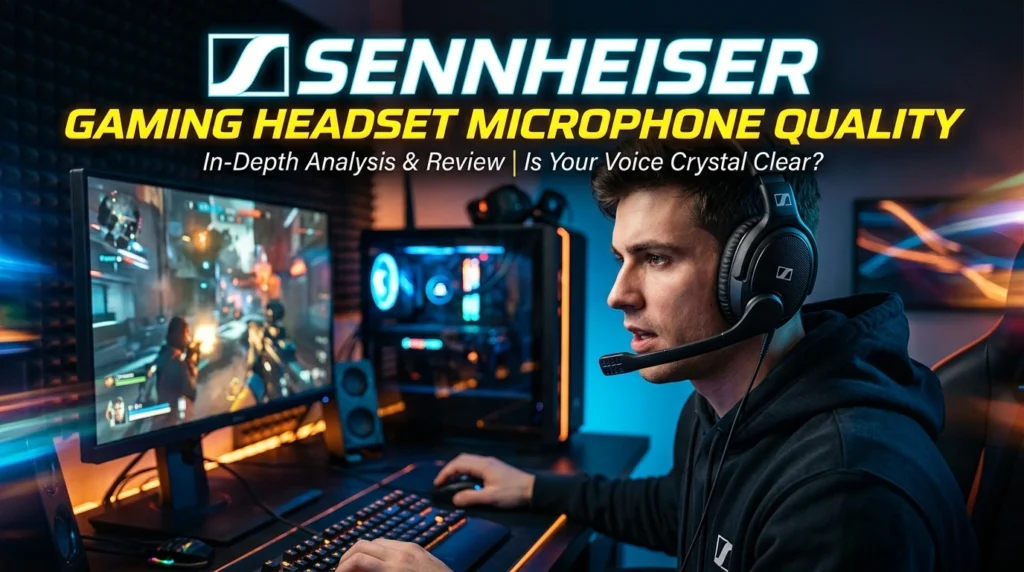
A gaming headset’s microphone is essential for multiplayer communication. Even excellent headphones become frustrating if teammates cannot understand your voice clearly.
A good microphone should capture speech with enough clarity while minimizing unwanted background noise. This becomes especially important when gaming in a room with fans, keyboards, conversations, or other sources of noise.
Microphone placement also affects performance. A boom microphone positioned close to your mouth can usually provide more consistent voice pickup than a microphone located farther away.
Some gaming headsets allow microphone adjustment or processing through software. Features such as gain control, noise reduction, or equalization can improve communication when configured correctly.
For competitive gaming, microphone consistency matters more than studio-level recording quality. You need your teammates to understand commands quickly without distracting background noise.
If you stream or create videos, microphone performance becomes even more important. However, dedicated USB or XLR microphones can provide higher recording quality than most headset microphones.
When evaluating a Sennheiser gaming headset, read reviews that specifically discuss microphone quality rather than focusing only on headphone sound.
Also check whether the microphone is detachable, retractable, or permanently attached. A detachable microphone can be useful if you want to use the headset for music or travel.
A strong gaming headset should provide clear communication without forcing you to constantly adjust microphone position.
Comfort and Build Quality
Comfort can determine whether you enjoy using a gaming headset every day. Even the best-sounding headphones are difficult to recommend if they cause pressure or discomfort during long sessions.
Start with the ear cushions. They should provide enough space around your ears without pressing excessively. The material also affects comfort and heat buildup.
The headband should distribute weight evenly. Excessive pressure on the top of your head can become noticeable during long gaming sessions.
Clamping force is another consideration. A headset that is too loose may move when you turn your head, while one that is too tight can become uncomfortable.
Weight matters too. A lightweight design can be easier to wear for several hours, although weight alone does not determine comfort. Good weight distribution is equally important.
Build quality should support regular use. Check the construction of the headband, hinges, ear cups, and cable. A sturdy headset can provide better long-term value.
Your glasses can also affect comfort. If you wear glasses, tight ear cushions may create additional pressure around the temples.
Because comfort is highly personal, try the headset if possible. If buying online, check the return policy before ordering.
A Sennheiser gaming headset that fits your head correctly can make a significant difference to your gaming experience. Comfort is not a luxury feature; it directly affects how long and how often you can comfortably use the headset.
Open-Back vs Closed-Back Sennheiser Gaming Headset
Open-back and closed-back headphones create different listening experiences. Understanding the difference can help you select a Sennheiser gaming headset that suits your environment.
Closed-back designs seal the rear of the ear cups. They generally provide better isolation from external sounds and reduce sound leakage. This makes them useful for gamers who play in shared or noisy rooms.
Open-back designs allow more airflow through the ear cups. They can create a wider, more spacious presentation that some gamers prefer for immersive games and music.
The trade-off is isolation. Open-back headphones allow outside sounds to enter and game audio to escape into the room. They are therefore better suited to quiet environments.
For competitive gaming, either design can work. What matters most is the headset’s imaging, tuning, and your ability to hear important sounds.
Closed-back headsets can also produce a stronger sense of bass and a more direct presentation. Open-back models may sound more natural and airy.
Comfort can vary as well. Open-back designs may feel less enclosed, while closed-back models can become warmer around the ears during long sessions.
Think about your gaming environment before choosing. If you share a room or play near other people, closed-back is usually more practical. If you have a quiet private room and value an open soundstage, open-back may be worth considering.
Sennheiser Gaming Headset With Surround Sound
Surround sound features can make gaming audio more immersive by creating the impression that sounds come from multiple directions. However, virtual surround processing is not automatically better than stereo.
For story-driven games, surround effects can add a sense of space and immersion. Environmental sounds may appear more expansive, making the game world feel larger.
Competitive gamers often have mixed opinions. Positional audio depends on accurate imaging, and aggressive processing can sometimes alter the original sound in ways that make directional cues harder to interpret.
Stereo can be highly effective when the headset has good imaging. Many experienced players prefer to test both options and choose the setting that provides the clearest positional information.
Software may allow you to switch surround features on and off. This gives you flexibility to use different settings for different games.
The quality of the processing also matters. Poorly implemented surround effects can make audio sound artificial or reduce clarity.
Do not buy a headset solely because it advertises a particular number of virtual channels. Instead, consider the overall sound quality, imaging, comfort, microphone, and compatibility.
A good gaming headset should sound enjoyable even when surround processing is disabled. Extra audio features should enhance the experience rather than compensate for weak basic sound reproduction.
Sennheiser Gaming Headset for Music and Movies
A versatile gaming headset can serve purposes beyond gaming. If you listen to music or watch movies on the same computer, sound quality becomes even more important.
A balanced tuning can make different music genres enjoyable. Vocals should remain clear, bass should have appropriate impact, and high frequencies should provide detail without becoming harsh.
Movies benefit from clear dialogue and an engaging sense of space. A good headset can make cinematic soundtracks and environmental effects more immersive.
This versatility can improve the value of a gaming headset. Instead of buying separate headphones for gaming and everyday entertainment, one comfortable model can handle multiple tasks.
The connection type also matters. A wired headset with a standard connection may work with computers, phones, tablets, and other devices that provide compatible ports. Wireless models can offer convenient switching, depending on their supported connections.
Comfort becomes especially important when using the headset for long movies or music sessions. A gaming headset that feels comfortable for several hours can be more useful than one designed only for short gaming sessions.
Sound preferences remain personal. Some listeners enjoy powerful bass, while others prefer a neutral presentation that emphasizes detail.
Before buying, consider all the ways you will use the headset. If gaming is only one part of your audio routine, prioritize a model that sounds good across multiple types of content.
Sennheiser Gaming Headset Compatibility
Compatibility is one of the first things you should verify before purchasing a gaming headset. A model may work perfectly with one platform but have limited functionality on another.
PC compatibility can depend on the connection type and software. USB models may offer additional digital controls, while 3.5mm models are often simpler and more broadly compatible.
Console support varies by platform. Check whether the headset supports PlayStation, Xbox, Nintendo Switch, or the specific console you own.
Wireless compatibility requires additional attention. A headset may use a proprietary wireless receiver rather than standard Bluetooth. Gaming-focused wireless connections can provide lower latency, but the receiver must work with your device.
Some headsets can connect to multiple devices, which can be useful if you move between a gaming PC and console.
Microphone functionality can also vary across platforms. A headset may provide audio on multiple devices while limiting certain microphone or software features.
Before purchasing, identify every device you plan to use. Then verify compatibility using the manufacturer’s specifications.
This simple step can prevent frustrating returns. Do not assume that a headset described as “gaming compatible” will support every feature on every platform.
The best Sennheiser gaming headset is one that works reliably with your complete setup rather than only the device you use most often.
How to Maintain a Sennheiser Gaming Headset
Proper maintenance can help a gaming headset remain comfortable and functional for longer. Start by keeping the ear cushions and headband clean. Sweat, dust, and oils can accumulate with regular use.
Use a soft, dry or slightly damp cloth where appropriate and follow the manufacturer’s care recommendations. Avoid soaking electronic components or applying aggressive cleaning chemicals.
The cable should also be handled carefully. Avoid repeatedly bending it sharply near the connector because this can increase wear.
If your headset is wireless, maintain the battery according to the manufacturer’s recommendations. Avoid exposing the battery or electronics to excessive heat.
Store the headset somewhere safe when you are not using it. Leaving it on a desk where it can be knocked onto the floor increases the chance of physical damage.
Keep software and firmware updated when the manufacturer provides updates. These updates may address compatibility or performance issues.
If the ear cushions become worn, check whether replacement parts are available for your model. Replacing cushions can make an older headset feel much better without replacing the entire device.
Avoid pulling the headset by the cable or microphone. Use the headband when picking it up.
Simple care can significantly improve the usable life of your gaming headset. A few minutes of regular maintenance can help protect your investment and preserve both comfort and audio performance.
How to Choose the Best Sennheiser Gaming Headset
Choosing the best Sennheiser gaming headset starts with understanding your priorities. There is no single model that will be perfect for every gamer.
First, decide which platform you use. PC gamers may have more connection and software choices, while console users need to verify platform compatibility carefully.
Next, determine whether you prefer wired or wireless operation. Wired headsets are simple and do not require charging, while wireless models offer greater freedom of movement.
Think about your gaming style. Competitive FPS players may prioritize positional clarity and microphone quality. Story-driven gamers may prefer a wider, more immersive presentation and strong music performance.
Comfort should be near the top of your list. If you regularly play for several hours, choose a headset that feels comfortable on your head and around your ears.
Consider your environment too. Closed-back designs can be better for noisy rooms, while open-back models may work well in quiet spaces.
Set a realistic budget and compare complete specifications. Do not pay extra for features you will never use.
Finally, check the warranty and return policy. Audio preferences are personal, and having a reasonable return option can be useful if the headset does not fit or sound the way you expected.
The right Sennheiser gaming headset should combine sound quality, comfort, communication, compatibility, and durability in a package that matches your actual gaming habits.
Conclusion
A Sennheiser gaming headset can be a strong option for gamers who value detailed audio, clear communication, comfort, and dependable construction. The right headset can improve both competitive gaming and immersive single-player experiences while also working well for music, movies, and everyday computer use.
Before buying, focus on the features that matter most to you. Consider sound profile, microphone performance, comfort, wired or wireless connectivity, platform compatibility, open-back or closed-back construction, and overall build quality.
Competitive FPS players may prioritize positional clarity, while casual and story-focused gamers may prefer a broader and more immersive sound. PC and console users should also verify compatibility before placing an order.
Most importantly, avoid choosing a headset based only on brand reputation or marketing features. Compare the actual specifications, read independent reviews, and consider your gaming environment.
With the right combination of sound, comfort, microphone quality, and connectivity, a Sennheiser gaming headset can become an important part of a reliable gaming setup.
FAQs
Is a Sennheiser gaming headset good for gaming?
Yes. Sennheiser gaming headsets can provide detailed sound, comfortable designs, and clear communication for gaming. The ideal model depends on your platform, preferred sound profile, gaming genre, and connection requirements.
Is Sennheiser good for FPS gaming?
Sennheiser headsets can be suitable for FPS gaming because clear imaging and detailed sound can help players hear directional audio cues. However, the exact performance depends on the individual headset, game, settings, and personal preference.
Are Sennheiser gaming headsets good for PC?
Yes. Many Sennheiser audio products can work well with PC gaming. Check whether the specific model uses 3.5mm, USB, or wireless connectivity and whether any required software supports your operating system.
Should I choose a wired or wireless Sennheiser gaming headset?
Choose wired if you prefer a simple connection, continuous operation, and no battery charging. Choose wireless if freedom of movement and a cleaner gaming setup are more important. For wireless gaming, check battery life, latency, and platform compatibility.
What should I look for in a Sennheiser gaming headset?
Focus on sound quality, microphone clarity, comfort, build quality, connection type, platform compatibility, ear-cup design, and warranty. Your gaming style should also influence the choice. Competitive players may prioritize positional audio, while casual gamers may prefer immersive sound and long-session comfort.