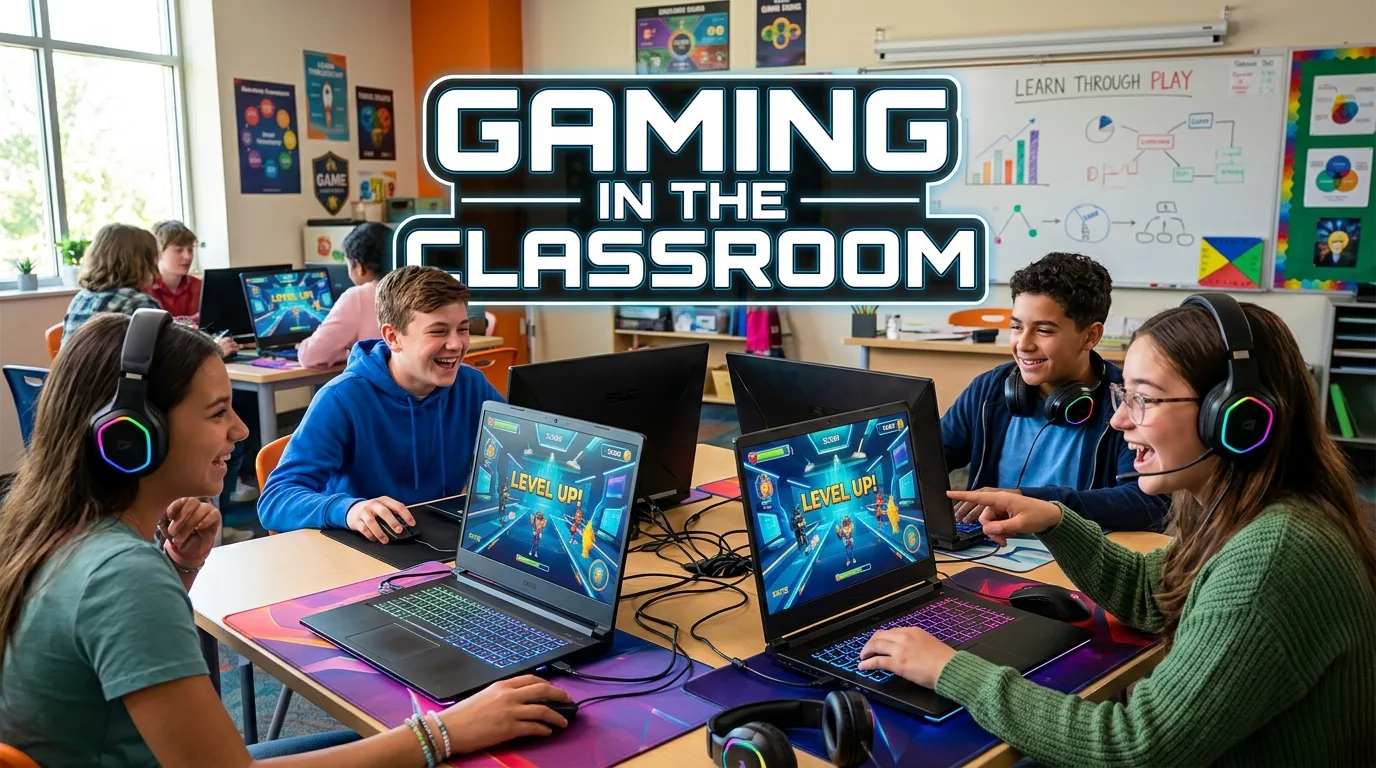
Gaming in the classroom is changing how students learn, practice skills, and take part in lessons. A well-used game can turn a hard topic into a fun task. It can also give students a safe way to try, fail, learn, and try again. This does not mean every lesson needs a video game. The goal is to use games when they support the lesson.
Teachers can use digital games, board games, puzzles, quizzes, and learning apps. Each type can serve a different need. Good classroom gaming should have a clear purpose. It should help students understand a topic, build a skill, or work with others. When games are planned with care, they can make learning more active, social, and enjoyable.
What Is Gaming in the Classroom?
Gaming in the classroom means using games as part of the learning process. The game can be digital or physical. It can take five minutes or form a full lesson.
The key point is simple. The game should support learning.
A teacher may use a quiz game to review a lesson. Students may play a word game to build language skills. A math game may help students practice basic operations. A strategy game may support problem-solving and planning.
Gaming can also be used outside a traditional subject. Students can play games that build teamwork, communication, memory, logic, or decision-making.
The best classroom games are not added just because they are fun. They have a link to the learning goal. Students should know what they are learning while they play.
This approach is often called game-based learning. It is different from simply giving students free time to play games. In game-based learning, the game has a role in the lesson.
Why Use Games for Learning?
Games can change the way students take part in a lesson. Instead of only listening, students may need to make choices, solve problems, answer questions, or work with a team.
A game can also give quick feedback. Students often know right away if an answer or move was correct. This helps them see where they need more practice.
Another benefit is active learning. Students have to do something with the information. They may need to recall facts, use a rule, test an idea, or make a choice.
Games can also create a clear goal. Students may need to reach the next level, solve a puzzle, complete a task, or beat a challenge. A clear goal can help make a lesson feel more focused.
Useful benefits may include:
- More active participation
- More chances to practice
- Quick feedback
- Better teamwork
- Problem-solving practice
- Decision-making practice
- Communication skills
- Creative thinking
- Memory practice
- A more active classroom
These benefits depend on the game and how the teacher uses it. A poorly planned game may distract students from the lesson. A well-planned game can make the same lesson more active.
Game-Based Learning vs. Gamification
learning and gamification are related, but they are not the same.
Game-based learning uses a game to teach or practice a skill. The game itself is part of the learning activity.
For example, students may play a math game where they solve problems to move forward. The game gives them a reason to use the math skill.
Gamification adds game-like elements to a normal learning task. These elements may include points, levels, badges, progress bars, or challenges.
A teacher may give points for completing practice work. The work is still a normal task, but it has a game-like system around it.
Both methods can be useful. The right choice depends on the lesson, students, time, and learning goal.
Types of Games Teachers Can Use
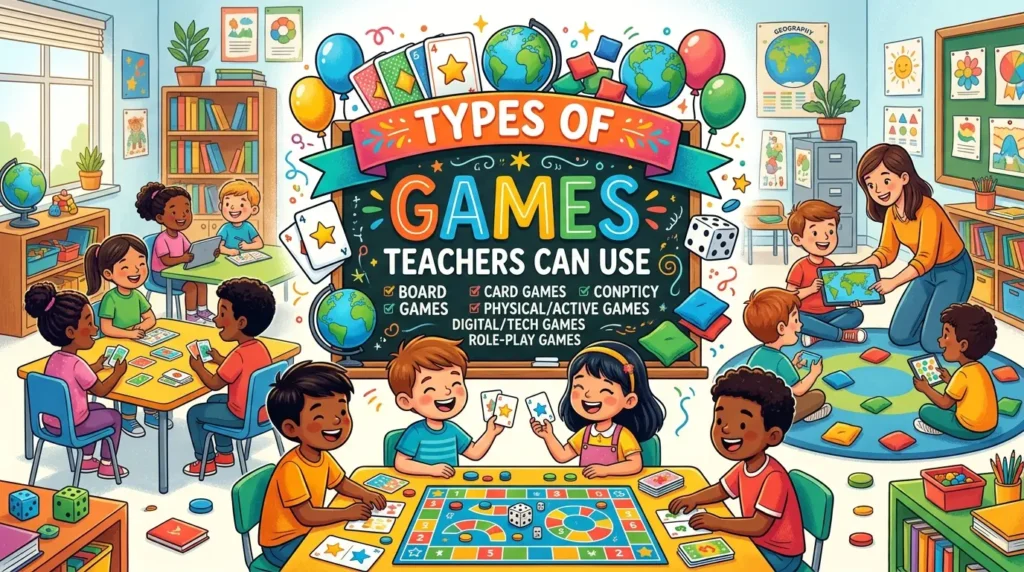
Classroom gaming does not always require computers. Teachers have many choices.
Digital Learning Games
Digital games can give students interactive tasks. They may include quizzes, puzzles, simulations, word games, or subject-based challenges.
These games can work well when students have access to suitable devices. Teachers should choose tools that are easy to use and match the lesson.
Digital games can also provide instant feedback. This can help students spot mistakes during practice.
Board Games
Board games can support learning without screens.
A teacher can use an existing game or create a simple classroom game. Students can answer questions, solve problems, or complete tasks as they move around the board.
Board games can also support face-to-face communication. Students must often listen, speak, wait for turns, and follow rules.
Card Games
Cards are simple and flexible. A teacher can make cards for many subjects.
A language class may use word cards. A science class may use question cards. A math class may use number cards.
Card games are also easy to change. Teachers can make the task harder or easier by changing the cards.
Puzzles
Puzzles can support logic and critical thinking.
Students may need to match ideas, find patterns, solve clues, or arrange information in the right order.
A puzzle does not need to be complex. Even a short problem can make students think in a new way.
Role-Playing Games
Role-playing can help students understand people, events, and situations.
For example, students may act as characters in a historical setting. They may also take part in a mock meeting or discussion.
This type of activity can support speaking, listening, empathy, and decision-making.
How to Use Gaming in Different Subjects
Gaming can fit many school subjects. The activity should always match the topic.
Gaming in Math
Math games can help students practice skills through repeated use.
A teacher might create a challenge based on addition, subtraction, fractions, equations, geometry, or problem-solving.
The game can make practice feel less like a worksheet. Students still need to use correct math skills to succeed.
Teachers should watch for one issue. A fast game can reward speed more than understanding. If the goal is learning, correct thinking should matter more than simply being first.
Gaming in Science
Science games can help students explore ideas and systems.
Students may work with simulations, puzzles, sorting tasks, or problem-based challenges. A game can ask them to predict what will happen and then test their idea.
For younger students, simple matching games can help with topics such as animals, plants, or basic science terms.
Older students can use more complex simulations and decision tasks.
Gaming in English and Language Classes
Language games can support vocabulary, spelling, reading, writing, and speaking.
Word matching is one simple example. Students can match words with meanings. They can also build sentences from word cards.
Speaking games can encourage students to use new words in a real task.
The teacher should make sure the game gives students enough chances to use the target language. Fun alone is not enough.
Gaming in History
History games can help students explore events, people, and choices.
Role-play can place students in a historical situation. A quiz can help with review. A timeline game can help students put events in order.
Teachers should still provide reliable information. A game can simplify history, but students need context to understand what really happened.
Gaming in Computer Science
Computer science is a natural area for game-based activities.
Students can solve logic problems, follow algorithms, debug simple tasks, or build small games.
Game creation can be especially useful. Students are not only playing a game. They are thinking about rules, logic, systems, and user actions.
How Gaming Can Support Different Learners
Students do not all learn in the same way. A game can offer another way to interact with a topic.
Some students may enjoy solving problems. Others may prefer teamwork. Some may like creative tasks. Others may enjoy clear rules and goals.
A good classroom game can offer more than one way to take part.
Teachers should also think about accessibility. Text should be easy to read. Instructions should be clear. Activities should not depend on skills that are unrelated to the lesson.
For example, a student may understand a science topic but struggle with a complex game interface. In that case, the interface can become a barrier.
The learning task should stay at the center.
The Role of the Teacher
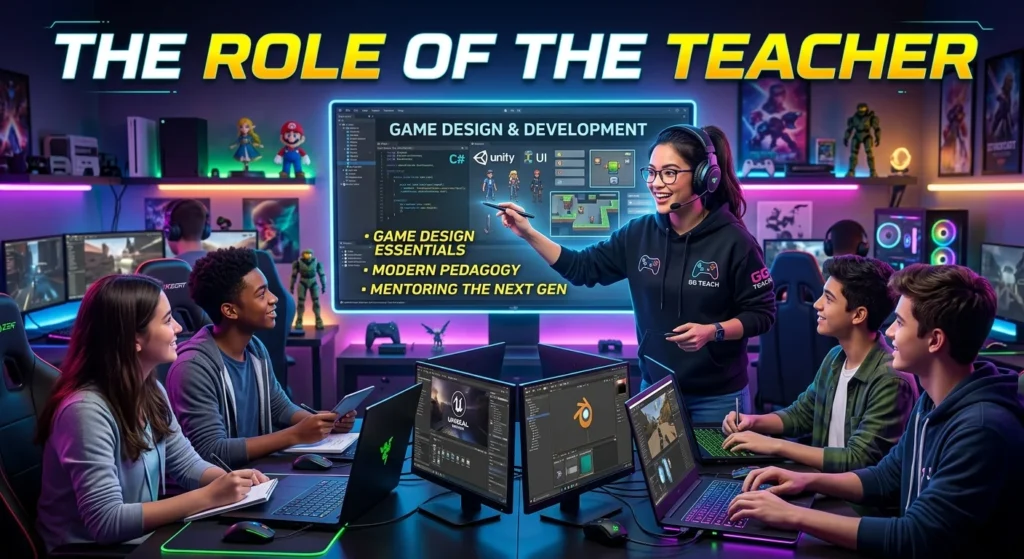
Gaming does not remove the need for teaching. The teacher still guides the lesson.
Before the game, the teacher should explain the goal and rules. During the game, the teacher can watch student progress and give help. After the game, the teacher can review what students learned.
The final step is important.
Students should have time to think about the activity. A teacher can ask:
- What did you learn?
- What was difficult?
- What choice worked well?
- What mistake did you make?
- How can you solve the problem next time?
This short reflection can connect the game to the main lesson.
How to Choose the Right Classroom Game
Choosing a game should start with the learning goal.
Ask what students need to learn or practice. Then look for a game that helps them do that task.
Consider these points:
- Learning goal: Does the game support the lesson?
- Age level: Can students understand the rules?
- Time: Can the game fit the lesson?
- Difficulty: Is the task challenging but manageable?
- Class size: Can all students take part?
- Access: Do students have the needed devices or materials?
- Feedback: Will students know how they are doing?
- Teamwork: Does the activity support useful interaction?
- Assessment: Can the teacher see what students learned?
- Safety: Is the content suitable for the class?
A simple game that fits the lesson is often better than a complex game that takes too much time to explain.
How to Plan a Game-Based Lesson
A clear plan can make classroom gaming easier.
Start with the learning goal. Write down what students should know or do after the lesson.
Next, choose the game. Make sure its rules support the goal.
Then prepare the materials. Test digital tools before class if possible. Check links, devices, instructions, and game rules.
Explain the task in simple steps. Students should know what to do before the game begins.
During the activity, watch how students work. Give help when needed. Avoid taking control of every move.
After the game, review the lesson. Ask students to explain their thinking.
A basic lesson structure can look like this:
- Start: Explain the topic and goal.
- Prepare: Explain the game and rules.
- Play: Let students complete the challenge.
- Guide: Give support and feedback.
- Reflect: Discuss what students learned.
- Review: Connect the game to the lesson.
This structure keeps the game linked to education.
Common Problems With Gaming in the Classroom
Gaming has many possible benefits, but it also has limits.
One problem is distraction. Students may focus more on winning than learning.
Another issue is competition. Some students enjoy competition, while others may feel stressed by it.
Time can also be a challenge. A game may take longer than planned. If the rules are complex, students may spend much of the lesson trying to understand the activity.
Technology can create more problems. Devices may fail. Internet access may be limited. A game may not work well on every device.
There is also the risk of choosing a game because it looks exciting. A fun game is not automatically a useful learning tool.
Teachers can reduce these problems with careful planning. Clear rules, simple goals, and a short review can help keep the activity focused.
Competition and Cooperation
Competition can make some games exciting. Students may work harder when they have a clear challenge.
Still, competition should not be the only model.
Cooperative games can be a strong choice. Students work toward a shared goal instead of trying to defeat one another.
Team tasks can build communication. Students may need to share ideas, divide roles, listen, and make group decisions.
A balanced classroom can use both styles. The choice should depend on the students and the lesson.
How to Assess Learning After a Game
A game can be fun, but teachers still need to know what students learned.
Assessment does not have to be complex.
A teacher can use a short quiz after the activity. Students can write a few sentences about what they learned. They can explain how they solved a problem.
Teachers can also observe student actions during the game.
Look for signs of understanding. Are students able to use the skill without help? Can they explain their choices? Can they correct a mistake?
These questions can show whether the game supported the learning goal.
The game should not be the only measure of success. It is one learning activity within the wider lesson.
Gaming Without Technology
A classroom does not need expensive technology for game-based learning.
Paper, cards, dice, boards, and classroom objects can support many activities.
A teacher can create a quiz race on paper. Students can solve a puzzle in teams. They can match terms and definitions. They can build a story from cards.
These activities can be quick to prepare and easy to change.
No-screen games can also give students a break from digital devices. This can be useful when a lesson already includes a lot of screen time.
Making Gaming More Inclusive
Every student should have a fair chance to take part.
Use clear instructions. Give students enough time to understand the rules.
Avoid making speed the main measure of success. A student may know the answer but need more time to respond.
Offer different roles in team games. One student might read. Another can record. A third can solve. Another can explain the answer.
Teachers can also allow different ways to show learning. Students might speak, write, draw, or demonstrate a process.
The aim is not to make every student play in the same way. The aim is to help every student reach the learning goal.
Best Practices for Gaming in the Classroom
Good classroom gaming is simple, focused, and purposeful.
Keep the learning goal clear. Choose a game that supports it.
Use short instructions. Explain the rules before students start.
Test the activity before using it with the whole class. This can help find confusing steps.
Give students time to practice. Do not make every activity about winning.
Watch student behavior. If the game creates more confusion than learning, change it.
End with reflection. Ask students to connect the activity to the lesson.
Most of all, remember that the game is a tool. It is not the lesson itself.
Examples of Simple Classroom Games
Teachers can create simple games without special tools.
Question Challenge
Prepare questions about the lesson. Divide students into small teams. Give points for correct answers.
The questions should test the skill or knowledge students need to learn.
Mystery Puzzle
Give students clues related to the topic. They must solve each clue to reach the final answer.
This can work well for language, science, history, and general problem-solving.
Matching Game
Create two sets of cards. One set can contain terms. The other can contain meanings, answers, pictures, or examples.
Students work to find the correct pairs.
Classroom Mission
Give students a task with several steps. Each completed step gives them the information needed for the next step.
This can turn normal practice into a simple mission.
Team Problem
Give each group one problem. Students must work together and explain their answer.
The goal is not only to find the answer. Students should explain how they reached it.
The Future of Gaming in Education
Technology will continue to give teachers new ways to create learning activities. Digital games, simulations, virtual spaces, and interactive tools may become more common in education.
Yet technology is not the main point.
Strong teaching still depends on clear goals, good content, useful feedback, and student involvement.
The future of game-based learning is likely to include many forms of play. Some activities will use screens. Others will use paper, cards, physical objects, or simple group tasks.
The best approach will be the one that helps students learn.
Conclusion
Gaming in the classroom can make learning more active and engaging. It can give students chances to practice skills, solve problems, make choices, and work with others. Games can support subjects such as math, science, language, history, and computer science.
Success depends on good planning. The game should have a clear learning goal. Rules should be simple. Students should have a fair chance to take part. Teachers should also review the lesson after the activity.
Gaming does not need to replace normal teaching. It works best as one useful tool in a wider teaching plan. A simple game can be enough when it helps students understand and use what they are learning.
FAQs
1. What does gaming in the classroom mean?
Gaming in the classroom means using games as part of a lesson. The games can be digital or physical. They may help students practice knowledge, solve problems, build skills, or work with others.
2. Is gaming in the classroom good for students?
It can be useful when the game supports a clear learning goal. Games can encourage active participation, practice, teamwork, problem-solving, and quick feedback. The value depends on how the teacher plans and uses the activity.
3. What types of games can teachers use in class?
Teachers can use digital games, board games, card games, puzzles, quizzes, role-playing activities, matching games, and team challenges. The best choice depends on the subject, age group, class size, and learning goal.
4. Can gaming be used without computers?
Yes. Classroom gaming does not require computers. Teachers can use cards, paper, boards, puzzles, dice, and group challenges. No-screen games can support many subjects and skills.
5. How can teachers make classroom gaming effective?
Teachers should begin with a clear learning goal. The game should support that goal. Rules should be easy to understand, and students should get useful feedback. A short discussion after the game can help students connect the activity with what they learned.