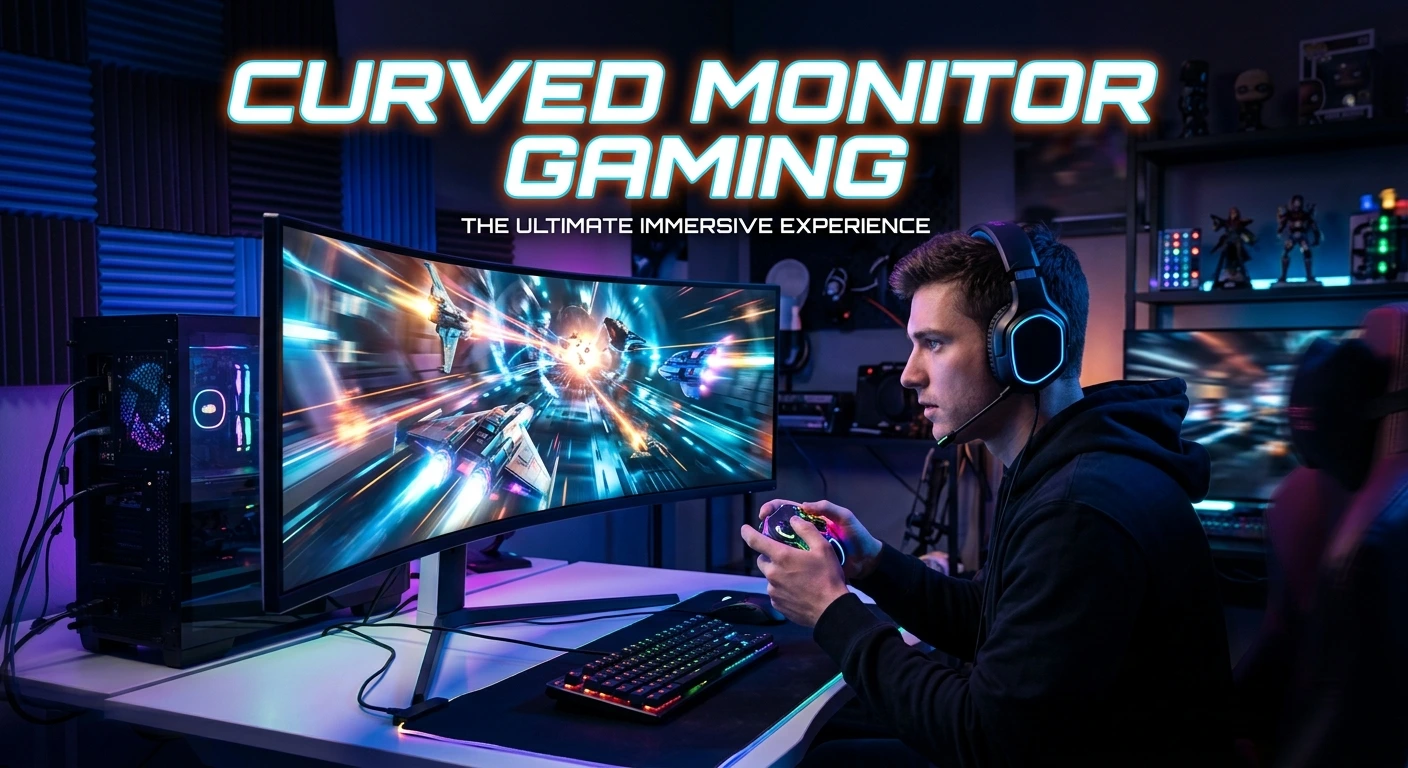
A curved monitor can make gaming feel more smooth and immersive. Its screen bends toward you instead of staying flat. This can help the display fill more of your view. It may also make wide screens feel more natural during play. The best choice depends on the games you play, your desk, and your PC.
Screen size, curve strength, refresh rate, response time, and resolution all matter. A fast curved display can work well for racing, action, and open-world games. A wide model can also give you more room for game menus and other apps. Still, a curved screen is not always better than a flat one. This guide explains what to look for when choosing a curved gaming monitor.
What Is a Curved Gaming Monitor?
A curved gaming monitor has a screen that bends inward.
Flat monitors have a straight display. Curved models wrap the screen slightly around your view.
The goal is simple. The screen can feel closer to your natural field of view.
Most curved monitors use a curve rating. You may see numbers such as 1000R, 1500R, or 1800R.
The letter R means radius.
A lower number means a stronger curve. A higher number means a softer curve.
For example, a 1000R screen has a stronger curve than a 1800R screen.
The right curve depends on your screen size and viewing distance. Your desk setup also matters.
A curved monitor can be a good fit for gaming. It can also work well for movies and daily computer use.
Still, you should not buy one based on the curve alone.
Other features have a bigger effect on gaming performance.
Why Use a Curved Monitor for Gaming?
Curved screens can make games feel more immersive.
The effect is easy to notice on wide monitors. A large screen can cover more of your view.
A curved panel can also keep the edges at a more natural angle.
This can be useful when you sit close to the display.
Racing games can benefit from this setup. Driving games often use a wide view of the road.
Flight games can also feel more engaging on a wide curved screen.
Open-world games may benefit from the extra screen space as well.
The curve is not a performance feature by itself. It does not make your graphics card faster.
Your GPU still controls frame rates.
The curve mainly changes how you see the image.
That makes it a comfort and immersion feature rather than a raw speed feature.
Curved Monitor Gaming Benefits
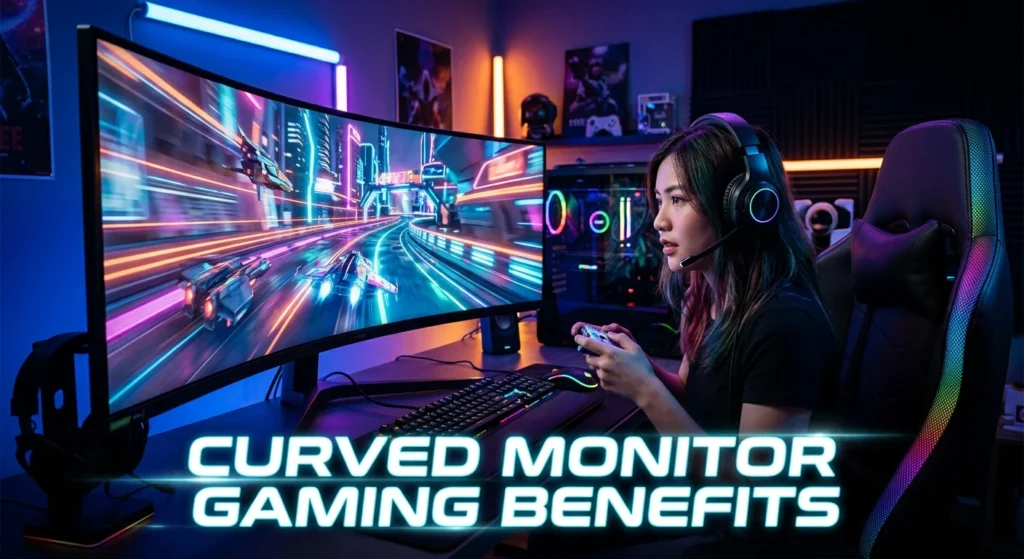
A curved monitor can offer several useful benefits.
More Immersive Gaming
A curved screen can make the image feel more around you.
This effect is stronger on large and wide displays.
You may notice it most when playing games with large environments.
Racing games are a common example.
The screen can make the road and track feel wider.
First-person games can also feel engaging on a curved display.
The benefit depends on the person, though.
Some gamers love the effect. Others prefer a flat screen.
Better Use of Wide Screens
Many curved gaming monitors use wide screen formats.
A wide display gives you more horizontal space.
That can help in games that support wider views.
It can also help when you keep a game and other windows open at the same time.
A wide curved screen can feel easier to view than a large flat screen from a close distance.
The curve brings the side areas slightly toward you.
This can make the screen feel more balanced.
Strong Gaming Setup Look
Curved monitors can also improve the look of a gaming desk.
Their design often looks modern.
A large curved screen can become the main part of a setup.
This does not improve game performance.
Still, desk design matters to many PC gamers.
You may want a clean setup with fewer screens.
In that case, one wide curved monitor can replace two smaller displays for some tasks.
Does a Curved Monitor Improve Gaming Performance?
No. A curved monitor does not directly improve frame rate.
Your graphics card and processor control most game performance.
The monitor controls how that performance appears on screen.
For gaming, features such as refresh rate and response time matter more for speed.
A curved 144Hz monitor does not create extra frames.
It can display up to its supported refresh rate when your system sends enough frames.
The same rule applies to higher refresh rates.
You need suitable hardware to take full advantage of a fast display.
So, think of the curve as an experience feature.
Think of refresh rate and response time as performance features.
Both can matter, but they solve different needs.
Curved Monitor Gaming and Refresh Rate
Refresh rate is one of the key features to check.
It tells you how many times the monitor can refresh the image each second.
Common gaming monitors come with refresh rates such as 120Hz, 144Hz, 165Hz, 240Hz, or higher.
A higher refresh rate can make motion look smoother.
This can help in fast games.
Competitive players may care about this more than casual players.
You should match the monitor to your PC.
There is little value in buying an extremely fast display if your system cannot produce enough frames for your games.
Your game settings also affect frame rate.
Resolution can have a large effect on GPU load.
For many gamers, a good balance of resolution and refresh rate is the best choice.
Curved Monitor Gaming and Response Time
Response time is another important feature.
It shows how quickly a pixel can change from one state to another.
A slow response can cause visible ghosting.
Ghosting appears as a trail behind moving objects.
Fast response times can help keep motion clearer.
You should still be careful with monitor specifications.
Different brands may use different testing methods.
The advertised number may not show the full real-world result.
Look for trusted testing when possible.
A good gaming monitor should offer both a suitable refresh rate and good motion handling.
The curve alone cannot solve motion problems.
Choosing the Right Screen Size
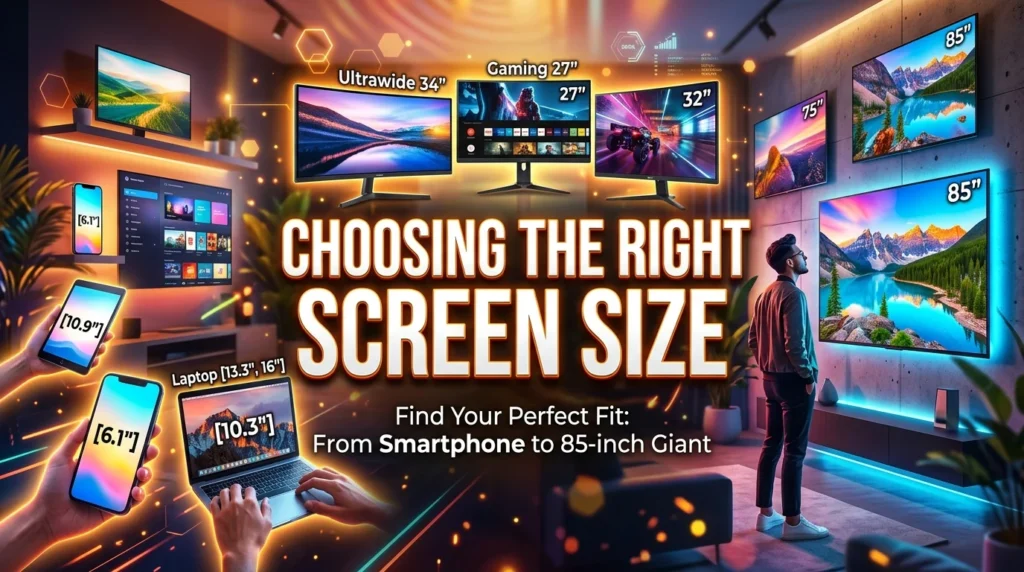
Screen size changes the way a curved monitor feels.
A small curved screen may have a subtle effect.
Larger screens can make the curve easier to notice.
The right size depends on your desk and viewing distance.
A screen that is too large for a short viewing distance may feel uncomfortable.
You may need to move your head more to see the edges.
A larger desk gives you more room to sit farther back.
This can make a large curved display easier to use.
Before buying, measure your desk.
Check the monitor width and depth.
Also check whether the stand will fit.
Do not choose a screen only because it looks impressive in photos.
Your seating position matters just as much.
Choosing the Right Curve
Curve strength is important.
A 1000R curve is stronger than a 1500R curve.
A 1500R curve is stronger than a 1800R curve.
A stronger curve can feel more wrapped around your view.
A softer curve may feel more natural if you also use the monitor for work.
Your distance from the screen matters too.
If you sit close, a strong curve may feel more noticeable.
If you sit farther away, the effect may feel less strong.
There is no single curve that works for everyone.
Try to match the curve to your screen size and seating distance.
Ultrawide Curved Monitors for Gaming
Ultrawide monitors are a popular match for curved gaming.
They provide more horizontal screen space.
This can be useful in games that support ultrawide resolutions.
The extra width can also help with other tasks.
You can place several windows side by side.
That can reduce the need for a second monitor.
Ultrawide gaming also needs suitable hardware.
A wider resolution means more pixels.
Your graphics card may need to work harder.
Game support is another factor.
Not every game handles ultrawide displays in the same way.
Some games may support the format well.
Others may show black bars or use a limited field of view.
Check game support if ultrawide gaming is a main reason for your purchase.
Curved Monitor Gaming at 1440p
1440p is a strong choice for many gaming setups.
It offers more detail than 1080p.
It also places less load on the GPU than many 4K setups.
A curved 1440p monitor can work well for both gaming and daily use.
The ideal refresh rate depends on your games and hardware.
Fast games can benefit from a higher refresh rate.
Slower games may place more value on image quality.
A 27-inch or larger display can make 1440p look sharp.
The best size still depends on your viewing distance.
Always check the monitor’s native resolution before buying.
Curved Monitor Gaming at 4K
4K curved monitors offer high image detail.
They can look excellent in games with strong graphics.
Large screens can make 4K more useful.
The downside is the extra GPU load.
Running games at 4K can require a powerful graphics card.
You may need to lower some game settings to reach a high frame rate.
This is why 4K is not always the best choice for every gamer.
If you value sharp visuals, 4K can be attractive.
If you mainly play competitive games, a lower resolution with a higher refresh rate may suit you better.
Your gaming style should guide the choice.
Curved Monitor Gaming for Racing Games
Racing games are a natural match for curved displays.
A wide curved screen can make the track feel more open.
The sides of the display can add to the sense of speed.
This can be especially useful with an ultrawide monitor.
A multi-monitor setup can also create a wide field of view.
However, one curved screen can be simpler to set up.
You have fewer bezels between areas of the image.
Cable management can also be easier.
For serious racing setups, viewing distance and screen position matter a lot.
The monitor should sit at a comfortable angle.
A good stand or monitor arm can help you place it correctly.
Curved Monitor Gaming for FPS Games
First-person shooter games can work well on curved monitors.
The main benefit is often immersion.
A fast refresh rate is more important for competitive play.
Low input delay also matters.
Good motion handling can make fast movement easier to follow.
Do not choose a monitor only because it has a strong curve.
A flat high-refresh display may be better for some competitive players.
Some users prefer the direct look of a flat screen.
Others enjoy the wider feel of a curved display.
Try to compare both styles if possible.
Your preference can matter more than the curve rating.
Curved Monitor Gaming for Console Players
Curved monitors can also work with gaming consoles.
Before buying, check the console’s supported resolution and refresh rate.
Then check the monitor’s ports.
HDMI support is especially important.
The monitor must support the signal your console sends.
Some gaming monitors include features designed for console use.
Others focus more on PC gaming.
You should check the exact model specifications.
Do not assume that every gaming monitor supports every console feature.
Screen size also matters for console gaming.
A larger curved display may work well if you sit farther away.
A smaller display may be better for a close desk setup.
Panel Type for Curved Gaming
Panel type affects image quality and motion.
Common panel types include IPS, VA, and OLED.
Each has different strengths.
IPS panels are known for strong viewing angles and good color performance.
VA panels often offer strong contrast.
OLED panels can provide deep blacks and fast pixel response.
The exact result depends on the monitor.
A curved gaming monitor can use any of these panel types.
The curve does not decide the panel quality.
Check the full specification list before buying.
Look at resolution, refresh rate, response time, HDR support, ports, and panel type together.
Adaptive Sync for Curved Gaming
Adaptive sync can help reduce screen tearing.
Screen tearing happens when the monitor and GPU are out of sync.
The image may look split during movement.
Adaptive sync can help match the display refresh to the frame output.
Different monitors and GPUs may support different standards.
Check compatibility before buying.
Your graphics card is an important part of this choice.
NVIDIA and AMD systems may use different technologies and compatibility modes.
The monitor’s official specifications should state supported features.
HDR on a Curved Gaming Monitor
HDR can improve bright and dark areas in supported content.
It can make some games look more vivid.
Still, not every HDR monitor gives the same result.
A monitor needs suitable brightness and contrast to make HDR useful.
The panel type also matters.
Some displays offer better HDR than others.
Do not treat an HDR label as a guarantee of strong HDR quality.
Check the full specifications and trusted tests when possible.
HDR is a bonus for many gamers.
Refresh rate, resolution, and motion performance may matter more.
Curved Monitor Gaming Setup Tips
A good setup can make your curved monitor easier to enjoy.
Start with the viewing distance.
Sit in a position where you can see the full screen without strain.
Place the center of the display near eye level.
You should not need to tilt your head up for long periods.
Keep the monitor directly in front of you.
This is especially important with wide screens.
A monitor arm can help you adjust height and distance.
Good lighting can also reduce eye discomfort.
Avoid strong light shining directly onto the display.
Keep the screen clean.
Dust and fingerprints can reduce image clarity.
Small setup changes can make a big difference.
Curved vs Flat Monitor for Gaming
Both curved and flat monitors can be excellent for gaming.
The better option depends on your needs.
| Feature | Curved Monitor | Flat Monitor |
| Immersion | Often stronger | More direct view |
| Wide screens | Very suitable | Also suitable |
| Desk space | Can need more depth | Often easier to place |
| Competitive gaming | Depends on preference | Often preferred by some users |
| Racing games | Very appealing | Works well |
| Multi-monitor use | May be harder to align | Easy to align |
| Work use | Good for wide layouts | Familiar for most users |
A curved monitor is not automatically better.
A flat monitor is not automatically better either.
Think about the games you play.
Then consider your desk, viewing distance, and budget.
Is a Curved Monitor Good for Everyday Use?
Yes, it can be.
A curved display can work well for browsing, video, office tasks, and gaming.
Wide models can be useful for multitasking.
You can place two or more windows side by side.
The curve may also make a large display feel more natural.
However, flat screens can be easier for some design tasks.
Straight lines may feel more familiar on a flat display.
This can matter for image editing, layout work, and technical tasks.
If you use one monitor for both gaming and work, think about both needs.
Do not focus only on gaming features.
Things to Check Before Buying
Use this simple checklist before choosing a curved gaming monitor:
- Screen size
- Curve rating
- Resolution
- Refresh rate
- Response time
- Panel type
- Adaptive sync support
- HDR support
- HDMI ports
- DisplayPort support
- Stand adjustment
- VESA support
- Viewing distance
- Desk space
- Game compatibility
- GPU performance
You do not need the most expensive option.
You need the right mix of features.
Start with your games.
Then choose the resolution and refresh rate.
After that, look at the curve and screen size.
This makes the buying process much easier.
Common Mistakes to Avoid
Some buyers focus too much on the curve.
That can lead to a poor choice.
A strong curve does not fix a weak panel.
A high refresh rate does not fix poor motion handling.
A large screen does not always fit a small desk.
Another common mistake is ignoring GPU power.
A high-resolution monitor can place more work on your graphics card.
You should also check the available ports.
Your PC or console must connect to the monitor properly.
Do not ignore stand quality.
A good stand lets you set the right height and angle.
Finally, check the monitor’s full specifications.
One headline feature does not tell the whole story.
Who Should Buy a Curved Gaming Monitor?
A curved gaming monitor can be a good choice if you want more immersion.
It can also suit gamers who like wide displays.
Racing game fans may enjoy the extra sense of width.
Players who use large screens may also prefer a curved design.
It can be useful for gaming and multitasking on one display.
The best results come from a good match between screen size and viewing distance.
You may not need one if you prefer flat screens.
Competitive gamers may also prefer a flat panel.
The key point is simple.
Choose the display style that feels best to you.
Who Should Avoid a Curved Gaming Monitor?
A curved monitor may not be ideal for every setup.
A small desk can make a large curved screen hard to position.
A strong curve may also take time to get used to.
People who work with straight lines may prefer a flat screen.
Multi-monitor users may find flat displays easier to align.
Some users simply prefer the look of a flat image.
There is nothing wrong with that choice.
Gaming performance does not depend on the curve.
You can get excellent results from either design.
How to Pick the Right Curved Monitor for Gaming
Start by choosing your main gaming type.
Competitive games need fast motion performance.
Racing games can benefit from a wide curved screen.
Story games may benefit more from high image quality.
Then choose your screen size.
Make sure it fits your desk.
Next, choose the resolution.
Match it to your GPU.
After that, choose a suitable refresh rate.
Finally, look at the curve.
Choose a strength that feels right for your viewing distance.
Do not let one feature make the decision for you.
A balanced monitor is usually the better choice.
Final Thoughts on Curved Monitor Gaming
Curved monitor gaming can offer a more immersive way to play.
The effect is often strongest on large and wide screens.
Racing and open-world games can be a good match for this design.
Fast refresh rates and good response times still matter more for gaming speed.
Resolution should also match your graphics card.
Your desk size and viewing distance are just as important.
There is no single best curved monitor for every player.
Some gamers will love the wraparound feel.
Others will prefer a flat screen.
The best choice is the one that fits your games, hardware, desk, and personal preference.
Conclusion
A curved gaming monitor can be a great choice for players who want more immersion. It can make wide screens feel more natural and engaging. The curve is especially useful for racing and other games with wide views. Still, the curve should not be your only buying factor. Check the refresh rate, response time, resolution, panel type, ports, and adaptive sync support. Your GPU also needs to match the monitor’s resolution and refresh rate. Most of all, choose a screen that fits your desk and viewing distance. A good curved monitor should improve the way you play without making the setup hard to use.
FAQs
1. Is a curved monitor good for gaming?
Yes. A curved monitor can make gaming feel more immersive. It can work especially well with large and wide displays.
2. Is curved or flat better for gaming?
Neither is always better. Curved screens can offer more immersion, while flat screens may feel more direct. Your games and personal preference should guide the choice.
3. What curve is best for gaming?
There is no single best curve for everyone. A stronger curve can feel more immersive, while a softer curve can feel more natural. Your screen size and viewing distance matter.
4. Is a curved monitor good for FPS games?
Yes. A curved display can work well for FPS games. However, competitive players should also focus on refresh rate, response time, and input delay.
5. Is an ultrawide curved monitor good for gaming?
Yes. An ultrawide curved monitor can offer a wide and immersive gaming view. Check that your games support the ultrawide format and that your GPU can handle the resolution.