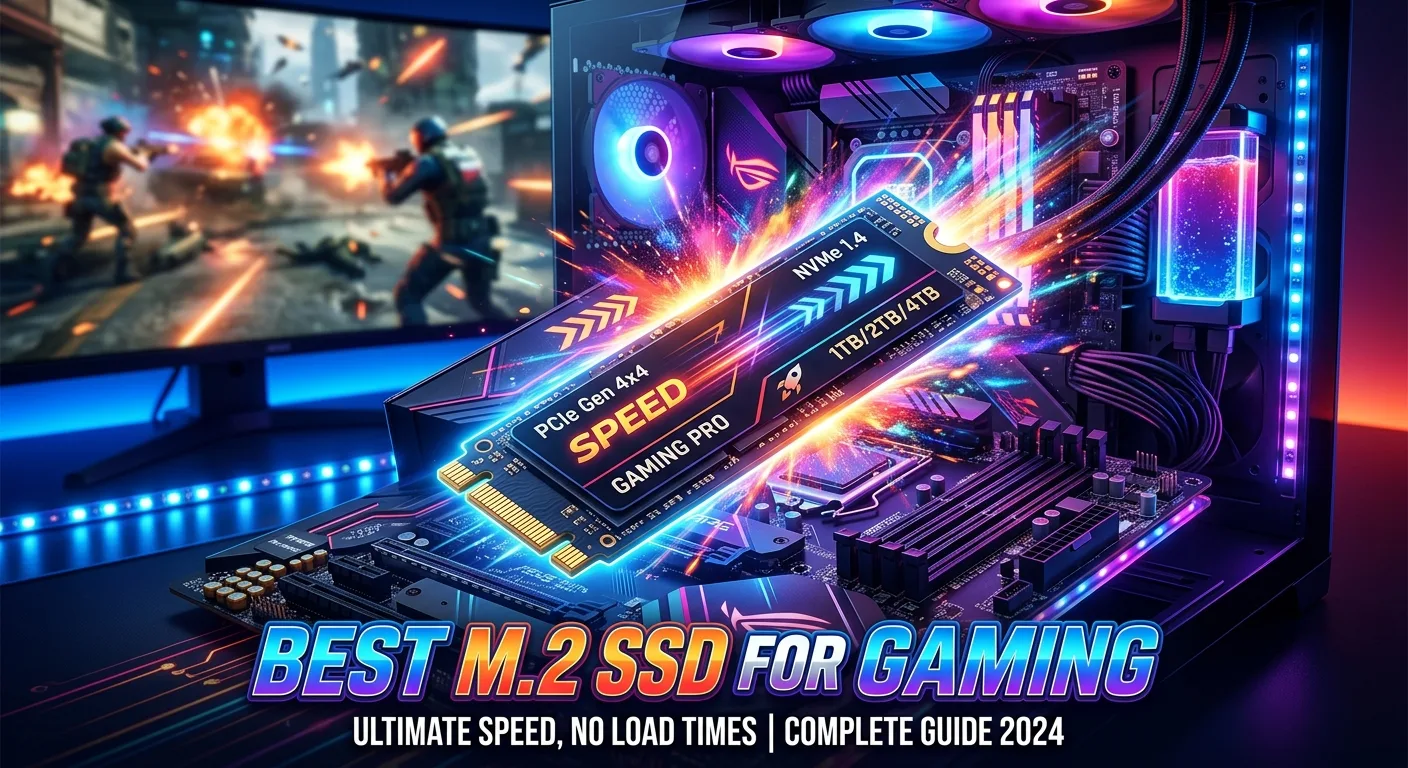
Choosing the best M.2 SSD for gaming can make a noticeable difference to how quickly your PC starts games, loads large levels, and handles file transfers. Unlike older SATA SSDs, modern M.2 NVMe drives connect directly to the motherboard through PCIe, offering much higher bandwidth and excellent responsiveness.
However, the fastest SSD is not always the best choice for every gamer. Capacity, PCIe generation, temperatures, endurance, motherboard compatibility, and price all matter. For most gaming PCs, a quality PCIe 4.0 NVMe SSD offers an excellent balance of speed, reliability, and value. PCIe 5.0 drives can deliver even higher sequential speeds, but they may require stronger cooling and usually make more sense for users who also perform demanding storage-heavy tasks.
What Is an M.2 SSD?
M.2 describes the physical form factor of the SSD, while NVMe describes the storage protocol commonly used by modern high-performance M.2 drives.
An M.2 NVMe SSD is a small circuit board that installs directly into an M.2 slot on a compatible motherboard. It does not require the SATA data and power cables used by traditional 2.5-inch SATA SSDs.
For gaming, an NVMe drive can provide:
- Faster game installation and file transfers
- Quick Windows boot times
- Shorter loading screens in supported games
- Faster movement of large game libraries
- Excellent responsiveness during everyday PC use
- A clean, cable-free installation
When shopping, check both the SSD specification and your motherboard because not every M.2 slot supports the same PCIe generation or drive type.
PCIe 4.0 vs PCIe 5.0 for Gaming
PCIe generation is one of the most important specifications to understand when selecting an M.2 SSD.
PCIe 4.0 drives are currently an excellent choice for gaming-focused systems. They provide high sequential read and write performance while generally offering a practical balance between speed, heat, and cost.
PCIe 5.0 SSDs provide substantially greater theoretical bandwidth. They can be attractive for enthusiasts, content creators, and users who frequently move very large files. However, the difference in game loading can be much smaller than the difference suggested by sequential benchmark numbers.
For a gaming-only PC, a good PCIe 4.0 SSD is often the sensible choice. PCIe 5.0 becomes more interesting when you want maximum storage performance beyond gaming.
How Much Storage Should a Gaming SSD Have?
Capacity depends on the size of your game library and how many games you want installed simultaneously.
1TB SSD
A 1TB M.2 SSD is a strong starting point for many gaming PCs. It provides enough space for Windows, applications, and a reasonable collection of games without requiring a large initial investment.
2TB SSD
A 2TB drive is often more convenient for gamers with a large library. Modern games can consume substantial storage, so extra capacity can reduce the need to constantly uninstall and reinstall titles.
4TB SSD
A 4TB M.2 SSD is useful for enthusiasts with extensive game libraries or users who also store video, projects, and other large files. The main consideration is whether the additional capacity fits your budget and motherboard configuration.
Key Features to Look For
The best M.2 SSD for gaming should not be selected by sequential speed alone. Consider the complete specification.
NVMe Interface
For a gaming PC, an NVMe M.2 SSD is generally preferable to an M.2 SATA drive when the motherboard supports NVMe.
PCIe Generation
Check whether your motherboard supports PCIe 3.0, 4.0, or 5.0. A newer SSD can often work in an older compatible interface, but its performance may be limited by the available PCIe generation.
NAND Flash
The type of NAND used by an SSD can affect performance, endurance, and sustained write behavior. Look beyond headline read speeds and consider the drive’s complete design.
DRAM and Cache Design
Some SSDs use dedicated DRAM, while others use different caching approaches. These designs can affect performance depending on workload, so compare independent testing rather than assuming that one specification automatically makes a drive better.
Endurance
SSD endurance is commonly expressed using TBW, or terabytes written. Higher endurance can be useful for people who frequently write large amounts of data, although ordinary gaming workloads generally do not involve constant heavy writes.
Warranty
A longer warranty can provide additional confidence when choosing between otherwise similar SSDs. Always check the manufacturer’s official warranty terms for the exact model.
Does SSD Speed Improve Gaming FPS?

An M.2 SSD generally does not provide the same type of FPS improvement as upgrading your graphics card or processor.
Your GPU and CPU remain the major components responsible for rendering game frames.
An SSD can instead improve the overall storage experience by helping with:
- Game loading
- Windows startup
- Application launches
- Game installation
- Large file transfers
- Asset streaming in supported games
Therefore, moving from a hard drive to an NVMe SSD can feel like a major upgrade, while moving from one fast NVMe SSD to another may produce a much smaller difference in everyday gaming.
What About DirectStorage?
Microsoft’s DirectStorage technology is designed to help modern games take advantage of fast storage and improve how game assets are transferred and processed.
Its benefits depend on the game, operating system, hardware configuration, and implementation. Simply buying an extremely fast SSD does not guarantee a dramatic improvement in every game.
This is another reason to consider overall system compatibility instead of choosing an SSD solely because it has the highest advertised sequential speed.
SSD Cooling Matters
Fast NVMe SSDs can generate considerable heat, particularly during sustained workloads.
Many motherboards include M.2 heatsinks that can help manage SSD temperatures. If your motherboard provides one, installing the SSD correctly beneath the heatsink can be beneficial.
Good airflow also matters. A properly ventilated PC case can help keep internal components operating within suitable temperature ranges.
For gaming, you usually do not need an elaborate cooling setup for a mainstream NVMe SSD, but thermal management becomes more important with high-performance PCIe 5.0 drives and sustained workloads.
M.2 SSD Compatibility Checklist
Before purchasing an SSD, check these specifications on your motherboard:
SpecificationWhat to CheckM.2 slotConfirm an M.2 storage slot is availableInterfaceCheck NVMe and PCIe supportPCIe generationMatch the drive to your motherboard’s capabilitiesForm factorVerify the supported SSD lengthHeatsinkCheck whether an M.2 heatsink is includedBoot supportConfirm the motherboard supports booting from the selected driveLane sharingCheck whether installing an SSD disables or reduces other ports
The last point is easy to overlook. Some motherboards share PCIe lanes between M.2 slots and other expansion or storage connections.
Should You Buy a Gen 5 SSD for Gaming?
A PCIe 5.0 SSD can be an excellent enthusiast upgrade, but it is not automatically the best gaming purchase.
If your priority is maximum benchmark performance, Gen 5 is attractive. If your priority is gaming value, a high-quality Gen 4 NVMe SSD may make more sense.
Consider Gen 5 if you:
- Have a compatible modern platform
- Want the highest available storage bandwidth
- Frequently move very large files
- Perform professional workloads
- Are building a high-end enthusiast PC
For a typical gaming system, spend your budget where it provides the greatest overall benefit rather than paying a large premium for storage performance you may rarely notice.
Best M.2 SSD Size for a Gaming PC
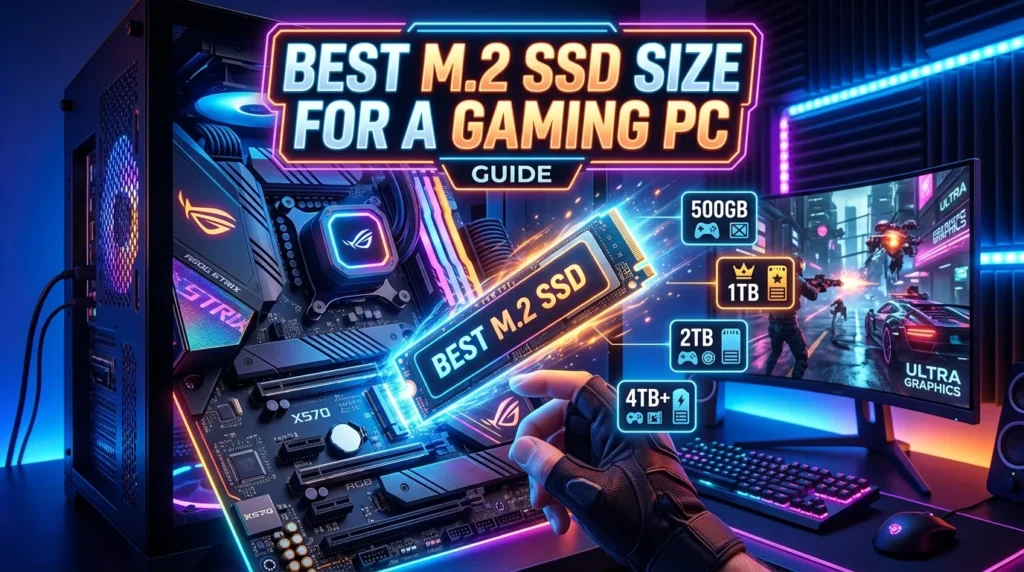
For most gamers, 1TB or 2TB is the practical range.
A 1TB drive works well as a dedicated operating-system and gaming drive. A 2TB model provides considerably more flexibility if you regularly keep many large games installed.
If your motherboard supports multiple M.2 drives, you can also combine storage rather than purchasing one extremely large SSD immediately.
For example, you might use one SSD for Windows and frequently played games while using another drive for a larger game library and personal files.
M.2 SSD vs SATA SSD for Gaming
Both SATA SSDs and NVMe M.2 SSDs are significantly faster and more responsive than traditional hard drives.
However, NVMe M.2 drives offer much greater interface bandwidth.
For a new gaming PC, an NVMe M.2 SSD is usually the more attractive option when your motherboard supports it. A SATA SSD can still be useful as additional storage, particularly when you already own one.
The upgrade from an HDD to any good SSD is generally more noticeable than the difference between two modern SSD technologies during ordinary gaming.
How to Choose the Best M.2 SSD for Your PC
Use this simple approach before buying:
- Check your motherboard’s M.2 slots.
- Confirm NVMe and PCIe compatibility.
- Choose an appropriate capacity.
- Decide whether Gen 4 or Gen 5 makes sense.
- Compare endurance and warranty specifications.
- Check thermal requirements.
- Look at independent performance testing.
- Compare total value rather than advertised speed alone.
This method helps prevent paying for specifications that do not provide meaningful benefits for your particular system.
Common Mistakes When Buying an M.2 SSD
Several mistakes can lead to unnecessary expense or compatibility problems.
Buying Based Only on Read Speed
A high sequential read number looks impressive, but gaming performance depends on more than one benchmark.
Ignoring Motherboard Compatibility
An SSD cannot deliver its advertised interface performance if the motherboard does not support the required PCIe generation.
Choosing Too Little Storage
A small SSD may become frustrating when modern games fill it quickly.
Forgetting Thermal Management
High-performance NVMe drives can benefit from proper cooling, especially during sustained transfers.
Paying Too Much for Gen 5
If you mainly play games, a premium Gen 5 drive may not provide enough real-world benefit to justify its additional cost.
Conclusion
The best M.2 SSD for gaming is not necessarily the drive with the highest advertised speed. For most gamers, a reliable NVMe SSD with sufficient capacity, strong real-world performance, good endurance, and suitable thermal management is the better choice. PCIe 4.0 remains an excellent option for gaming-focused systems, while PCIe 5.0 is worth considering for high-end PCs and demanding storage workloads. Before buying, check your motherboard’s M.2 compatibility, choose at least enough capacity for your game library, and compare complete specifications rather than focusing on sequential read speeds alone.
FAQs
1. What is the best M.2 SSD for gaming?
The best choice depends on your motherboard, budget, capacity requirements, and workload. For many gaming PCs, a quality PCIe 4.0 NVMe SSD offers an excellent balance of performance and practicality.
2. Is a 1TB M.2 SSD enough for gaming?
A 1TB SSD can be enough for many gamers, particularly if you do not keep a very large number of games installed. A 2TB drive provides more room for a growing library.
3. Is PCIe 5.0 better than PCIe 4.0 for gaming?
PCIe 5.0 offers higher storage bandwidth, but that does not mean games will load twice as fast. For many gaming workloads, a good PCIe 4.0 SSD provides excellent performance.
4. Does an M.2 SSD increase FPS?
An M.2 SSD generally does not produce a major increase in gaming FPS. It mainly improves storage-related tasks such as loading games, launching applications, and transferring files.
5. Does an M.2 SSD need a heatsink?
Some NVMe SSDs can benefit from additional cooling, especially during sustained workloads. If your motherboard includes an M.2 heatsink, it is worth checking the installation instructions and using it correctly.