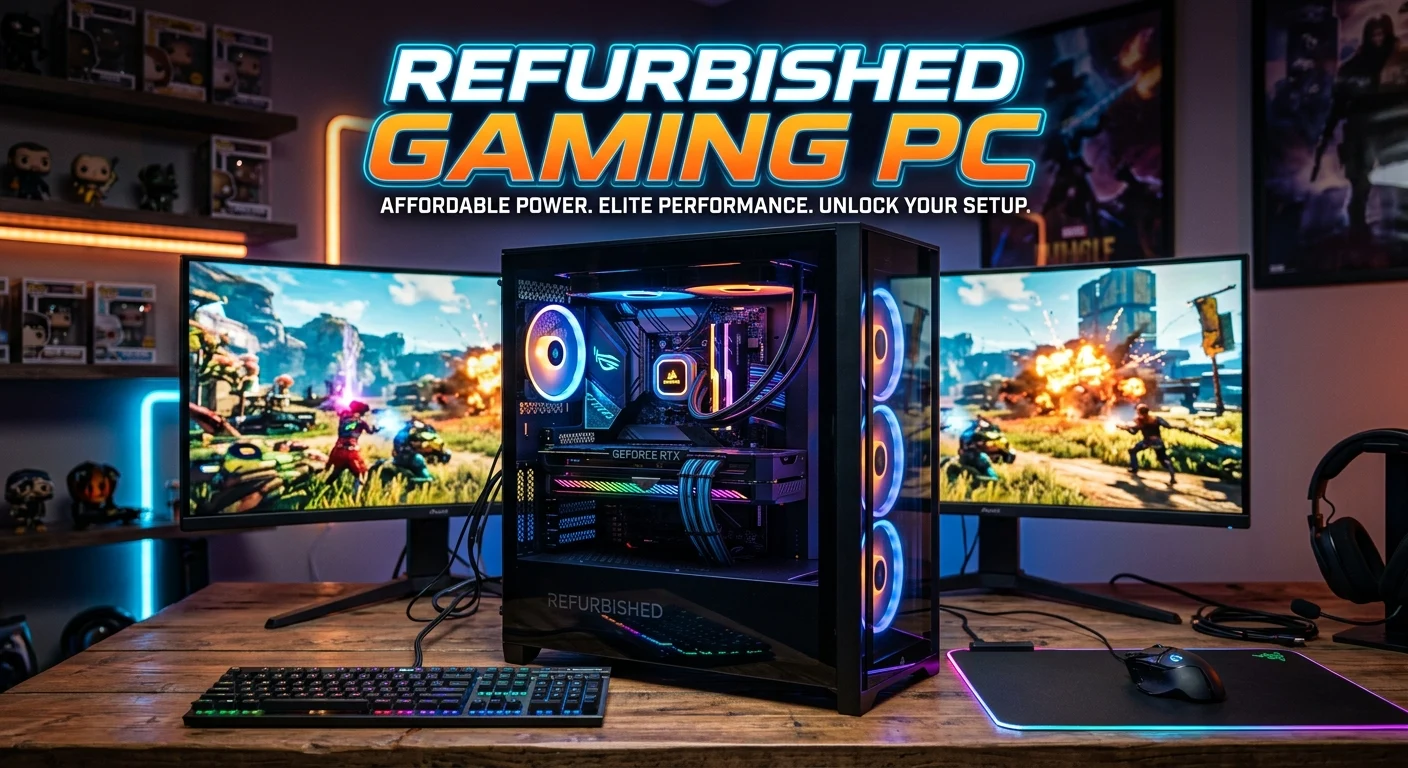
Buying a gaming PC does not always mean spending a huge amount of money on a brand-new machine. A refurbished gaming PC can offer strong gaming performance at a much lower price, making it an attractive option for beginners, students, and budget-conscious gamers. Refurbished computers are usually pre-owned systems that have been tested, repaired, cleaned, and prepared for resale.
However, not every refurbished PC offers the same quality, so choosing carefully is important. You need to consider the processor, graphics card, RAM, storage, power supply, cooling, upgrade options, and warranty before purchasing. In this guide, you will learn how refurbished gaming computers work, what specifications to look for, how much they cost, and how to avoid common buying mistakes.
What Is a Refurbished Gaming PC?
A refurbished gaming PC is a previously owned or returned computer that has been inspected, tested, repaired when necessary, and prepared for another buyer. It may come from a gaming enthusiast, business, retailer, manufacturer, or system builder. Unlike a simple used PC, a properly refurbished computer should go through a quality-control process before being sold.
The refurbishment process can include cleaning dust from internal components, checking temperatures, testing memory, examining storage health, updating drivers, and replacing damaged or worn parts. Some systems may also receive upgraded RAM, a larger SSD, a newer graphics card, or a replacement power supply.
The exact condition varies between sellers. One refurbished gaming computer may look almost new, while another may show small scratches but work perfectly. This is why buyers should focus on both physical condition and technical specifications.
A refurbished gaming PC can be an excellent choice when the seller clearly explains what was tested and provides a reasonable warranty. It can deliver considerably more performance per dollar than some entry-level new systems. However, buyers should never assume that the word “refurbished” automatically means high quality. Check the specifications, return policy, warranty, component brands, and seller reputation before paying.
Why Choose a Refurbished Gaming PC?
The biggest reason gamers consider refurbished computers is value. Gaming hardware can become expensive quickly, especially when a system includes a dedicated graphics card, fast processor, plenty of memory, and solid-state storage. A refurbished system can reduce the initial cost while still providing enough performance for modern games.
Another advantage is access to hardware that may no longer be sold as a new system. Previous-generation processors and graphics cards can still provide excellent 1080p gaming performance. In many cases, gamers do not need the newest hardware to enjoy popular titles.
Refurbished PCs can also be useful for people who want to enter PC gaming without building a computer from individual components. A preassembled system is ready to use after setup, which saves time and reduces the difficulty of choosing compatible parts.
There is also an environmental benefit. Reusing working computer hardware can reduce electronic waste and extend the useful life of components. Instead of sending a perfectly functional machine toward disposal, refurbishment gives it another opportunity to serve a new owner.
The key is to balance price with condition. A cheap refurbished PC is not automatically a good deal. A slightly more expensive model with a better GPU, reliable power supply, SSD storage, and warranty may provide much better long-term value.
Best Specifications for a Refurbished Gaming PC
The right specifications depend on the games you want to play and your preferred resolution. For most budget gamers, 1080p is a practical target because it does not require extremely powerful hardware.
The graphics card is one of the most important components. A dedicated GPU generally provides a much better gaming experience than integrated graphics. When comparing refurbished gaming PCs, look beyond the GPU model and consider its VRAM, generation, power requirements, and expected performance in your favorite games.
The processor also matters. A modern or recent-generation multi-core CPU can handle games, background applications, voice chat, and everyday workloads. You do not necessarily need the most expensive processor, but avoid very old CPUs if you want a system that will remain useful for several years.
For RAM, 16GB is a sensible target for a modern gaming PC. Systems with 8GB can still work for lighter gaming, but upgrading to 16GB can improve multitasking and help with demanding titles. Storage should preferably be SSD-based because SSDs provide faster boot times and shorter loading compared with traditional hard drives.
Other components deserve attention too. A reliable power supply is essential, and good airflow helps maintain stable temperatures. Check motherboard compatibility before planning future upgrades. A balanced system is usually better than a PC with a powerful GPU paired with extremely weak supporting hardware.
Refurbished Gaming PC vs New Gaming PC
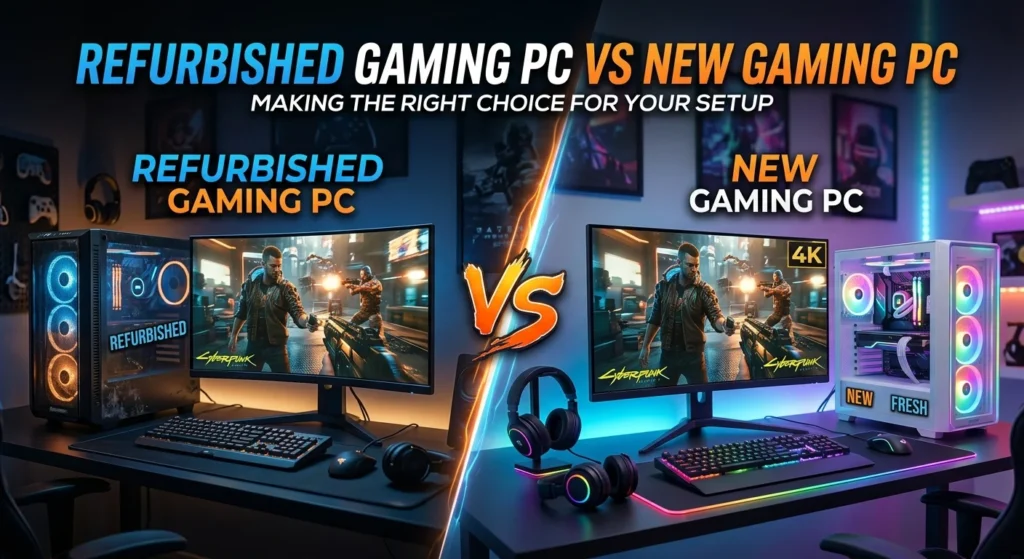
A new gaming PC offers the advantage of being unused and usually comes with current-generation hardware and a full manufacturer warranty. However, new systems can cost significantly more, especially when you want a dedicated graphics card and adequate storage.
A refurbished gaming PC focuses more on value. You may receive hardware that has already been used but has been tested and restored to working condition. This can allow you to purchase a stronger graphics card or processor within the same budget.
The choice depends on your priorities. If you want the newest components, the latest platform, and maximum warranty coverage, buying new may make more sense. If performance per dollar is your primary concern, refurbished hardware can be very attractive.
Age also matters. A refurbished computer does not necessarily need to be old. Some systems are returned shortly after purchase, while others are refurbished after several years of use. Always identify the actual CPU and GPU generation instead of judging the system only by its refurbished label.
You should also compare complete system prices rather than looking only at the advertised discount. A refurbished PC with a strong GPU, SSD, 16GB RAM, and a reliable power supply may be a better purchase than a new low-end computer with weaker graphics performance.
In short, new systems provide freshness and often stronger warranty protection, while refurbished PCs can provide better hardware for the money.
How to Check the Condition of a Refurbished Gaming PC
Checking condition is one of the most important steps before purchasing a refurbished gaming computer. Start with the exterior. Minor scratches or cosmetic marks are usually not serious if the system works properly. However, cracked panels, broken ports, missing screws, or signs of liquid damage should raise concerns.
Ask whether the PC has been professionally tested. Important tests should include CPU stability, GPU performance, RAM testing, storage health, cooling performance, and general system stability. If possible, request information about temperatures under gaming or stress-test conditions.
Pay attention to the graphics card. Fans should spin correctly, and the card should not show obvious physical damage. Excessive noise or unusually high temperatures may indicate a cooling problem.
Storage health is another useful check. SSDs and hard drives have limited write endurance, so knowing whether an older drive is being reused can help you judge its remaining life. If a refurbished PC contains an old mechanical hard drive as its main storage, consider budgeting for an SSD upgrade.
Also inspect the operating system and activation status. A legitimate Windows installation should be properly activated. The seller should not rely on suspicious activation tools or unclear software licenses.
Finally, examine the warranty and return period. A reliable seller should provide clear terms if the computer develops a fault shortly after purchase. Good documentation can make the buying process much safer.
How Much Does a Refurbished Gaming PC Cost?
The price of a refurbished gaming PC varies widely based on its processor, graphics card, RAM, storage, age, condition, and seller. Budget systems can be relatively inexpensive, while high-performance refurbished machines can still cost a significant amount.
Entry-level refurbished computers are generally designed for esports titles, older games, and 1080p gaming with moderate settings. Mid-range systems usually offer a better balance and may include a capable dedicated GPU, 16GB RAM, and an SSD. Higher-end refurbished systems can target high-refresh-rate gaming, higher resolutions, streaming, and demanding workloads.
Do not judge value by price alone. A $500 system with a strong GPU may be more useful for gaming than a $600 machine with a faster CPU but weaker graphics. Similarly, a cheap PC may require immediate upgrades that remove the apparent savings.
When calculating the total cost, include potential expenses such as additional RAM, SSD storage, a better power supply, Wi-Fi hardware, or replacement cooling fans. These upgrades can affect the real purchase price.
It is also useful to compare the refurbished system with equivalent new hardware. Search for the current price of similar components and consider whether the refurbished discount is large enough to justify buying used hardware.
A good deal should offer meaningful savings without compromising reliability. A moderate discount with a warranty and tested components is often safer than an extremely cheap computer with an unknown history.
Best Refurbished Gaming PC for 1080p Gaming
1080p remains one of the easiest resolutions for getting good gaming performance without spending excessively. This makes it an ideal target for refurbished gaming PCs.
For 1080p gaming, prioritize the graphics card first, especially if your goal is to play visually demanding games. A balanced CPU should accompany the GPU so that the processor does not unnecessarily limit performance. A 6-core or similar modern processor can be a practical target for many gaming workloads.
Aim for 16GB of RAM if your budget allows. This gives you enough memory for gaming while keeping browsers, communication apps, launchers, and other background software open.
An SSD should also be high on your checklist. Even if the PC includes a hard drive, adding or replacing it with an SSD can make Windows feel considerably faster. Game loading and application startup times can also improve.
For competitive games, look for a system capable of maintaining high frame rates rather than focusing only on maximum graphical quality. Games such as esports shooters and competitive multiplayer titles often benefit from strong CPU performance and a capable GPU.
Before purchasing, search for benchmarks for the exact processor and graphics card combination. Performance can vary depending on the game, graphics settings, cooling, and system configuration.
A refurbished 1080p gaming PC does not need flagship hardware. A well-balanced mid-range system can provide an enjoyable experience while leaving money available for a gaming monitor, keyboard, mouse, or headset.
Refurbished Gaming PC for Esports and Competitive Games
Competitive games often have different hardware requirements from visually demanding single-player titles. Games such as Valorant, Counter-Strike-style shooters, Rocket League, League of Legends, and other esports titles can run well on relatively affordable gaming computers.
For competitive gaming, consistent frame rates are important. A refurbished PC with a capable CPU and dedicated GPU can provide the performance needed for high-refresh-rate monitors. If you own a 144Hz or faster display, choose hardware capable of producing high frame rates in your preferred games.
RAM is still important, especially when you keep communication software and browsers running while playing. Sixteen gigabytes provides comfortable headroom for many users.
Network performance should also be considered. Ethernet is often preferable for competitive gaming because a wired connection can provide more consistent latency than unreliable wireless connections. The quality of your internet connection still matters, but a stable local network can reduce unnecessary problems.
Storage does not directly determine frame rates, but an SSD improves system responsiveness and game loading. A refurbished gaming PC with an SSD is therefore more convenient than one relying entirely on an old mechanical drive.
When buying for esports, avoid paying extra for features you do not need. Instead, invest in a reliable CPU, suitable GPU, enough RAM, and a stable power supply. This creates a focused system that can deliver smooth gameplay without unnecessary spending.
Refurbished Gaming PC for Streaming and Content Creation
A refurbished gaming PC can also serve as a streaming or content-creation machine if its hardware is strong enough. Streaming adds additional workload because the computer may need to run a game, broadcasting software, a browser, voice communication, and other applications simultaneously.
A multi-core processor is helpful for these tasks. However, modern GPU-based encoding can reduce CPU load when supported by the graphics hardware and streaming software. This makes the GPU an important consideration for creators.
For memory, 16GB is a reasonable starting point, while 32GB can be more comfortable for users who edit large videos, work with multiple applications, or create complex projects.
Storage requirements are also higher for content creators. Video files can consume hundreds of gigabytes quickly, so an SSD with enough capacity is useful. Some creators combine a fast SSD for active projects with a larger secondary drive for archived files.
Cooling becomes especially important when the PC will operate under sustained loads. Check whether the refurbished system has adequate airflow and whether its fans are functioning correctly.
Before purchasing, research the exact GPU’s hardware encoding capabilities if streaming is important to you. Also check whether the motherboard provides enough expansion options for additional storage or memory.
A refurbished workstation-style gaming PC can sometimes be an excellent creator machine because it may provide more cores, RAM, and storage capacity for less money than a comparable new system.
Upgrading a Refurbished Gaming PC
One of the best advantages of a desktop gaming PC is upgradeability. A refurbished system does not have to remain in its original configuration. You can improve individual components as your needs change.
RAM is often one of the easiest upgrades. If the system has 8GB, moving to 16GB can improve overall usability. Some users may eventually benefit from 32GB, depending on their games and applications.
Storage is another straightforward upgrade. Replacing a slow hard drive with an SSD can make a dramatic difference to everyday responsiveness. Additional storage can also give you room for a larger game library.
Graphics cards can sometimes be upgraded, but compatibility must be checked carefully. The power supply needs sufficient wattage and the correct connectors. The case must also have enough physical space, and the motherboard needs an appropriate expansion slot.
CPU upgrades are more complicated because compatibility depends on the motherboard socket, chipset, BIOS support, and power requirements. Before purchasing a processor, check the motherboard manufacturer’s compatibility information.
Cooling should not be ignored after an upgrade. A more powerful CPU or GPU can generate additional heat. Good airflow helps maintain stable performance and can extend component life.
A refurbished PC with a strong upgrade path may be a better long-term investment than a slightly cheaper system that uses an outdated platform with limited expansion options.
Common Problems With Refurbished Gaming PCs
Refurbished computers can be reliable, but buyers should understand the possible risks. One common issue is aging hardware. Components such as hard drives, fans, and power supplies can experience wear over time.
Another concern is incomplete refurbishment. Some sellers may simply clean a computer and reinstall Windows without performing detailed hardware testing. This is why seller reputation and warranty coverage matter.
Thermal problems can also occur. Dust buildup, dried thermal paste, restricted airflow, or worn fans may cause higher temperatures. A system that looks good externally may still require maintenance internally.
Storage health deserves special attention. An older SSD or hard drive may continue working normally but have significant usage history. Important files should always be backed up, regardless of whether a PC is new or refurbished.
Power supplies can be particularly important. Unknown or low-quality PSUs may create instability and can limit future GPU upgrades. Look for a reputable power supply with suitable capacity.
Another problem is misleading advertising. A listing may highlight an attractive CPU while hiding a weak graphics card or very small storage drive. Always read the complete specification list.
The solution is not to avoid refurbished PCs completely. Instead, buy from sellers that provide clear component information, testing details, warranty coverage, and a reasonable return policy. A careful purchase can greatly reduce the risks.
How to Choose a Reliable Refurbished Gaming PC Seller
The seller can be almost as important as the computer itself. A reputable refurbished PC seller should provide detailed specifications instead of vague descriptions such as “powerful gaming computer.”
Look for the exact CPU, GPU, RAM capacity, storage type, motherboard information when available, and power supply details. If important components are missing from the listing, ask questions before purchasing.
Warranty coverage is another strong indicator of seller confidence. A warranty does not guarantee that problems will never occur, but it can protect you if a component fails shortly after purchase. Read the warranty conditions carefully to understand what is covered.
A clear return policy is equally important. Make sure you know how many days you have to return the system and whether you are responsible for shipping costs.
Customer reviews can provide useful clues about packaging, system condition, customer service, and reliability. Do not focus only on the average star rating. Read detailed reviews and look for repeated complaints.
Be cautious with listings that make unrealistic performance claims without naming the actual GPU or CPU. Phrases such as “extreme gaming machine” mean little without technical specifications.
Finally, compare several sellers before making a decision. A reputable seller should make it easy to understand what you are buying. Transparency is one of the strongest signs that a refurbished gaming PC is worth considering.
Refurbished Gaming PC Buying Checklist
Before purchasing a refurbished gaming computer, create a simple checklist and verify every important component. Start with the processor and graphics card because these have a major influence on gaming performance.
Next, check RAM. Sixteen gigabytes is a practical target for many modern gaming systems. Then inspect storage. An SSD is generally preferable for the operating system and games because it improves loading and overall responsiveness.
Do not forget the power supply. Ask for its brand, model, wattage, and condition when possible. A powerful graphics card paired with a poor-quality PSU can create problems.
Check the motherboard for upgrade compatibility. You may want to add more RAM, storage, or a different processor later.
Physical condition should also be inspected. Minor cosmetic wear is usually acceptable, but damage around ports, fans, panels, or internal components deserves attention.
Ask whether the computer was stress-tested. Important checks include memory stability, GPU load, CPU temperatures, storage health, and general system stability.
Confirm that Windows is properly activated and that the PC does not contain unwanted software. After receiving the system, update Windows, drivers, and security software.
Finally, confirm the warranty and return policy before buying. Save your invoice and other purchase information.
A simple checklist can prevent expensive mistakes. Taking a few minutes to verify specifications is much better than discovering after delivery that the computer cannot handle your intended games.
Refurbished Gaming PC Performance and FPS Expectations
Gaming performance depends on many factors, so there is no single FPS number for every refurbished gaming PC. The graphics card, processor, game engine, resolution, graphics settings, drivers, RAM configuration, and cooling can all influence frame rates.
For this reason, avoid buying a PC based only on claims such as “runs all games.” Instead, identify the exact CPU and GPU and look for benchmarks from reputable testing sources.
At 1080p, many mid-range refurbished gaming PCs can deliver smooth performance in esports and less demanding games. More demanding modern titles may require reduced graphics settings or features such as upscaling to maintain a high frame rate.
Competitive gamers may prioritize high FPS and low latency, while casual players may prefer better visual quality. Your target should therefore match your monitor and gaming preferences.
A 60Hz monitor does not require the same frame-rate target as a 144Hz or 240Hz display. If you own a high-refresh-rate monitor, choose hardware capable of taking advantage of it.
Thermal performance can also affect sustained FPS. A PC may perform well for a few minutes but throttle when components become too hot. This is another reason to check cooling and temperatures.
When evaluating a refurbished gaming PC, focus on consistent real-world performance rather than marketing claims. Exact component information gives you a much better idea of what the system can actually deliver.
Is a Refurbished Gaming PC Worth It in 2026?
A refurbished gaming PC can still be worth buying in 2026, particularly for buyers who want strong performance without paying full retail prices for new hardware. The value depends heavily on the system’s age, component quality, condition, and price.
Older hardware can remain useful for 1080p gaming, especially when paired with a capable dedicated graphics card. Not every gamer needs the latest processor or GPU generation. If your favorite games run comfortably on the available hardware, a previous-generation PC can offer excellent value.
However, buyers should consider future requirements. A very old platform may have limited upgrade options, outdated connectivity, or components approaching the end of their useful life. In that situation, a slightly newer refurbished PC may be the smarter purchase.
Price comparison is essential. Check what a similar new PC costs and compare its CPU, GPU, memory, storage, and warranty. The refurbished model should provide meaningful savings or better specifications to justify the trade-off.
The condition of the individual components matters more than the word “refurbished.” A carefully tested PC with a reliable PSU, SSD, good cooling, and warranty can be a better choice than a cheap new system built with weak components.
For budget-focused gamers, refurbished desktops can therefore remain a practical option in 2026. The key is to buy based on specifications, testing, warranty, and real-world performance rather than simply chasing the lowest price.
Conclusion
A refurbished gaming PC can be a smart way to enter PC gaming or upgrade your existing setup without spending as much as you might on a brand-new computer. The best systems combine a capable processor, dedicated graphics card, 16GB or more RAM, SSD storage, reliable power delivery, and effective cooling.
The most important step is careful research. Check the exact specifications, component condition, seller reputation, warranty, return policy, and upgrade potential before buying. Do not choose a system simply because it has a low price or attractive gaming label.
When purchased from a trustworthy seller and matched to your gaming needs, a refurbished desktop can deliver excellent 1080p performance, smooth esports gameplay, and enough flexibility for future upgrades. Focus on value, reliability, and balanced hardware, and you can find a refurbished gaming PC that provides a great gaming experience for years.
FAQs
Is a refurbished gaming PC safe to buy?
Yes, a refurbished gaming PC can be safe to buy when it comes from a reputable seller that properly tests the hardware and provides warranty or return protection. Check the exact CPU, GPU, RAM, storage, power supply, and cooling system before purchasing. Avoid listings that provide very little technical information. A trustworthy seller should explain the computer’s condition and testing process clearly.
Are refurbished gaming PCs good for gaming?
Refurbished gaming PCs can be very good for gaming because they often provide stronger hardware for the money. A previous-generation computer with a capable dedicated GPU can handle many games at 1080p. Performance depends on the exact components, so always research the specific processor and graphics card rather than relying on general claims about the system.
How much RAM should a refurbished gaming PC have?
For most gaming users, 16GB of RAM is a sensible starting point. An 8GB system may work for lighter games but can become restrictive when gaming alongside browsers, launchers, voice chat, and other applications. Users who stream, edit video, or run demanding applications may prefer 32GB. Check whether the motherboard has available memory slots before planning an upgrade.
Should I buy a refurbished gaming PC with an SSD?
Yes. An SSD can significantly improve Windows startup, application loading, game installation management, and overall system responsiveness. If a refurbished gaming PC uses only an older mechanical hard drive, consider upgrading it to an SSD. Also check the drive’s health and capacity because older storage devices may have considerable usage history.
What should I check before buying a refurbished gaming PC?
Check the exact CPU and GPU, RAM capacity, SSD or hard-drive storage, power supply, motherboard, cooling, physical condition, and upgrade options. Also verify Windows activation, seller reviews, warranty coverage, and return terms. If possible, confirm that the PC has been stress-tested and that temperatures remain within reasonable limits during gaming or heavy workloads.