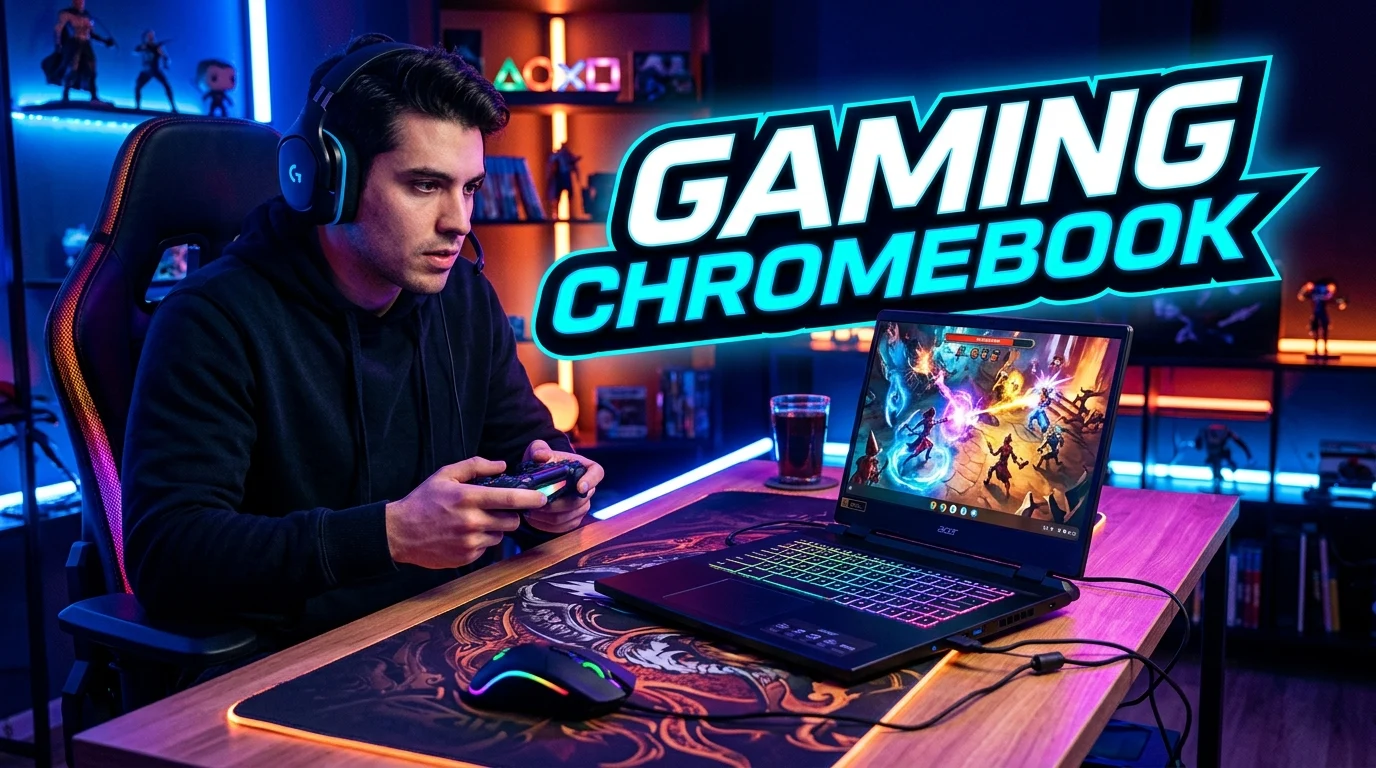
A gaming Chromebook can be an interesting choice for players who want a lightweight, affordable, and easy-to-use computer for gaming. Unlike traditional gaming laptops, Chromebooks typically run ChromeOS and focus on simplicity, portability, cloud services, and efficient hardware. Modern gaming Chromebooks can support several gaming methods, including cloud gaming, Android games, browser-based games, and selected Linux-compatible titles.
This makes them different from Windows gaming laptops, but that does not mean they are unsuitable for every player. The right choice depends on the games you want to play, your internet connection, display preferences, and budget. In this guide, we explore gaming Chromebook performance, features, displays, keyboards, cloud gaming, accessories, battery life, and buying considerations to help you understand whether a Chromebook can provide the gaming experience you need.
What Is a Gaming Chromebook?
A gaming Chromebook is a Chromebook designed or configured to provide a better gaming experience than a basic Chromebook. These devices typically use ChromeOS and may include features such as higher-refresh-rate displays, gaming-focused keyboards, improved processors, stronger graphics capabilities, and better connectivity.
The biggest difference between a gaming Chromebook and a traditional gaming laptop is the operating system. Most gaming laptops use Windows and can install a large library of PC games directly. Chromebooks use ChromeOS, so their gaming options depend more heavily on cloud gaming, Android applications, browser games, and supported Linux software.
This does not make ChromeOS inherently better or worse. It simply creates a different gaming model.
A gaming Chromebook can be attractive for students, casual gamers, frequent travelers, and people who want one lightweight computer for everyday work and entertainment. It can also provide a simple entry point into cloud gaming.
When evaluating one, look beyond the word gaming in the product name. Check the processor, RAM, display refresh rate, storage, Wi-Fi capabilities, keyboard, battery, and supported gaming services.
The most important question is simple: Does the Chromebook support the games you actually want to play?
If the answer is yes, a gaming Chromebook can be a practical and portable gaming machine.
How Gaming on a Chromebook Works
Gaming on a Chromebook can work in several different ways. The most common method depends on the type of game and the capabilities of the device.
Cloud gaming allows demanding games to run on remote servers while your Chromebook receives the video and sends your controls back through the internet. This approach can allow relatively lightweight hardware to access games that would otherwise require a powerful gaming PC.
Android gaming provides another option. Compatible Chromebooks can run many Android applications, although compatibility and performance vary between models and games.
Browser-based gaming is another simple option. Many games can run directly through a web browser without requiring traditional desktop installation.
Some Chromebooks can also support Linux applications. This can expand software options, although Linux gaming compatibility depends on the specific title, hardware, and configuration.
The overall experience depends heavily on your internet connection when using cloud gaming. A fast and stable connection with low latency can make cloud gaming feel much more responsive.
A Chromebook’s hardware still matters. A better processor, sufficient memory, fast storage, and a quality display can improve everyday responsiveness and supported local games.
This flexibility makes Chromebook gaming different from traditional PC gaming. Instead of relying on one method, players can combine cloud services, Android games, web games, and supported Linux software.
Best Gaming Chromebook Features to Look For
Choosing a gaming Chromebook requires attention to several specifications. The best features depend on how you plan to play, but certain characteristics can make a significant difference.
A fast processor helps the system handle games, browser tabs, streaming services, and background tasks. Adequate RAM is also important because modern gaming sessions can involve multiple applications.
The display deserves special attention. A high refresh rate can make supported games and general navigation feel smoother. Resolution, brightness, viewing angles, and panel quality also influence the experience.
A comfortable keyboard is useful for both gaming and productivity. Some gaming-focused Chromebooks include customizable RGB lighting or gaming-oriented key layouts.
Connectivity matters greatly for cloud gaming. Reliable Wi-Fi can reduce interruptions, while newer wireless standards may provide improved network performance when paired with a compatible router.
Storage capacity is another consideration. Chromebooks often rely more heavily on cloud services than traditional gaming PCs, but local storage still matters for applications, files, and supported games.
Important features include:
- Modern processor.
- Adequate RAM.
- Fast SSD storage.
- High-refresh-rate display.
- Good screen brightness.
- Comfortable keyboard.
- Reliable Wi-Fi.
- USB-C connectivity.
- Full-size or responsive keyboard layout.
- Good battery capacity.
Do not choose a Chromebook solely because it has a gaming label. Evaluate the complete specification and compare it with your intended gaming method.
Gaming Chromebook Performance
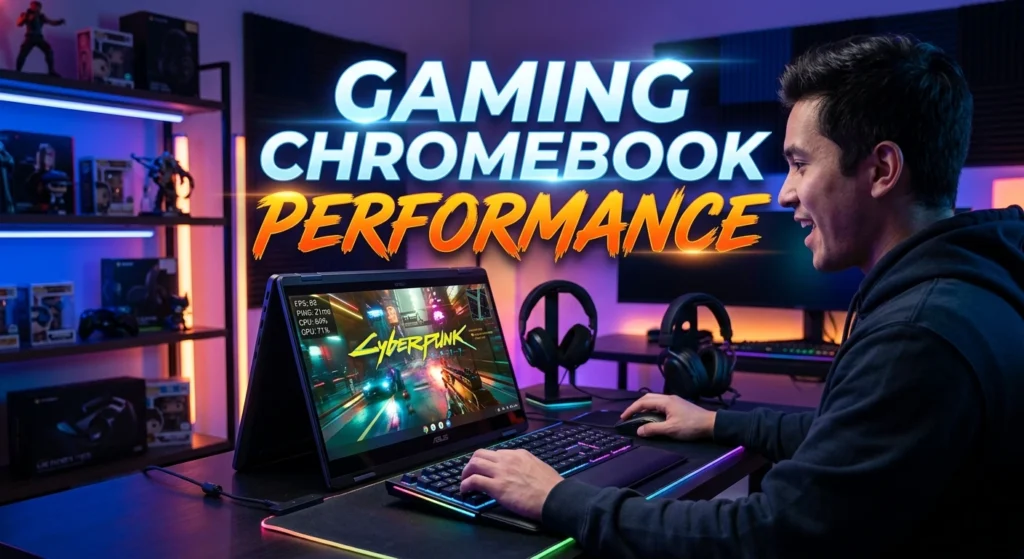
Gaming Chromebook performance depends on the type of gaming you plan to do. A Chromebook designed for cloud gaming does not need the same hardware as a traditional Windows gaming laptop because demanding game processing occurs remotely.
For cloud gaming, the internet connection can matter more than raw graphics power. A device with a responsive display and strong wireless connectivity can provide an enjoyable experience even without a dedicated high-end graphics card.
For Android games, processor performance and graphics capability become more important. Different games have different hardware requirements, so compatibility should be checked before purchase.
Browser games usually have modest requirements, but more complex browser-based experiences can still benefit from a capable processor and sufficient memory.
Multitasking also affects perceived performance. If you keep many browser tabs, music, communication apps, and other services open while gaming, additional RAM can be helpful.
Thermal design matters as well. A Chromebook that manages heat effectively can maintain more consistent performance during extended use.
Performance should therefore be judged according to the intended workload.
A useful way to think about Chromebook gaming is:
Cloud gaming = connectivity is critical.
Android gaming = hardware compatibility matters.
Browser gaming = browser and processor performance matter.
Linux gaming = compatibility and configuration matter.
This approach makes it easier to choose a device that fits your actual gaming habits.
Gaming Chromebook for Cloud Gaming
Cloud gaming is one of the most important reasons to consider a gaming Chromebook. Instead of running a demanding game entirely on the Chromebook, cloud services process the game on remote hardware and stream the result to your screen.
This approach can reduce the need for expensive local graphics hardware. It can also make gaming more flexible because the same account may be accessible across multiple compatible devices.
However, cloud gaming depends heavily on network quality. A weak or unstable connection can cause image quality problems, input delay, buffering, or interruptions.
A wired connection can sometimes provide more consistent performance when the Chromebook supports the necessary adapter. Strong Wi-Fi can also work well under suitable conditions.
Your distance from the cloud gaming server and network congestion can influence latency.
A good cloud gaming setup includes:
- Reliable broadband internet.
- Stable Wi-Fi or wired networking.
- Compatible Chromebook.
- Comfortable gaming controller when appropriate.
- Suitable display.
- Updated ChromeOS.
- Low network congestion.
- Adequate data allowance.
- Supported cloud gaming service.
- Compatible game library.
Cloud gaming can be particularly useful for players who prioritize portability. You can carry a relatively lightweight Chromebook while accessing supported games without carrying a large gaming laptop.
For many users, this is the strongest argument for choosing a gaming Chromebook.
Gaming Chromebook Display and Refresh Rate
The display is one of the most important parts of a gaming Chromebook because it is the component you interact with throughout every gaming session.
Refresh rate describes how many times the screen can update each second. A higher refresh rate can make motion appear smoother when the game and hardware can produce enough frames.
Gaming-focused Chromebooks may offer high-refresh-rate displays that feel more responsive than standard office-oriented Chromebook screens.
Resolution also matters. Higher resolutions can provide sharper images, while lower resolutions may reduce the workload on the device or cloud stream.
Brightness is important if you use the Chromebook in different environments. A brighter display can remain easier to see in rooms with strong ambient light.
Panel quality affects colors, contrast, viewing angles, and overall visual comfort.
Screen size is another personal choice. A larger screen provides more viewing area, while a smaller display can make the Chromebook easier to carry.
When evaluating a gaming Chromebook display, consider:
- Refresh rate.
- Resolution.
- Brightness.
- Color quality.
- Response characteristics.
- Screen size.
- Viewing angles.
- Matte or glossy finish.
- Adaptive synchronization features when supported.
- External monitor support.
A good display can make gaming, streaming, browsing, and everyday work more enjoyable.
Gaming Chromebook Keyboard and Controls
The keyboard plays an important role in games that require frequent movement and quick commands. A comfortable layout can also improve productivity outside gaming.
Gaming-oriented Chromebooks may include features such as RGB backlighting, anti-ghosting support, or dedicated gaming-related keys. The exact features vary by model.
Key travel and tactile feedback affect how comfortable the keyboard feels during extended sessions. Some players prefer a firm response, while others prefer quieter and softer keys.
External keyboards are also an option. If the built-in keyboard does not meet your preferences, a USB or Bluetooth keyboard can provide a different experience.
A gaming mouse can further improve control for compatible games. Trackpads are convenient for everyday Chromebook use but are generally less suitable for precision gaming.
Controllers can be useful for racing, platform, action, and other games designed around gamepad input.
A complete control setup might include:
- Built-in keyboard.
- Gaming mouse.
- External keyboard.
- Wireless mouse.
- Wired controller.
- Bluetooth controller.
- Headset.
- External microphone.
- Mouse pad.
- USB hub.
Choose controls according to your games. A competitive mouse-and-keyboard setup may suit some titles, while a controller may be better for others.
Gaming Chromebook Battery Life
Battery life is an important advantage for many Chromebook users. ChromeOS devices often emphasize efficient everyday computing, although gaming workloads can consume power more quickly.
Cloud gaming may place less graphical processing demand on the device than running a demanding game locally, but the display, processor, wireless connection, and streaming workload still consume energy.
Screen brightness has a noticeable effect on battery usage. Lowering brightness when practical can extend runtime.
Wireless connectivity also matters. Constantly maintaining a high-speed network connection can increase power consumption.
Gaming while connected to a charger is often practical for longer sessions, particularly when performance and battery preservation features are available.
Battery performance varies significantly between models and workloads, so advertised battery figures should not be treated as guaranteed gaming runtime.
To improve battery efficiency:
- Reduce unnecessary screen brightness.
- Close unused applications.
- Disable unnecessary background features.
- Use battery-saving settings when appropriate.
- Keep ChromeOS updated.
- Avoid excessive background downloads.
- Use a suitable charger.
- Keep ventilation clear.
- Reduce demanding settings when possible.
- Monitor battery health.
Portability is one of the major attractions of Chromebook gaming, so choosing a model with good real-world battery performance can make a meaningful difference.
Gaming Chromebook Storage and Memory
Storage and memory are important specifications when selecting a Chromebook for gaming. The right amount depends on the games, applications, and services you plan to use.
RAM helps the system manage active applications. If you frequently keep many browser tabs, communication tools, music, and games open simultaneously, additional memory can improve multitasking.
Storage determines how much local content you can keep on the device. While cloud gaming reduces the need for large local game installations, Android applications, Linux software, downloads, and personal files still occupy storage.
Solid-state storage provides fast access and can contribute to a responsive overall experience.
Cloud storage can supplement local storage for documents, photos, and other files, but it does not completely replace local capacity.
When comparing models, consider:
- RAM capacity.
- Storage capacity.
- Storage type.
- Cloud storage options.
- Expandable storage support.
- USB storage compatibility.
- Application requirements.
- Game installation requirements.
- Offline usage.
- Future needs.
Buying a Chromebook with slightly more memory and storage can make sense if you plan to keep it for several years.
Avoid paying for excessive storage if most of your gaming happens through cloud services. Instead, balance the specification against your actual usage.
Gaming Chromebook Accessories
Accessories can expand what a Chromebook can do. They are especially useful when you want to turn a portable Chromebook into a more complete gaming station.
A gaming mouse can provide greater precision than a trackpad. A controller can improve games designed around console-style controls.
Headphones can provide clearer game audio and help with communication during multiplayer sessions.
An external monitor can create a larger gaming workspace when the Chromebook supports the necessary display output.
A USB-C hub can provide additional ports for peripherals, storage devices, networking adapters, and displays, depending on the hub and Chromebook.
Useful accessories include:
- Gaming mouse.
- Mechanical keyboard.
- Gaming controller.
- Wireless headset.
- Wired headset.
- USB-C hub.
- External monitor.
- HDMI adapter.
- Ethernet adapter.
- Large mouse pad.
- Laptop stand.
- Cooling stand.
- External SSD.
- USB flash drive.
- Webcam.
- Microphone.
- Desk speakers.
- Monitor stand.
- Cable organizer.
- Portable charger where supported.
You do not need all of these accessories. Start with the item that solves your biggest problem and build your setup gradually.
Gaming Chromebook vs Gaming Laptop
A gaming Chromebook and a traditional gaming laptop serve different purposes. Understanding those differences can help you avoid buying the wrong device.
A Windows gaming laptop generally offers broader support for traditional PC games. It can usually install games directly and provides access to a large range of PC software.
A gaming Chromebook focuses more heavily on simplicity, cloud services, browser applications, Android software, and supported Linux environments.
Gaming laptops commonly include dedicated graphics processors designed for demanding games. Chromebooks may instead prioritize efficient hardware and cloud-based gaming.
Chromebooks can have advantages in portability, simplicity, startup speed, battery efficiency, and ease of everyday use.
Gaming laptops can offer stronger local gaming performance, broader software compatibility, and more hardware upgrade possibilities depending on the model.
Consider the following differences:
- Operating system: ChromeOS versus Windows on many gaming laptops.
- Local PC gaming: Generally broader on gaming laptops.
- Cloud gaming: Strong fit for compatible Chromebooks.
- Portability: Often favorable for Chromebooks.
- Hardware customization: Usually greater with gaming laptops.
- Simplicity: ChromeOS offers a streamlined experience.
- Software compatibility: Usually broader on Windows.
- Battery expectations: Depend heavily on the specific device and workload.
Choose a Chromebook if its supported gaming methods meet your needs. Choose a traditional gaming laptop if you require extensive local Windows PC gaming.
Gaming Chromebook for Students
A gaming Chromebook can be useful for students who want one device for schoolwork, browsing, entertainment, and supported gaming.
ChromeOS is designed around simplicity, web applications, and cloud-based workflows. This can make everyday tasks straightforward.
Students may also benefit from lightweight designs and relatively portable form factors. A Chromebook can move between classrooms, study areas, and home without the bulk associated with some gaming laptops.
Gaming capability can provide additional entertainment after schoolwork is complete.
However, students should check school requirements before purchasing. Some educational institutions rely on software that may require Windows, macOS, or specialized applications.
Gaming requirements should also be evaluated carefully. A Chromebook that works well for cloud gaming may not support every traditional PC game.
A student-oriented gaming Chromebook can work well when the device needs to handle:
- Web browsing.
- Online classes.
- Documents.
- Presentations.
- Video calls.
- Streaming.
- Android applications.
- Cloud gaming.
- Casual games.
- General productivity.
The best student Chromebook is one that meets academic requirements first and gaming needs second.
Gaming Chromebook for Travel
Portability is one of the strongest reasons to consider a gaming Chromebook. A lightweight device can be easier to carry than a larger gaming laptop.
Travel gaming can work particularly well with cloud services when reliable internet access is available. However, travelers should not assume that every destination will provide the network quality needed for demanding cloud gaming.
Offline gaming options can provide additional flexibility. Supported Android or web games may work without a continuous connection, depending on the title.
Battery capacity becomes more important when traveling. A device with strong everyday battery performance can reduce the need to search for outlets.
A good travel gaming setup might include:
- Lightweight Chromebook.
- Compact charger.
- Wireless mouse.
- Small controller.
- Headphones.
- Protective sleeve.
- USB-C hub.
- Portable storage.
- Offline games.
- Reliable travel internet option.
Security also matters. Avoid leaving your device unattended in public places, and use appropriate account protection.
A gaming Chromebook can be a strong travel companion because it combines work, entertainment, browsing, and gaming in one portable device.
How to Choose the Best Gaming Chromebook
Choosing the best gaming Chromebook starts with identifying how you intend to play. There is no single model that suits every user.
Cloud gamers should prioritize wireless performance, display quality, keyboard comfort, and battery life. Players interested in Android games should pay closer attention to processor and graphics capabilities.
Those who want Linux gaming should research compatibility for the specific applications and titles they plan to use.
Screen quality is important regardless of the gaming method. A high-refresh-rate panel can make supported experiences feel smoother.
Memory and storage should also match your expected workload. More RAM can help with multitasking, while additional storage can provide greater flexibility.
Before purchasing, create a simple checklist:
- Identify your favorite games.
- Check their platform requirements.
- Decide whether cloud gaming is acceptable.
- Compare processor performance.
- Check RAM.
- Review storage capacity.
- Examine display refresh rate.
- Check Wi-Fi capabilities.
- Review available ports.
- Consider battery life.
- Compare keyboard features.
- Check controller support.
- Review ChromeOS compatibility.
- Consider your budget.
- Think about future needs.
The best gaming Chromebook is not necessarily the most expensive option. It is the device that matches your games, lifestyle, and expectations.
Future of Gaming Chromebooks
Gaming Chromebooks have an interesting place in the broader gaming market because they combine ChromeOS simplicity with newer approaches to game access.
Cloud gaming is likely to remain an important part of this category. As internet infrastructure improves, streaming games can become more practical for players who do not want expensive local gaming hardware.
Chromebook hardware can also continue improving. Faster processors, better displays, stronger wireless connectivity, and improved battery technology can enhance the overall experience.
Gaming-focused features such as high-refresh-rate screens, RGB keyboards, responsive controls, and improved external display support can make Chromebooks more appealing to gaming audiences.
ChromeOS gaming support may also evolve as developers and platform providers improve compatibility.
However, traditional gaming laptops will continue to serve players who require powerful local graphics performance and broad desktop software compatibility.
The future is therefore unlikely to make Chromebooks identical to gaming PCs. Instead, gaming Chromebooks can occupy their own space as portable, connected, streamlined gaming devices.
For players who value cloud gaming and everyday productivity, this approach can be particularly attractive.
Conclusion
A gaming Chromebook can be an excellent choice for the right type of player. Its biggest strengths are simplicity, portability, everyday usability, and compatibility with modern cloud-based gaming approaches. However, it is important to understand that ChromeOS gaming differs from traditional Windows PC gaming. Before buying, check the games you want to play, available cloud services, Android compatibility, Linux support, display quality, memory, storage, connectivity, and battery performance. A high-refresh-rate screen, comfortable keyboard, reliable Wi-Fi, and suitable accessories can significantly improve the experience. For players who need broad local PC game compatibility and powerful dedicated graphics, a traditional gaming laptop may remain the better option. For cloud gamers, students, casual players, and travelers, however, a gaming Chromebook can provide a convenient balance of gaming, portability, and productivity.
FAQs
Is a Chromebook good for gaming?
A Chromebook can be good for cloud gaming, browser games, supported Android games, and selected Linux gaming experiences. It is less suitable for players who need broad compatibility with traditional Windows PC games.
Can you play PC games on a gaming Chromebook?
Some PC games can be accessed through cloud gaming or supported Linux environments, but compatibility varies. A Chromebook does not automatically run every Windows PC game.
Is a gaming Chromebook better than a gaming laptop?
Neither is universally better. A gaming Chromebook can offer portability, simplicity, and cloud gaming convenience, while a traditional gaming laptop generally provides broader local PC game compatibility and stronger dedicated graphics options.
Does a gaming Chromebook need a good internet connection?
A strong internet connection is especially important for cloud gaming. A stable connection with low latency can provide a smoother experience and reduce interruptions.
What should I look for when buying a gaming Chromebook?
Focus on processor performance, RAM, storage, display refresh rate, screen quality, Wi-Fi capabilities, keyboard comfort, battery life, ports, ChromeOS compatibility, and support for the games or cloud services you plan to use.