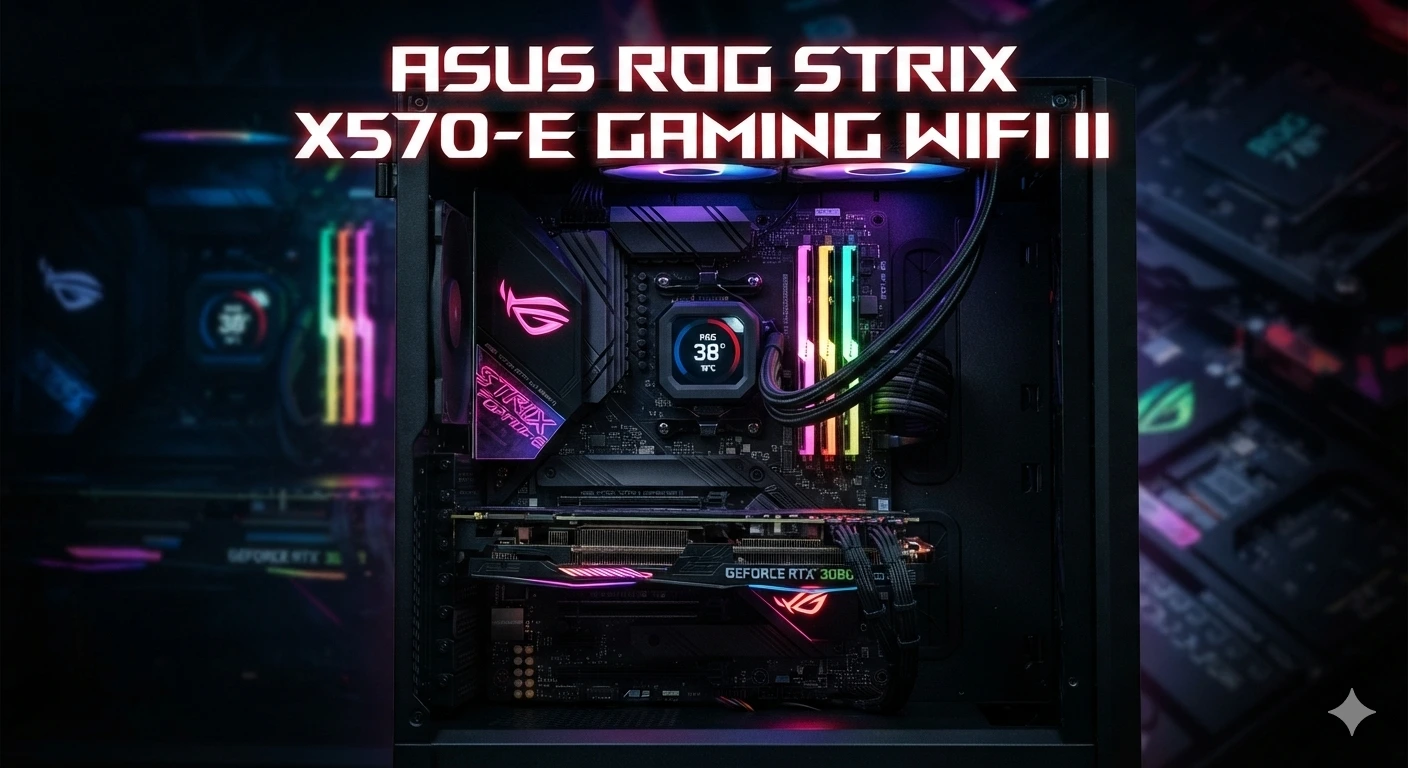
The ASUS ROG Strix X570-E Gaming WiFi II is a feature-rich ATX motherboard for AMD Ryzen desktop processors. It uses the AMD X570 chipset and the AM4 socket. The board supports compatible Ryzen 2000, 3000, and 5000 series processors, along with selected Ryzen G-Series chips. It also supports DDR4 memory, PCIe 4.0, two M.2 slots, eight SATA 6 Gb/s ports, Wi-Fi 6E, dual Ethernet, and strong onboard audio.
For a gaming PC, the board offers a strong mix of speed, storage, networking, cooling, and expansion features. Its 12 + 4 power-stage design, large VRM heatsinks, M.2 heatsinks, and multiple fan headers also make it suitable for demanding builds. This guide explains its CPU support, RAM options, PCIe layout, storage, Wi-Fi, networking, BIOS features, gaming use, upgrades, and key points to check before buying or building with this motherboard.
What Is the ASUS ROG Strix X570-E Gaming WiFi II?
The ASUS ROG Strix X570-E Gaming WiFi II is an ATX motherboard made for AMD’s AM4 platform.
It uses the X570 chipset. This gives the board access to PCIe 4.0 features with compatible Ryzen processors.
The motherboard is part of ASUS ROG Strix gaming hardware. It is built for users who want a strong gaming system with many expansion options.
ASUS lists support for Ryzen 5000, 3000, and 2000 series desktop processors. It also lists selected Ryzen 5000, 4000, 3000, and 2000 G-Series processors. CPU support still depends on the exact processor and BIOS support.
The board also includes built-in wireless networking.
Its Wi-Fi 6E support can use the 2.4 GHz, 5 GHz, and 6 GHz bands where supported by the local regulatory environment and compatible network equipment.
Key Specifications
The main features of the board include:
- AMD X570 chipset
- AMD AM4 socket
- Support for compatible Ryzen 2000, 3000, and 5000 series CPUs
- Four DDR4 DIMM slots
- Up to 128GB of memory
- Dual-channel memory architecture
- PCIe 4.0 support
- Two M.2 slots
- Eight SATA 6 Gb/s ports
- Wi-Fi 6E
- Bluetooth 5.2
- Realtek 2.5Gb Ethernet
- Intel I211-AT 1Gb Ethernet
- SupremeFX S1220A audio
- HDMI 2.0b
- DisplayPort 1.2
- USB 3.2 Gen 2
- BIOS FlashBack
- Aura RGB lighting
- ATX form factor
This feature set makes the motherboard useful for gaming, content creation, storage-heavy systems, and general desktop work.
CPU Support
The CPU socket is AM4.
That means the motherboard is designed around AMD Ryzen processors made for this socket.
ASUS lists Ryzen 5000, 3000, and 2000 series desktop processors as supported families. It also lists several Ryzen G-Series processors.
Compatible CPUs can include different Ryzen 3, Ryzen 5, Ryzen 7, and Ryzen 9 models, depending on the processor generation and the board’s CPU support list.
Do not select a processor by socket alone.
BIOS support also matters.
Before installing a CPU, check the exact model against ASUS CPU support information. This is especially important when upgrading an older X570 system to a later Ryzen processor.
Is the ASUS ROG Strix X570-E Gaming WiFi II Good for Ryzen 5000?
Yes, the motherboard is designed to support Ryzen 5000 series desktop processors.
ASUS lists Ryzen 5000 support and PCIe 4.0 features for compatible Ryzen 5000 CPUs.
This makes the board suitable for high-performance AM4 gaming systems.
A Ryzen 5 can make a strong gaming-focused combination. A Ryzen 7 or Ryzen 9 can be useful when the system also handles demanding workloads.
The right CPU depends on your goals.
Gaming, streaming, editing, rendering, and multitasking can place different demands on the processor.
Always check the current BIOS and CPU support information before an upgrade.
DDR4 Memory Support
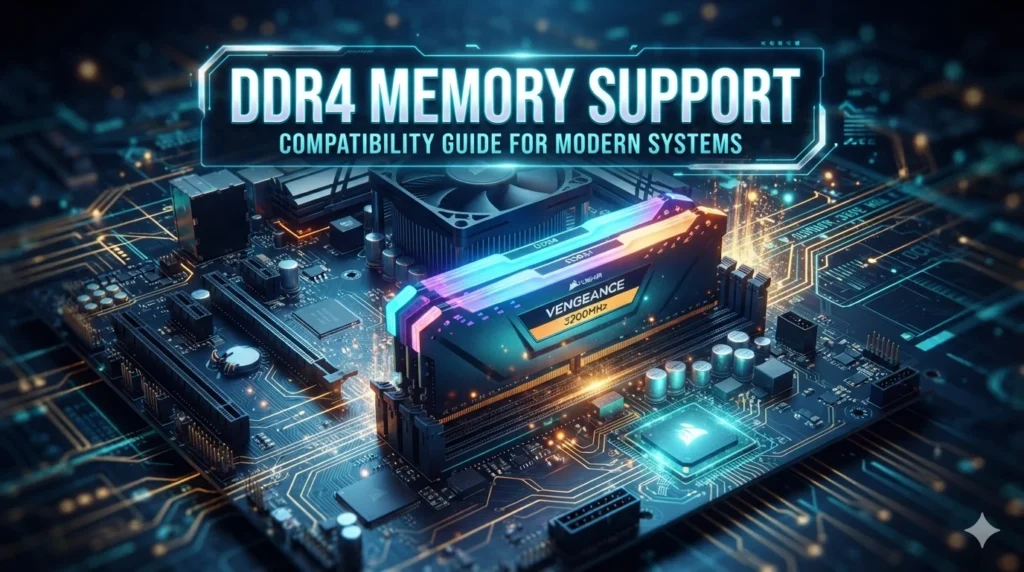
The motherboard has four DDR4 DIMM slots.
ASUS lists support for up to 128GB of memory. Memory speeds vary based on the CPU and configuration. The specifications list speeds from DDR4-2133 and include higher speeds through overclocking.
The board also uses dual-channel memory architecture.
For many gaming PCs, two matching memory modules are a simple setup.
For example, a user may choose a two-module kit instead of one large module. This can allow the system to use dual-channel operation.
Memory compatibility still matters.
Before buying RAM, check:
- DDR4 type
- Total capacity
- Number of modules
- Rated speed
- Timings
- Voltage
- ASUS memory QVL
- CPU memory support
ASUS notes that memory frequency support depends on the processor and configuration.
How Much RAM Can It Support?
The ASUS ROG Strix X570-E Gaming WiFi II supports up to 128GB of DDR4 memory according to ASUS specifications.
That gives you room for both gaming and heavy desktop work.
A 16GB setup can be suitable for a basic gaming system.
A 32GB setup can provide more room for multitasking.
Users working with large projects, virtual machines, content creation, or other memory-heavy tasks may want more.
The best choice depends on what you do with the PC.
There is no need to install 128GB simply because the board supports it.
PCIe 4.0 Support
PCIe 4.0 is one of the key features of the X570 platform.
With compatible Ryzen 5000 or 3000 series desktop processors, ASUS lists two PCIe 4.0 x16 slots that can operate at x16 or dual x8. The chipset also provides another PCIe 4.0 x16 slot running at x4 and two PCIe 4.0 x1 slots.
This gives the board a lot of expansion space.
The main PCIe slot is normally the important slot for a graphics card.
Additional slots can support devices such as:
- Capture cards
- Sound cards
- Network adapters
- Storage expansion
- Other PCIe hardware
The exact lane layout depends on the CPU and installed hardware.
Graphics Card Support
The motherboard is suitable for modern graphics cards that use a PCIe x16 interface.
PCIe 4.0 can provide high bandwidth with compatible hardware.
A newer graphics card can also work on an older PCIe generation in many cases because PCIe devices are designed to maintain backward compatibility.
Gaming performance depends on the full system.
The GPU, CPU, game settings, display resolution, memory, and software all matter.
The motherboard provides the connection. It does not determine the frame rate by itself.
Dual Graphics Card Slots
The board has two CPU-connected PCIe 4.0 x16 slots that can operate at x16 or dual x8 with compatible Ryzen 5000 and 3000 series desktop processors.
This gives builders more flexibility.
A second full-length slot can also be useful for expansion cards.
However, multi-GPU gaming is not automatically useful.
Modern games and software do not all benefit from using multiple graphics cards. A single strong GPU is often the simpler setup.
The second slot is still valuable for other expansion needs.
M.2 Storage
The ASUS ROG Strix X570-E Gaming WiFi II includes two M.2 slots.
ASUS lists support for M.2 devices in sizes such as 2242, 2260, 2280, and 22110. With compatible Ryzen 5000 and 3000 series desktop processors, the main M.2 slot supports PCIe 4.0 x4 and SATA modes. The second M.2 slot also supports PCIe 4.0 x4 and SATA modes through the X570 chipset.
This makes the board useful for fast storage.
You can use an M.2 SSD for:
- Windows
- Games
- Applications
- Work files
- Large projects
A fast NVMe drive can also reduce load times compared with an older hard drive.
The motherboard provides two M.2 slots, so you can build a system with more than one M.2 drive.
SATA Storage Support
The board also includes eight SATA 6 Gb/s ports.
That is useful for users who need several storage devices.
You can connect SATA SSDs and hard drives.
This can be useful for a gaming PC with a large game library.
It can also help users who store videos, photos, project files, backups, or other large data sets.
ASUS also lists RAID 0, RAID 1, and RAID 10 support.
The right storage setup depends on your needs.
An SSD is useful for the operating system and frequently used applications. A larger hard drive can be useful for bulk storage.
Wi-Fi 6E

Wireless networking is one of the strongest features of this motherboard.
The board includes Wi-Fi 6E with 2×2 support and access to 2.4 GHz, 5 GHz, and 6 GHz bands where supported. ASUS also lists Bluetooth 5.2.
Wi-Fi 6E can provide access to the 6 GHz band when the network equipment, operating system, region, and other requirements support it.
This can be useful for gaming desktops that cannot use a wired Ethernet connection.
However, Wi-Fi performance depends on the complete network.
Router quality, distance, walls, interference, network traffic, and internet service can all affect the result.
A motherboard with Wi-Fi does not guarantee a certain ping or download speed.
Ethernet Connectivity
The board has two wired networking options.
ASUS lists:
- Realtek 2.5Gb Ethernet
- Intel I211-AT 1Gb Ethernet
The 2.5Gb connection can provide higher local network bandwidth when the rest of the network also supports it.
The 1Gb connection gives you another wired networking option.
For online gaming, a wired connection can be useful when you want a stable network link.
Low ping still depends on many factors.
Your internet provider, game server, routing, network load, and physical distance all play a role.
Bluetooth 5.2
Bluetooth 5.2 is built into the wireless platform.
This can help connect compatible devices without adding a separate Bluetooth adapter.
Possible devices include:
- Wireless headphones
- Controllers
- Keyboards
- Mice
- Other compatible accessories
The exact range and performance depend on the device and surrounding environment.
USB Connectivity
The motherboard offers a wide range of USB connections.
ASUS lists eight rear USB 3.2 Gen 2 ports in total, with seven Type-A ports and one Type-C port.
There are also internal USB headers for front-panel connections.
This gives you room for many devices.
A gaming PC may connect:
- Keyboard
- Mouse
- Headset
- Controller
- Webcam
- External SSD
- USB microphone
- Phone
- Other accessories
The rear I/O layout also keeps many connections accessible without using expansion cards.
Audio Features
The board uses the Realtek S1220A audio codec.
ASUS lists SupremeFX features, dual operational amplifiers, impedance sensing, gold-plated audio jacks, premium audio components, and an optical S/PDIF output.
The board supports up to 32-bit/192 kHz playback under the listed conditions.
For gaming, this provides a strong built-in audio platform.
You can connect headphones, speakers, and other compatible audio devices directly to the motherboard.
A separate sound card is not required for normal gaming use.
HDMI and DisplayPort
The motherboard includes one HDMI port and one DisplayPort.
ASUS lists HDMI 2.0b and DisplayPort 1.2 support, with resolutions up to 4096 × 2160 at 60Hz under the specified conditions.
There is an important point here.
The motherboard video outputs depend on the processor.
A Ryzen CPU without integrated graphics cannot provide display output through these motherboard ports.
If your processor lacks integrated graphics, you need a dedicated graphics card for display output.
VRM and Power Design
Power delivery is important on a performance motherboard.
ASUS lists a 12 + 4 power-stage design for the ROG Strix X570-E Gaming WiFi II. The board also uses large VRM heatsinks.
This design is intended to provide stable power to the CPU.
Good power delivery is useful when running a demanding Ryzen processor.
Cooling also matters.
A motherboard can have strong VRM hardware, but case airflow still affects temperatures.
A good PC build should provide:
- CPU cooling
- Case airflow
- Proper fan placement
- Clean cable management
- Adequate power supply capacity
Cooling Features
The board includes several cooling connections.
ASUS lists:
- CPU fan header
- CPU optional fan header
- AIO pump header
- Chassis fan headers
- M.2 fan header
- W_PUMP+ header
This gives builders flexibility.
An air cooler can use the CPU fan connection.
An all-in-one liquid cooler can use the AIO pump connection.
Extra case fans can connect to the chassis headers.
The motherboard also includes M.2 heatsinks.
These can help manage heat from compatible M.2 storage devices.
BIOS FlashBack
BIOS FlashBack is a useful feature for system building and upgrades.
ASUS includes a BIOS FlashBack button on the rear I/O.
The feature can make BIOS updates easier in supported situations.
This is useful when a newer compatible CPU requires a BIOS version that is not currently installed.
However, BIOS updates should still be done carefully.
Use the correct BIOS file for the exact motherboard model.
Do not install firmware made for a different motherboard.
Follow the ASUS instructions for the BIOS FlashBack process.
BIOS and CPU Compatibility
CPU support is not based only on the AM4 socket.
Different Ryzen generations can require different BIOS support.
Before upgrading, check:
- Current BIOS version
- Exact CPU model
- ASUS CPU support list
- Required BIOS version
- Update instructions
- Current system stability
This is especially important when upgrading from an older Ryzen processor to a Ryzen 5000 chip.
A BIOS update may be needed.
The board’s BIOS uses a 256Mb Flash ROM according to ASUS specifications.
Overclocking Support
The X570 platform is suitable for users who want to explore CPU and memory tuning.
The ROG Strix X570-E Gaming WiFi II includes a strong power design and cooling hardware.
However, overclocking is not risk-free.
Higher settings can increase:
- CPU temperature
- Power use
- System heat
- Stability demands
A stable overclock requires testing.
Memory overclocking also needs care.
A memory kit may have a high rated speed, but the final stable speed depends on the CPU’s memory controller, motherboard settings, BIOS, and the memory kit.
Is It Good for Gaming?
The ASUS ROG Strix X570-E Gaming WiFi II is well suited to gaming systems built around compatible AMD Ryzen processors.
Its main strengths include PCIe 4.0, fast storage support, strong networking, DDR4 memory support, and multiple expansion slots.
The board can support a powerful gaming setup.
The actual gaming performance will depend more on the CPU and graphics card than on the motherboard alone.
For example, pairing a strong Ryzen processor with a capable GPU can create a high-performance gaming PC.
The motherboard then provides the platform for those parts.
Is 32GB RAM a Good Choice?
For a gaming PC, 32GB can be a useful target when you also use other applications while gaming.
The board supports much more than 32GB, so you have room to expand later.
A two-module 32GB kit can be a simple configuration.
The exact memory speed should be chosen based on your CPU and memory kit.
Check the ASUS memory QVL when compatibility is important.
Do not focus only on the highest advertised RAM speed.
Stability matters more than a number on the box.
Gaming With an NVMe SSD
An NVMe SSD is a natural match for this motherboard.
The board supports PCIe 4.0 M.2 storage with compatible processors.
A PCIe 4.0 NVMe SSD can use the available interface bandwidth.
This is useful for fast storage tasks.
For gaming, the SSD can improve system and game load behavior compared with a traditional hard drive.
It does not automatically increase game frame rates.
The GPU and CPU still play the main role in rendering performance.
RGB and ROG Design
The ROG Strix X570-E Gaming WiFi II also focuses on appearance.
ASUS includes onboard RGB features and Aura RGB headers. The board supports addressable Gen 2 RGB headers as well as standard Aura RGB headers.
This lets users build a more customized gaming setup.
You can coordinate compatible lighting with other components.
RGB is not a performance feature.
It is mainly about appearance and personalization.
For users who enjoy a themed gaming PC, however, it can be an important part of the build.
ATX Form Factor
The motherboard uses the ATX form factor.
Its dimensions are 30.5 cm by 24.4 cm.
That means the case must support an ATX motherboard.
Before buying a case, check its motherboard compatibility.
You should also consider GPU length, CPU cooler height, radiator size, storage placement, and power supply space.
A compatible ATX case gives you more room for expansion and cooling.
Storage Expansion for a Large Gaming Library
The board has two M.2 slots and eight SATA 6 Gb/s ports.
That gives you many storage options.
A practical setup might use one fast NVMe drive for Windows and frequently used games.
Additional M.2 or SATA drives can provide more space.
Users with large game libraries can also add SATA hard drives for bulk storage.
The right setup depends on your storage needs.
There is no reason to fill every connector unless you need the space.
What Kind of Power Supply Does It Need?
The motherboard uses a 24-pin main power connector and additional CPU power connections.
ASUS lists one 8-pin +12V connector and one 4-pin +12V connector.
The complete power supply requirement depends on the CPU and graphics card.
A powerful gaming GPU can need much more power than the motherboard itself.
Before buying a PSU, check the requirements of the complete PC.
Consider:
- CPU power
- GPU power
- Storage devices
- Cooling
- Fans
- USB devices
- PSU quality
- Required connectors
A reliable power supply is an important part of a stable gaming system.
Who Should Consider This Motherboard?
The ASUS ROG Strix X570-E Gaming WiFi II makes the most sense for several types of users.
It can suit someone who:
- Already owns an AM4 Ryzen processor
- Wants a high-feature X570 board
- Needs Wi-Fi 6E
- Wants two M.2 slots
- Needs many SATA ports
- Wants dual Ethernet
- Uses PCIe expansion cards
- Wants DDR4 memory
- Wants BIOS FlashBack
- Plans to build a strong gaming PC
The board can also work well for a mixed gaming and productivity system.
Its connectivity gives it more flexibility than a basic motherboard.
Who Should Look at a Newer Platform?
AM4 is an older platform.
That does not make this motherboard bad.
It simply means buyers building a completely new system should compare the total cost against newer AMD platforms.
Newer platforms can offer newer processors, memory standards, and connectivity.
If you already own compatible AM4 hardware, staying with X570 can be practical.
If you are buying every part from scratch, compare the full platform.
Look at the CPU, motherboard, RAM, storage, and upgrade path together.
What to Check Before Buying
If you are considering the ASUS ROG Strix X570-E Gaming WiFi II, check the following:
- Exact motherboard model
- BIOS version
- CPU compatibility
- RAM type
- RAM capacity
- M.2 requirements
- GPU size
- Case support
- PSU connectors
- Wi-Fi antenna availability
- Board condition if buying used
- Included accessories
Used motherboards need extra care.
Check the socket for damage.
Inspect the PCIe slots.
Look at the RAM slots.
Check the M.2 areas.
Inspect the rear I/O.
Make sure the board has no visible corrosion or burn damage.
Common Upgrade Path
An existing system can often be upgraded step by step.
Start with the biggest limitation.
If the PC has a hard drive, an NVMe SSD can be a useful storage upgrade.
RAM is low, adding compatible DDR4 memory can help.
If games are limited by graphics performance, a stronger GPU may make more sense.
A CPU upgrade can also help when the processor is the system’s main limitation.
Do not upgrade everything at once without checking the complete system.
A balanced upgrade is usually more useful.
Conclusion
The ASUS ROG Strix X570-E Gaming WiFi II is a feature-rich AM4 motherboard built around AMD’s X570 chipset. It supports compatible Ryzen processors, DDR4 memory, PCIe 4.0, two M.2 slots, eight SATA ports, Wi-Fi 6E, Bluetooth 5.2, and dual Ethernet.
For gaming, its strong expansion support and storage options make it a flexible platform. The 12 + 4 power-stage design, VRM heatsinks, M.2 cooling, and multiple fan headers also give builders useful tools for demanding systems.
The main point to remember is the AM4 platform. It can still be a good choice when you already have compatible Ryzen and DDR4 hardware. A new buyer should compare the full cost and features against newer platforms.
For an existing AM4 gaming PC, however, this motherboard can still offer a strong mix of performance, connectivity, storage, and upgrade options.
FAQs
1. What CPUs are compatible with the ASUS ROG Strix X570-E Gaming WiFi II?
The motherboard supports compatible AMD Ryzen 5000, 3000, and 2000 series desktop processors, along with selected Ryzen G-Series processors. Exact support depends on the CPU and BIOS version.
2. How much RAM does the ASUS ROG Strix X570-E Gaming WiFi II support?
The motherboard has four DDR4 DIMM slots and supports up to 128GB of memory. Supported memory speeds depend on the processor and configuration.
3. Does the ASUS ROG Strix X570-E Gaming WiFi II support PCIe 4.0?
Yes. With compatible Ryzen 5000 and 3000 series desktop processors, the board supports PCIe 4.0 for its main CPU-connected expansion slots and M.2 storage.
4. Does the ROG Strix X570-E Gaming WiFi II have Wi-Fi?
Yes. It includes Wi-Fi 6E with 2×2 wireless support and Bluetooth 5.2. The 6 GHz Wi-Fi band depends on local regulations and compatible hardware.
5. Is the ASUS ROG Strix X570-E Gaming WiFi II good for gaming?
Yes. It provides strong features for an AM4 gaming PC, including PCIe 4.0, DDR4 support, two M.2 slots, dual Ethernet, Wi-Fi 6E, multiple expansion slots, and strong cooling features. Actual gaming performance depends mainly on the CPU, GPU, memory, and other system components.