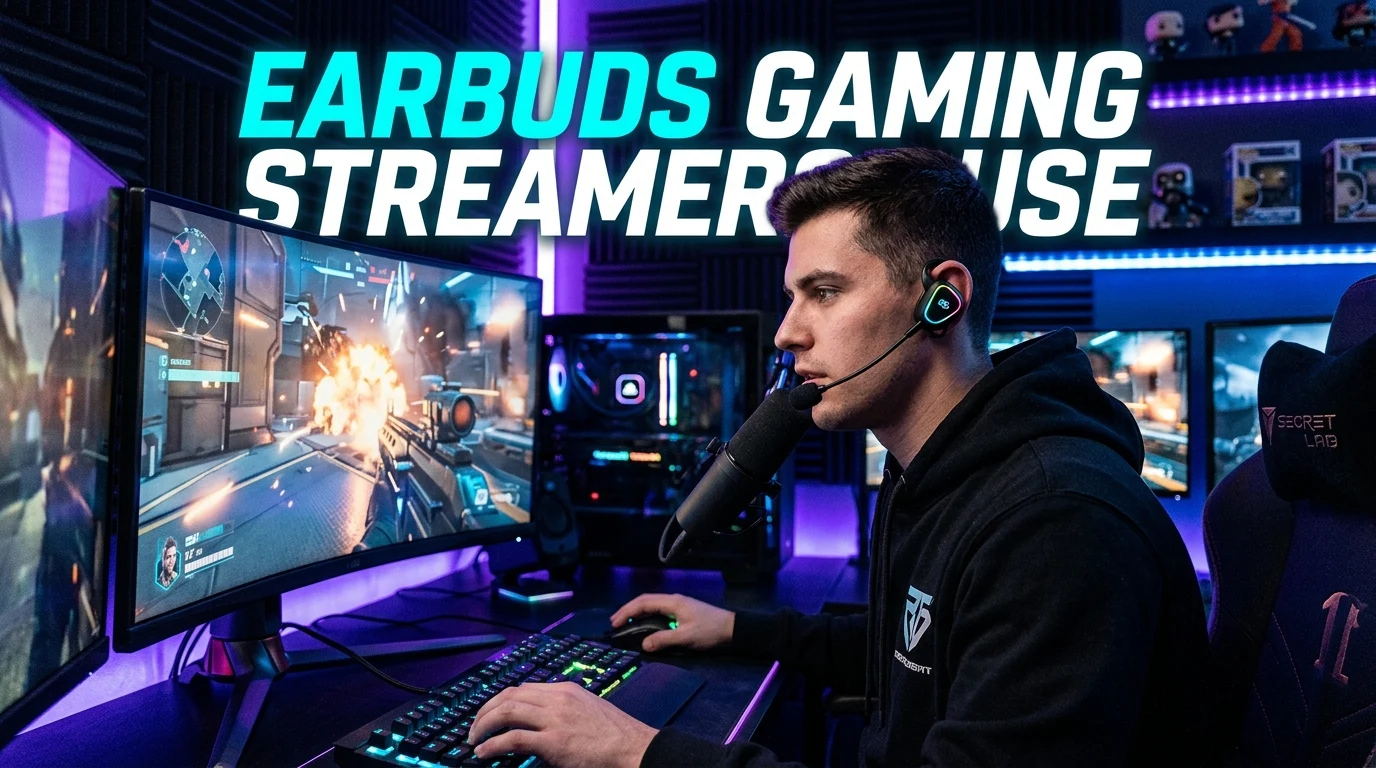
If you watch gaming streams, you may notice a small pair of earbuds instead of a large headset. Many gaming creators and competitive players use in-ear monitors (IEMs) for game audio. These small wired earphones can be light, simple, and easy to wear for long sessions. Some known gaming setups include models such as the Razer Moray and Sony INZONE E9. ProSettings currently lists the Razer Moray among IEMs used by many players, while its Sony INZONE E9 page lists several players using that model.
The right pair depends on your game, PC, console, comfort, and mic setup. This guide explains what earbuds gaming streamers use, why they use them, and what to look for before buying.
Why Do Gaming Streamers Use Earbuds?
Gaming streamers use earbuds for many reasons.
The first is comfort.
A small IEM can feel lighter than a large headset. This can help during long gaming sessions.
The second reason is a clean setup.
Small earbuds do not cover the head. This can make the streamer camera view look less crowded.
Another reason is game sound.
A good IEM can give clear sound for footsteps, voices, and game effects. This can help in games where sound cues matter.
Many streamers also use a separate microphone.
That means the earbuds only need to handle audio. The main mic can handle the streamer’s voice.
This setup can work well for a clean desk.
It can also make it easier to use a boom arm or desktop microphone.
What Earbuds Do Gaming Streamers Use?
There is no single pair used by every streamer.
Different players choose different audio gear.
Some use gaming IEMs. Others use normal wired earbuds. Some use wireless earbuds or full gaming headsets.
Current gaming gear lists show several IEMs in use among competitive players. The Razer Moray is one example. ProSettings lists it as a gaming IEM and shows it used by players such as Jinggg, woxic, Perfecto, and Spinx.
The Sony INZONE E9 is another example. ProSettings lists several players using it, including TenZ and jL.
These examples show an important point.
Streamers and competitive players do not all use the same earbuds.
Their choice often depends on sound, fit, game type, and personal taste.
Earbuds vs IEMs for Gaming
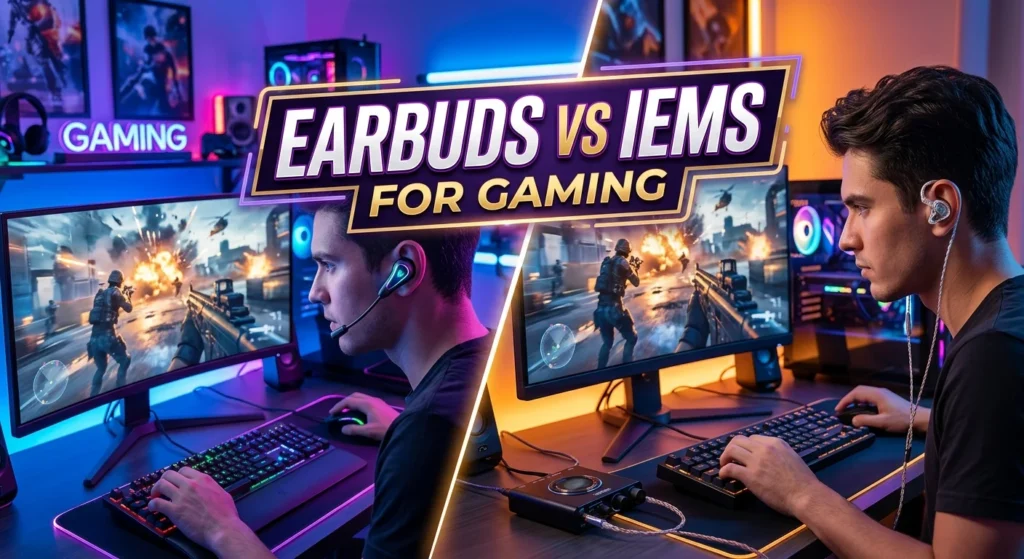
The word “earbuds” is often used for many types of small earphones.
Gaming IEMs are a little different.
IEM stands for in-ear monitor.
An IEM sits inside the ear canal. It often uses a sealed ear tip.
This can help block some outside sound.
Many IEMs also use a cable that runs around the ear.
Regular earbuds may sit at the opening of the ear.
They may not create the same seal.
For gaming, that seal can be useful.
It can help you focus on game audio.
Still, comfort is personal.
Some people prefer regular earbuds. Others like the fit of IEMs.
Why Streamers Like Wired IEMs
Wired IEMs are common in gaming because they do not need a battery.
You plug them into the right audio port and play.
There is also no wireless pairing step.
For competitive gaming, latency can matter.
Bluetooth audio can add delay. The amount depends on the device, connection, and codec.
RTINGS notes that Bluetooth can introduce noticeable audio latency in gaming.
A wired connection avoids the normal Bluetooth link.
That makes wired IEMs a simple choice for PC gaming.
They can also work with many consoles and other devices.
You should still check the connector before buying.
Why Streamers May Use a Separate Microphone
Many streamers do not need a mic inside their earbuds.
They use a separate USB or XLR microphone instead.
This can give them more control over their voice.
The earbuds can then focus on game audio.
A separate mic can also sit on a boom arm.
This keeps the microphone close to the mouth.
The setup can look clean on camera.
It can also make voice levels easier to manage.
This is one reason a streamer may use IEMs without a visible mic.
You may see only the small earbuds on camera.
The main microphone may sit just outside the camera frame.
Best Earbuds Gaming Streamers Use for FPS Games
FPS games need clear sound.
Footsteps can be important.
Reload sounds can also matter.
Gunshots and movement can help you understand what is happening.
For this type of game, sound separation is useful.
You want to hear different sounds without everything becoming one loud mix.
Bass is also important.
Too much bass can make explosions sound strong.
But it can also cover smaller sounds.
A balanced tuning can be a better fit for some FPS games.
The best choice still depends on the game.
One IEM may sound great to one player.
Another player may prefer a different sound.
Razer Moray for Gaming
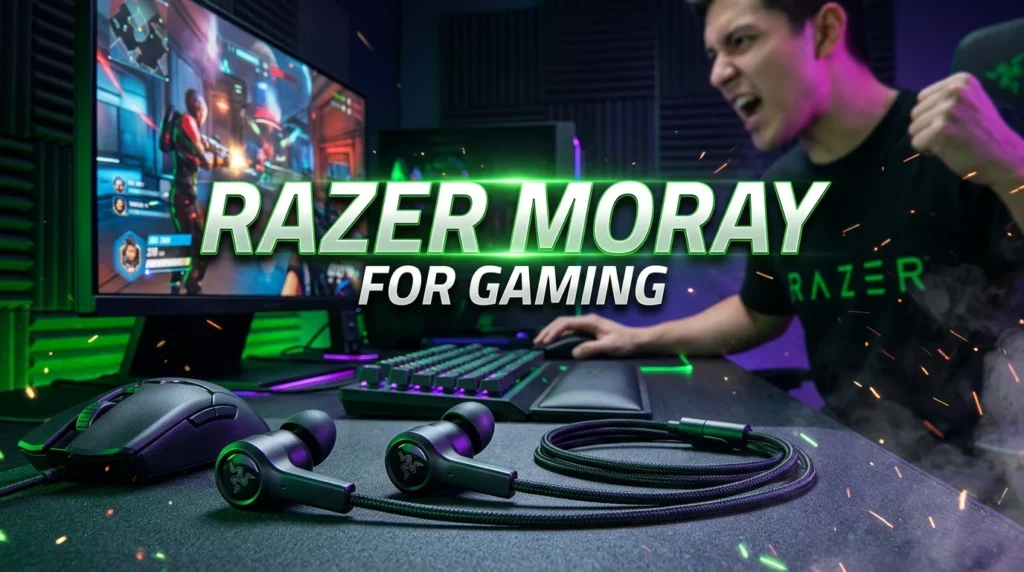
The Razer Moray is made for gaming and long use.
It is an IEM rather than a traditional over-ear headset.
ProSettings lists it as a gaming-focused IEM. Its current player list includes Jinggg, woxic, Perfecto, and Spinx.
The design is small.
That makes it easy to wear without a large headset around your ears.
The Moray does not have a built-in microphone.
That can be fine if you already use a separate stream mic.
It also has multiple ear tip options.
A good tip can help create a secure fit.
Fit matters a lot with IEMs.
The wrong tip can feel loose or uncomfortable.
Sony INZONE E9 for Gaming
The Sony INZONE E9 is another gaming IEM.
It is part of Sony’s INZONE gaming range.
ProSettings currently lists the INZONE E9 as being used by several players. The listed names include TenZ, jL, kl1m, and Ftyan.
This makes it an option worth checking if you want a gaming-focused IEM.
It is still important to look beyond the name.
Your PC or console connection matters.
Your preferred sound also matters.
Comfort should be a key part of the choice.
A streamer may like an IEM for reasons that do not match your needs.
Other IEMs Gamers Often Consider
You do not need to copy a streamer’s exact setup.
Many other IEMs can work for gaming.
Popular gaming choices include models from brands such as TRUTHEAR, Moondrop, Simgot, and Final Audio.
Community discussions also show gamers considering models such as the Moondrop Chu 2, TRUTHEAR Zero, and Simgot EM6L.
Current testing also covers many gaming IEMs.
RTINGS lists options such as the TRUTHEAR x Crinacle ZERO12 and MOONDROP x Crinacle DUSK2 in its gaming earbud guide.
The important point is simple.
A streamer name does not guarantee the best choice for you.
Focus on the features you need.
What Makes a Good Gaming Earbud?
A good gaming earbud should do several things well.
1. Clear Sound
Clear sound helps you hear game details.
Voices should be easy to understand.
Small sound effects should not disappear.
2. Good Fit
The earbuds should stay in place.
They should not cause pain.
Try different ear tips if the model supports them.
3. Low Latency
Low delay matters in fast games.
Wired models are a simple way to avoid Bluetooth delay.
4. Good Sound Separation
You should be able to tell different sounds apart.
This matters in FPS games.
5. Useful Microphone Setup
A built-in mic can be useful.
But streamers often use a separate microphone.
6. Strong Build
A detachable cable can be useful.
You can replace the cable if needed.
7. Easy Connection
Check the connector before buying.
Your PC, console, phone, or controller may use different ports.
Soundstage and Positional Audio
Soundstage is often discussed in gaming.
It describes how wide and open sound can feel.
Good positional audio can help you understand where sounds come from.
However, soundstage alone does not decide gaming performance.
Tuning matters too.
Your game also matters.
Some games have better audio systems than others.
A good IEM should make important sounds clear.
It should not make every sound compete for attention.
This is why balanced sound can be useful.
You do not always need huge bass.
You need useful detail.
Do Streamers Use Earbuds With Headsets?
Sometimes, yes.
You may see competitive players wearing small earbuds under a large headset.
This can look strange at first.
There is a reason for it.
At live esports events, the outer headset can help reduce outside noise.
The IEM can provide the game audio.
EPZ explains that IEMs can be used under isolation headsets at competitive events.
This setup is different from a normal home stream.
At home, a streamer may only need the IEM.
The outer headset may not be needed.
Why Do Esports Players Wear Two Audio Devices?
Live events can be very loud.
Crowds can make it hard to hear game audio.
Players need to focus on the game.
An IEM can deliver the game sound.
The outer headset can help block or cover outside noise.
This is why you may see both devices together.
It does not mean the player needs two audio sources for normal home gaming.
The setup is mainly useful in loud competitive spaces.
Do Gaming Streamers Use Wireless Earbuds?
Some do.
Wireless earbuds can be convenient.
There is no cable across the desk.
They can also work well for casual gaming.
But wireless gaming has some limits.
Battery life matters.
Connection stability matters too.
Latency can also matter.
Bluetooth can introduce audio delay in gaming.
Some wireless gaming products use low-latency wireless systems.
These can be better suited to gaming than standard Bluetooth earbuds.
Still, wired IEMs remain a simple option.
There is no battery to charge.
There is also no wireless pairing to manage.
Are AirPods Good for Gaming?
AirPods can work for some gaming tasks.
They are easy to use with compatible Apple devices.
But they may not be the best choice for every gaming setup.
Latency can be an issue with Bluetooth.
Competitive players may prefer wired IEMs.
Microphone behavior can also change when using Bluetooth.
Your device matters too.
If you mainly play casual games, wireless earbuds may be fine.
For competitive gaming, a wired option can make more sense.
Earbuds for Streaming vs Earbuds for Gaming
These are not always the same thing.
A gaming earbud needs to reproduce game audio well.
A streaming setup also needs good voice capture.
That means the microphone is important.
Many streamers solve this with a separate microphone.
This lets them choose earbuds based on sound and comfort.
They do not need to compromise for a built-in mic.
That can open up more IEM choices.
If you do not own a separate mic, you may want earbuds with one.
Think about your whole setup before buying.
Best Earbuds for Long Gaming Sessions
Comfort should be a major concern.
You may wear your earbuds for several hours.
A poor fit can become painful.
The ear tip should seal well without causing pressure.
The housing should also sit comfortably.
Weight can matter.
Cable shape can matter too.
Over-ear cable routing can help keep the wire in place.
Some IEMs include several tip sizes.
That gives you more ways to find a good fit.
Do not assume a small IEM will fit every ear.
Everyone’s ears are different.
How to Choose Ear Tips
Ear tips can change the whole experience.
Most IEMs come with more than one size.
Start with the size that feels secure.
The earbud should not fall out.
It should also not create strong pressure.
If the seal is weak, outside noise may enter.
Bass can also feel weaker.
Try another tip size if needed.
Foam and silicone tips can feel different.
The best choice is the one that feels comfortable and gives you a stable seal.
Should You Buy the Same Earbuds as Your Favorite Streamer?
Not always.
A streamer’s setup can be a useful starting point.
It is not a guarantee.
The streamer may use a different PC.
They may use a DAC or audio interface.
They may also use a separate microphone.
Their ears and preferences are different too.
Your games may also be different.
Instead of copying the exact model, copy the reason behind the choice.
If they use IEMs for comfort, look for comfortable IEMs.
in casethey use them for clear FPS audio, focus on sound separation.
If they use a wired model for low latency, look for a good wired option.
This gives you a setup that fits your needs.
Do You Need a DAC for Gaming IEMs?
Not always.
Many IEMs can work directly from a PC or controller.
Some gaming IEMs are designed for simple connections.
The Sony INZONE E9, for example, is described by ProSettings as an IEM that can run from a PC without needing a separate DAC.
A DAC can still be useful in some setups.
It may provide more control over audio.
It can also add useful connections.
But do not assume you need one.
Check the output from your PC or console first.
Then check the impedance and sensitivity of the IEM.
A simple setup is often enough.
Do IEMs Help You Hear Footsteps?
They can help you hear game sounds clearly.
But no earbud can create information that the game does not provide.
The game audio mix also matters.
Your sound settings matter too.
An IEM with clear mids and highs may make small sounds easier to hear.
Too much bass can make some details harder to separate.
This is why many competitive gamers care about tuning.
Still, there is no universal “footstep earbud.”
Different games use different sound systems.
Your personal hearing also affects the result.
Are Expensive IEMs Better for Gaming?
Not always.
A higher price can bring better materials or more advanced designs.
It does not guarantee better gaming performance for you.
A less expensive IEM may already give you the sound you need.
Fit is also important.
An expensive IEM that hurts your ears is not a good choice.
The same applies to sound.
If you dislike the tuning, price does not matter.
Set your needs first.
Then compare suitable models.
What Should You Look for in Streamer Earbuds?
Use this quick checklist:
- Wired or wireless connection
- Low latency
- Comfortable fit
- Good passive isolation
- Clear game audio
- Good positional detail
- Suitable bass level
- Clear voices
- Replaceable cable
- Multiple ear tips
- Compatible connector
- Separate mic support
You do not need every feature.
Choose the features that match your games.
Common Mistakes When Buying Gaming Earbuds
One common mistake is buying based on appearance.
A small and stylish IEM can still sound wrong for you.
Another mistake is choosing too much bass.
Bass can make explosions fun.
It can also hide smaller audio cues.
Some buyers also ignore fit.
That can lead to discomfort.
Others forget about the connection.
A 3.5mm model needs the right port or adapter.
Wireless models need charging.
Finally, some buyers copy a streamer without checking the full setup.
The streamer may use extra audio equipment.
Your setup may not need it.
Wired vs Wireless Gaming Earbuds
Both types have a place.
| Feature | Wired Earbuds | Wireless Earbuds |
| Battery | Not needed | Needed |
| Latency | Usually very low | Depends on connection |
| Setup | Simple | Requires pairing |
| Desk use | Cable needed | No cable |
| Competitive gaming | Strong choice | Depends on wireless system |
| Portability | Good | Very good |
| Charging | Not needed | Required |
For competitive PC gaming, wired IEMs are often a simple choice.
For casual gaming, wireless earbuds can offer more freedom.
Your setup decides which is better.
Best Choice for PC Streamers
PC streamers have many options.
A wired IEM can connect to the PC.
A separate USB microphone can handle voice.
This creates a simple setup.
You can also use an audio interface if your setup needs one.
The key is to keep the audio path simple.
Too many devices can make troubleshooting harder.
Start with the IEM.
Then add other gear only when needed.
Best Choice for Console Streamers
Console users should check compatibility first.
Look at the console port.
Then check whether the IEM includes a microphone.
If it does not, check how your console handles voice chat.
Some setups may use a controller connection.
Others may need a different audio solution.
Do not buy before checking the exact console setup.
Small connection details can save you from buying extra adapters.
How to Set Up Gaming Earbuds for Streaming
Start by connecting the earbuds.
Set them as your game audio output.
Next, choose your microphone.
If you use a USB mic, select it as the voice input.
Open your game.
Test the sound.
Check footsteps and other small effects.
Then test your voice.
Make sure your game audio does not overpower your mic.
Keep the volume at a safe level.
You want clear sound without making it too loud.
How to Improve Earbud Gaming Audio
You can improve the experience without buying new earbuds.
First, check your fit.
A better seal can change the sound.
Next, check your game audio settings.
Turn off extra effects if they make sounds hard to separate.
You can also adjust the game mix.
Do not raise every sound to maximum.
That can make the mix harder to understand.
If your audio software supports EQ, use it with care.
Small changes are better than extreme changes.
The goal is clear sound.
Final Buying Guide
If you want earbuds gaming streamers use, start with IEMs.
They are small.
They are easy to wear.
Many are wired.
They can also work well with a separate microphone.
For competitive FPS games, focus on clear sound and good separation.
For long sessions, focus on fit and comfort.
during wireless gaming, check latency and battery life.
For console use, check compatibility.
Models such as the Razer Moray and Sony INZONE E9 are examples of gaming IEMs that appear in current player equipment data.
You can also consider other IEM brands and models.
Do not assume one model is best for everyone.
Conclusion
The earbuds gaming streamers use are not limited to one brand or model. Many gaming creators and competitive players choose IEMs because they are small, light, and useful for focused game audio. Current player equipment lists include models such as the Razer Moray and Sony INZONE E9.
A good choice should match your game and setup. Look for clear sound, low latency, a secure fit, and easy connection. A separate microphone can also give you more freedom when choosing earbuds. Most of all, do not buy a model only because a streamer uses it. Find the features that work for your ears, games, and gaming setup.
FAQs
1. What earbuds do gaming streamers use?
Many gaming streamers use wired IEMs. Models used in gaming setups include the Razer Moray and Sony INZONE E9.
2. Why do streamers use IEMs instead of headsets?
IEMs are small and light. They can also work well with a separate microphone. This can create a simple and clean streaming setup.
3. Are wired earbuds better for competitive gaming?
They can be a strong choice. Wired earbuds do not need a battery and avoid the normal Bluetooth connection delay.
4. Do IEMs help with footsteps in FPS games?
They can make game sounds clear. Good sound separation may help you notice small audio cues. The game audio mix also plays a major role.
5. Do you need a DAC for gaming IEMs?
No. Many IEMs can work directly from a PC or controller. A DAC is only needed when your setup or chosen IEM calls for one.
:::