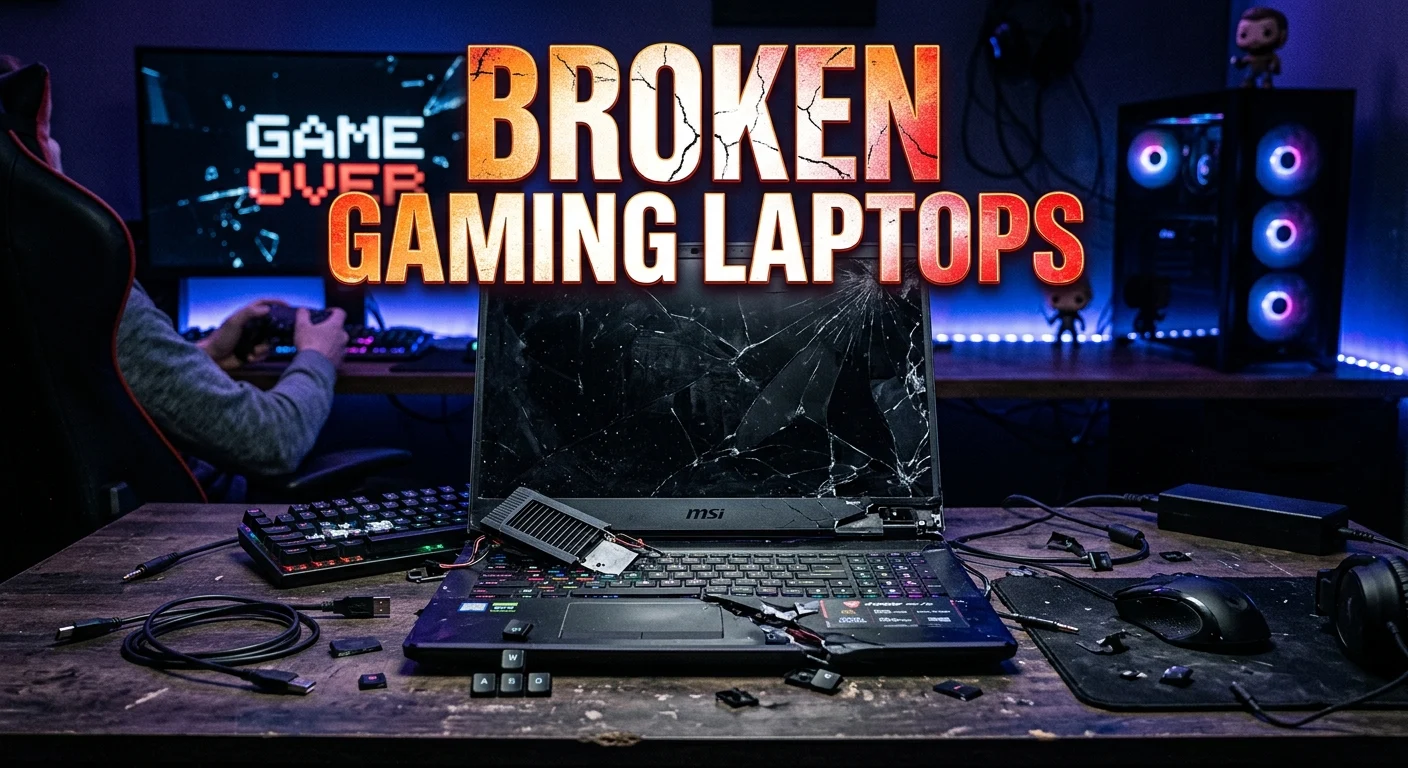
Broken gaming laptops can seem worthless, but they are not always ready for the trash. Depending on the problem, a damaged laptop may still have valuable components, useful repair potential, or resale value for parts. Common issues include cracked screens, damaged keyboards, failed charging ports, overheating, broken hinges, dead batteries, liquid damage, and laptops that no longer power on.
The right option depends on the laptop’s model, condition, age, and type of failure. Before spending money on repairs, identify the actual problem and compare the repair cost with the laptop’s current value. If repair is not practical, selling it for parts, reusing working components, or recycling it responsibly can be better alternatives. This guide explains how to evaluate broken gaming laptops and decide what to do next.
What Counts as a Broken Gaming Laptop?
A gaming laptop can be considered broken when one or more important components no longer work correctly.
The damage may be cosmetic, electrical, mechanical, or software-related. Not every problem requires replacing the entire laptop.
Common examples include:
- Cracked or flickering display
- Laptop does not turn on
- Battery no longer holds a charge
- Damaged charging port
- Broken keyboard or touchpad
- Overheating
- Loud or failing cooling fans
- Damaged hinges
- Liquid damage
- Storage drive failure
- Memory problems
- Graphics or motherboard failure
The type of damage makes a major difference when deciding whether to repair, sell, or recycle the device.
Common Problems With Broken Gaming Laptops
Gaming laptops contain many components that can fail independently. Identifying the symptoms can help narrow down the possible cause.
Laptop Does Not Turn On
If the laptop shows no signs of power, the problem could involve the charger, charging port, battery, motherboard, or another internal component.
Start with basic checks such as the power adapter and electrical connection. If the laptop remains completely unresponsive, professional diagnosis may be necessary.
Broken Screen
A cracked display does not necessarily mean the entire laptop is unusable. If the internal hardware still works, replacing the display may restore the system.
An external monitor can also help determine whether the laptop’s graphics system and other components are still functioning.
Overheating
Gaming laptops generate significant heat under heavy workloads. Dust buildup, blocked vents, a failing fan, or degraded thermal material can contribute to high temperatures.
Performance may decrease when the system becomes too hot, and severe thermal problems can cause instability or shutdowns.
Damaged Keyboard or Hinges
A broken keyboard may be replaceable depending on the laptop design. Damaged hinges can be more complicated because continuing to open and close the lid may cause additional damage.
If the display frame or hinge mounting points are damaged, avoid forcing the lid.
Should You Repair a Broken Gaming Laptop?
Repairing a broken gaming laptop can make sense when the damaged component is replaceable and the overall machine remains valuable.
Before repairing it, consider:
- The laptop’s age
- Processor and graphics hardware
- RAM capacity
- Storage configuration
- Physical condition
- Type of failure
- Availability of replacement parts
- Repair labor
- Cost of a replacement laptop
A relatively minor repair can be worthwhile if the laptop has capable hardware. A serious motherboard or graphics failure may be much harder to justify financially.
The important point is to compare the total repair cost with the value of a working replacement rather than looking only at the price of an individual part.
How to Diagnose Broken Gaming Laptops
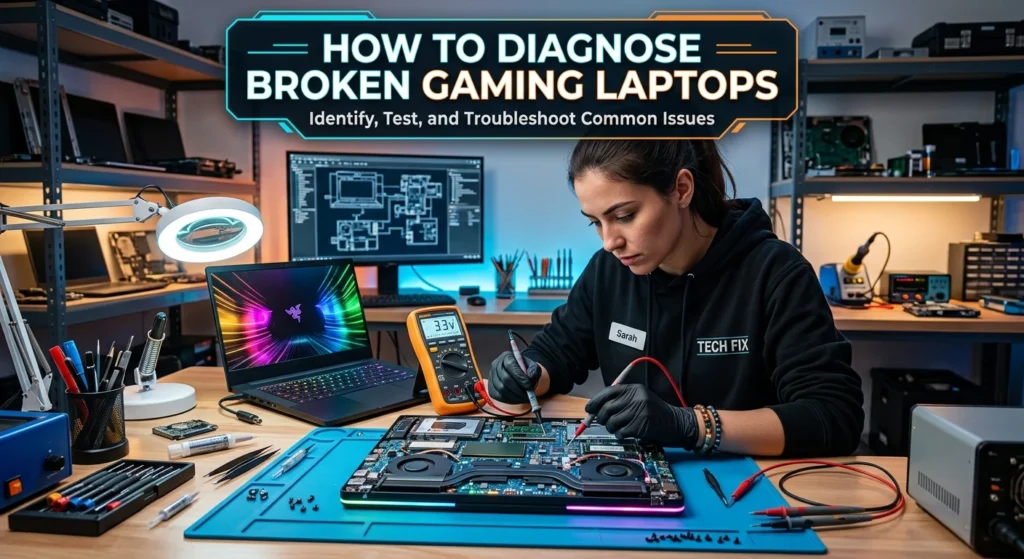
A careful diagnosis can prevent unnecessary repairs.
Start by documenting the symptoms. Note whether the laptop powers on, displays an image, produces sound, charges normally, and responds to the keyboard.
If possible, check whether:
- The charging indicator turns on.
- The cooling fans spin.
- The screen shows an image.
- An external monitor receives a signal.
- The operating system starts.
- The keyboard responds.
- The laptop shuts down unexpectedly.
- The battery charges.
These observations can help identify which area requires further investigation.
Is It Worth Buying Broken Gaming Laptops?
Buying broken gaming laptops can be worthwhile for experienced repair enthusiasts, technicians, or people who need parts. However, it carries more risk than buying a fully functional computer.
Before purchasing a damaged laptop, find out exactly what is wrong whenever possible.
Pay particular attention to:
- Motherboard condition
- GPU functionality
- CPU condition
- Display damage
- Battery condition
- Storage drive
- RAM
- Charger availability
- Missing screws or covers
- Liquid-damage signs
- Previous repair attempts
A laptop described simply as “not working” can have anything from a minor power issue to severe motherboard damage. Uncertainty should be considered when evaluating its value.
Broken Gaming Laptops for Parts
A non-working gaming laptop may still contain useful components.
Depending on the model and condition, potentially reusable parts can include:
- RAM
- SSD or hard drive
- Display panel
- Cooling fans
- Keyboard
- Speakers
- Wi-Fi hardware
- Charger
- Battery
- Display hinges
- Internal cables
- Enclosure components
Compatibility is important. Laptop components are often model-specific, so verify part numbers and specifications before buying or installing replacement parts.
How to Sell Broken Gaming Laptops
If you no longer want to repair a damaged laptop, selling it can be an option.
Be honest about its condition. Clearly explain whether it powers on, whether the display works, whether the charger is included, and what damage you know about.
Useful information for a listing includes:
- Exact laptop model
- Processor
- Graphics processor
- RAM
- Storage
- Physical damage
- Known faults
- Included accessories
- Whether it powers on
- Whether it reaches the operating system
Clear descriptions reduce misunderstandings and help potential buyers determine whether the laptop is suitable for repair or parts.
Protect Your Data Before Selling

Data security should be a priority when selling a broken laptop.
If the machine still works, back up important files and perform an appropriate secure reset or data-erasure process before handing it over.
If the laptop cannot boot, consider whether the storage drive contains personal information. Depending on the drive type and laptop design, the drive may be removable and can potentially be handled separately.
Never assume that deleting a few files is enough to protect sensitive information.
Can You Use a Broken Gaming Laptop With an External Monitor?
Sometimes.
If the laptop’s internal screen is damaged but the graphics hardware and other components are functional, an external monitor may allow you to continue using the system.
This can be a practical temporary solution while deciding whether screen replacement is worthwhile.
However, an external display will not solve problems caused by a failed motherboard, GPU, power system, or other major hardware component.
Repair vs Sell vs Recycle
The best option depends on the type and severity of damage.
SituationPossible OptionMinor component failureRepairBroken screen with working hardwareScreen replacement or external monitorValuable hardware with major damageSell for partsUnknown conditionGet a diagnosisSevere damage with little repair valueRecycle responsiblyPersonal data remains on deviceSecure the storage before disposal
There is no single solution for every broken laptop. The model and specific fault matter more than the fact that the laptop is simply labeled “broken.”
How to Avoid Further Damage
If a gaming laptop has physical or electrical damage, avoid repeatedly powering it on just to test it.
This is especially important after liquid exposure, burning smells, unusual heat, or visible electrical damage.
You should also avoid:
- Forcing broken hinges
- Using damaged power adapters
- Blocking ventilation openings
- Continuing to use a laptop with severe overheating
- Opening components without understanding the repair
- Installing incompatible replacement parts
When the fault is unclear or involves power circuitry, professional diagnosis is safer than guessing.
Responsible Recycling of Broken Gaming Laptops
When repair or resale is not practical, recycling is preferable to ordinary household disposal.
Electronic waste can contain materials that require appropriate handling. Use an established electronics recycling program or an appropriate local collection service.
Before recycling, make sure personal information has been removed from storage whenever possible.
Conclusion
Broken gaming laptops are not automatically worthless. A damaged display, battery, keyboard, fan, or charging component may be repairable, while a laptop with serious motherboard or graphics failure may be better suited for parts or recycling. The smartest approach is to identify the fault, evaluate the laptop’s hardware, estimate the complete repair cost, and compare that cost with the value of a working replacement. If you decide to sell a damaged machine, describe its condition accurately and protect your personal data first. With the right evaluation, even a non-working gaming laptop can still provide useful parts, repair opportunities, or value.
FAQs
1. Can broken gaming laptops be repaired?
Yes. Many problems, including damaged screens, batteries, keyboards, fans, and storage drives, can potentially be repaired. The feasibility depends on the laptop model and the specific fault.
2. Are broken gaming laptops worth buying?
They can be worthwhile for repair or parts, but the risk is higher than with a working laptop. Always identify the fault and check the hardware before deciding what the machine is worth.
3. Can I sell a gaming laptop that does not work?
Yes. A non-working laptop can potentially be sold for repair or parts. Provide the exact model and clearly disclose known problems.
4. What parts can be salvaged from a broken gaming laptop?
Depending on the model and condition, components such as RAM, storage, display panels, cooling fans, keyboards, chargers, batteries, and other hardware may be reusable.
5. Should I repair or replace my broken gaming laptop?
Compare the complete repair cost with the value and performance of a replacement laptop. A minor repair may be worthwhile, while extensive motherboard or graphics problems may make replacement more practical.