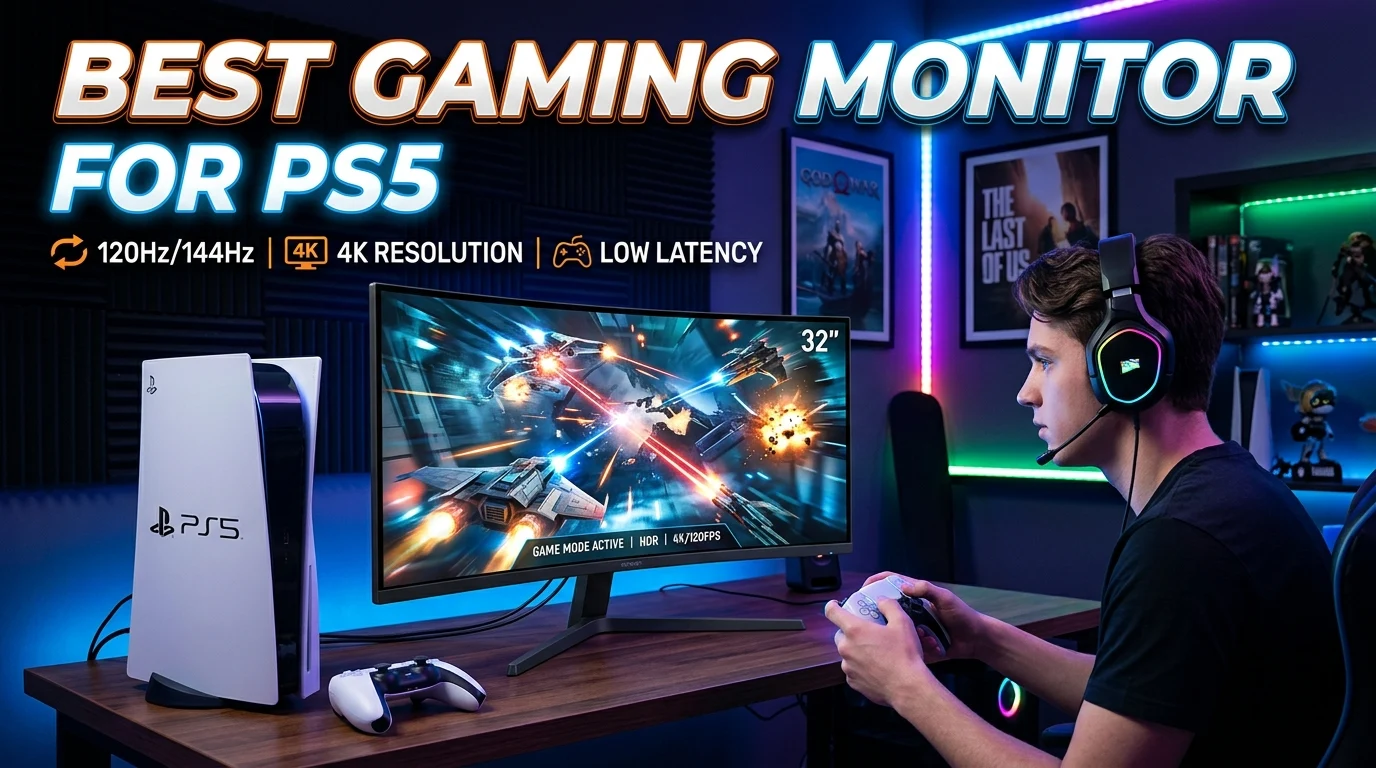
Finding the best gaming monitor for PS5 means looking beyond image quality alone. The right display should make the most of the console’s capabilities while providing smooth motion, low input lag, strong contrast, and a sharp picture. For many PS5 gamers, a 4K monitor with a 120Hz refresh rate and HDMI 2.1 is an excellent target because it can support high-resolution, high-refresh-rate gaming when a game and setup allow it.
However, a 1440p high-refresh-rate monitor can also be a smart choice if you want to spend less or prefer a smaller screen. Features such as VRR, HDR, response time, screen size, and HDMI connectivity should also influence your decision. This guide explains the most important features and helps you choose a PS5 gaming monitor based on your games, room, budget, and preferred gaming experience.
What Should You Look for in a PS5 Gaming Monitor?
A PS5 monitor should match the console’s video capabilities rather than simply having the highest specifications available.
The most important features include:
- 4K resolution: Provides a sharp and detailed image on compatible games.
- 120Hz refresh rate: Allows supported games to run at higher frame rates.
- HDMI 2.1: Important when you want 4K gaming at up to 120Hz.
- VRR: Helps reduce screen tearing and improves smoothness.
- Low input lag: Helps your actions appear quickly on screen.
- Fast response time: Reduces visible motion blur and ghosting.
- HDR: Can improve highlights, contrast, and overall image depth.
- Suitable screen size: Depends on your viewing distance and available space.
You do not necessarily need every premium feature. The best choice depends on which features matter most for the games you play.
Is 4K the Best Resolution for PS5?
For gamers who want maximum image detail, 4K resolution is an excellent match for the PS5.
A 4K monitor provides 3840 × 2160 resolution and can deliver a highly detailed image when the game supports the appropriate resolution or graphics mode.
4K is particularly attractive if you:
- Play story-driven games
- Prefer detailed environments
- Sit relatively close to the monitor
- Want a sharper image
- Plan to use the monitor with other 4K devices
However, resolution is only one part of the experience. A 4K monitor with a suitable refresh rate, low latency, and good motion handling can be more useful for PS5 gaming than a display that focuses only on resolution.
Why 120Hz Matters for PS5 Gaming
Refresh rate determines how many times a display can refresh its image each second.
The PS5 supports gaming at up to 120Hz in supported titles and display configurations. That makes a 120Hz monitor a sensible choice for players who want smoother gameplay.
A higher refresh rate can be especially noticeable in:
- Competitive shooters
- Racing games
- Sports games
- Fast-action games
- Multiplayer titles
A monitor with a 144Hz or 165Hz refresh rate can still work with a PS5, but the console will not use those additional refresh-rate levels beyond what it supports. You should therefore avoid paying extra solely for an extremely high refresh rate that you will not use on the console.
Do You Need HDMI 2.1 for PS5?
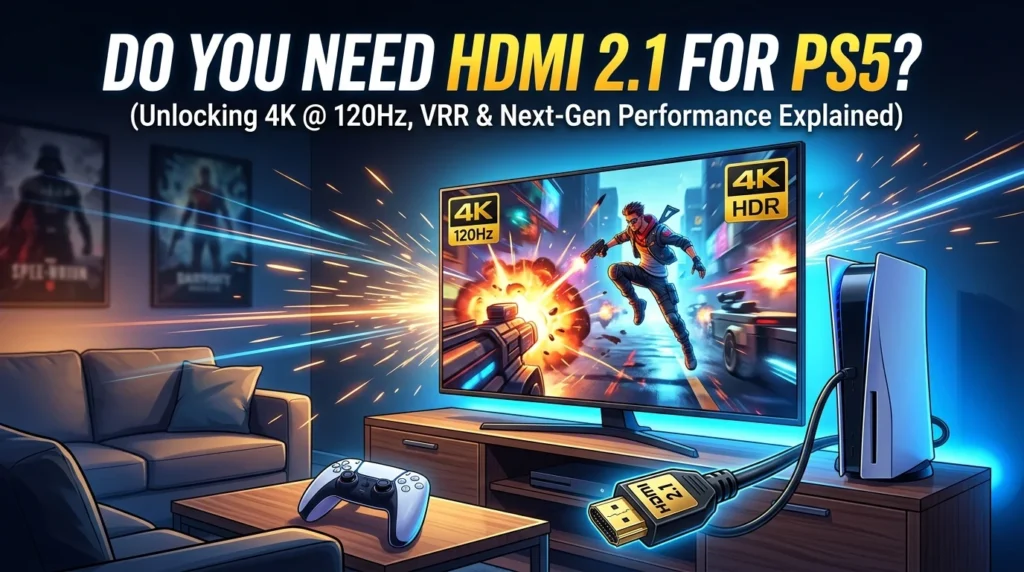
HDMI 2.1 can be important if you want to take advantage of 4K at 120Hz on a compatible PS5 setup.
Older HDMI standards can support various combinations of resolution and refresh rate, but HDMI 2.1 provides the bandwidth needed for demanding 4K high-refresh configurations.
When shopping for a PS5 monitor, check the actual HDMI specifications rather than assuming that every gaming monitor supports 4K at 120Hz.
A suitable HDMI connection can help you avoid purchasing a monitor that cannot deliver the display mode you expected.
Why VRR Is Important
Variable Refresh Rate (VRR) synchronizes the display’s refresh behavior with the console’s frame output.
This can help reduce:
- Screen tearing
- Stuttering
- Uneven motion
PS5 supports VRR on compatible displays. If smooth gameplay is important to you, a monitor with appropriate VRR support can be a valuable feature.
Keep in mind that VRR compatibility can depend on the monitor, connection, console settings, and game.
HDR and PS5 Gaming
High Dynamic Range (HDR) can improve the visual range between darker and brighter parts of an image.
A good HDR experience depends on more than an HDR label. Panel characteristics, brightness capability, contrast, local dimming, and the monitor’s overall implementation all influence the result.
If HDR is a major reason you are upgrading, look carefully at the monitor’s actual display characteristics instead of choosing one based only on the word “HDR” in its specifications.
For gamers who prioritize visual quality, a strong HDR implementation can make supported games look more vibrant and immersive.
Best Panel Type for PS5
Gaming monitors commonly use IPS, VA, OLED, or similar panel technologies. Each has different strengths.
IPS
IPS panels are known for strong viewing angles and good motion performance. They are a balanced choice for gaming and general use.
VA
VA panels can provide strong contrast and deeper blacks than many traditional IPS displays. They can be attractive for darker games and movie viewing.
OLED
OLED panels can deliver excellent contrast, very deep blacks, and fast pixel response. They are a premium option for gamers who prioritize image quality and motion performance.
The best panel depends on whether you care most about contrast, response time, HDR, viewing angles, or overall value.
What Screen Size Is Best for PS5?
The ideal monitor size depends on your gaming setup and viewing distance.
A smaller display can make it easier to see the entire screen without moving your eyes very far. A larger monitor can create a more immersive experience, especially when you sit farther away.
Common gaming monitor sizes include:
- 24 inches
- 27 inches
- 32 inches
- Larger ultrawide or specialized displays
For PS5, a 27-inch or 32-inch 4K monitor can be an appealing combination for players who want detailed visuals without moving to a large television.
27-Inch vs 32-Inch PS5 Monitor
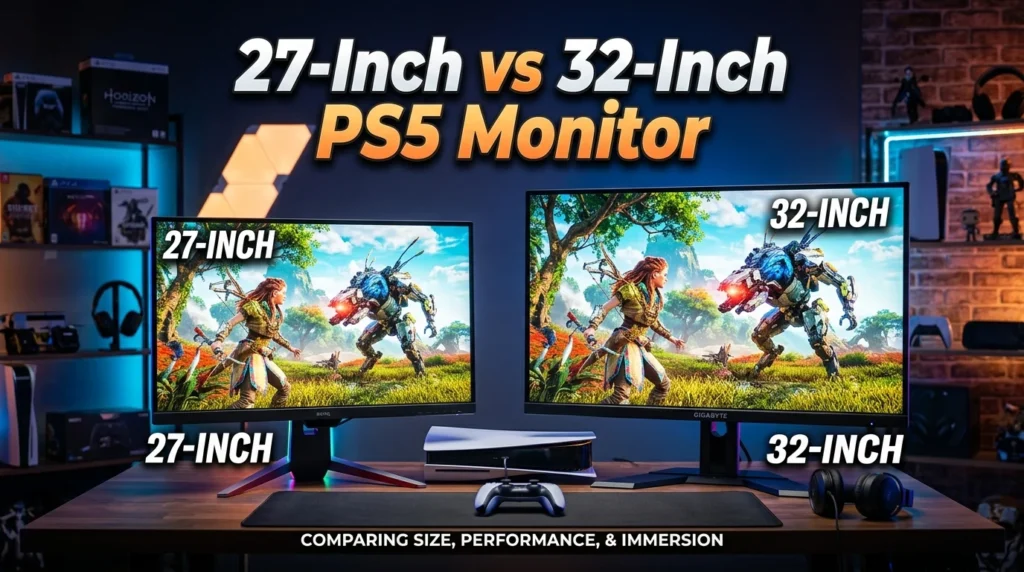
A 27-inch monitor is often easier to fit on a desk and can provide a dense, sharp 4K image.
A 32-inch monitor offers a larger viewing area and can feel more immersive. It may be better suited to players who sit farther from the screen.
Choose based on your available space and viewing distance rather than assuming that a larger display is automatically better.
Best Monitor for Competitive PS5 Gaming
Competitive gamers may prioritize responsiveness over cinematic image quality.
If you mainly play fast-paced multiplayer games, focus on:
- 120Hz support
- Low input lag
- Fast response time
- VRR compatibility
- Reliable HDMI connectivity
- A screen size that lets you comfortably see the entire display
A 4K display can still be useful, but competitive players should not ignore motion performance and responsiveness.
Best Monitor for Story Games on PS5
Story-driven games often benefit from excellent image quality, contrast, HDR, and resolution.
If you mainly play visually demanding single-player games, consider a monitor with:
- 4K resolution
- Strong contrast
- Good HDR performance
- Accurate colors
- Quality image processing
- A comfortable screen size
For this type of gaming, visual immersion may matter more than chasing the lowest possible response time.
Can You Use a 1440p Monitor With PS5?
Yes, the PS5 supports 1440p output on compatible displays.
A 1440p monitor can be a good option if you want a balance between image quality and cost or prefer a smaller screen.
It can make sense when:
- You do not need 4K
- You want a high-refresh-rate display
- Your gaming desk is relatively small
- You also use the monitor with a PC
- You want a flexible gaming display
Before buying, verify that the specific monitor supports the PS5 features you want to use.
Should You Buy a 144Hz Monitor for PS5?
A 144Hz monitor can work well with PS5, but the console does not need a 144Hz refresh rate to provide its maximum supported refresh behavior.
If a 144Hz monitor is reasonably priced compared with a 120Hz model, it can still be a useful purchase, particularly if you plan to connect a gaming PC later.
For a PS5-only setup, however, you should focus on the monitor’s complete feature set rather than paying a large premium for refresh rate beyond what the console can use.
Best Gaming Monitor Features for PS5
When comparing monitors, it helps to separate essential features from optional extras.
FeatureImportance for PS54K resolutionExcellent for image detail120HzImportant for supported high-frame-rate gamesHDMI 2.1Useful for 4K at 120HzVRRHelps improve smoothnessLow input lagImportant for responsive gameplayFast response timeHelps reduce motion blurHDRValuable for supported gamesOLED panelPremium image-quality optionBuilt-in speakersConvenient but not essentialUSB hubUseful for accessories but not required
This approach helps prevent you from spending money on features that do not improve your actual PS5 experience.
Should You Buy a Gaming Monitor or TV for PS5?
Both monitors and TVs can be excellent for PS5 gaming.
A monitor may be preferable if you:
- Sit at a desk
- Want a smaller screen
- Prioritize responsiveness
- Also use a gaming PC
- Have limited space
A TV may be better if you:
- Sit farther away
- Want a much larger screen
- Watch movies and streaming content
- Prefer a living-room gaming setup
The better option depends on your room, seating distance, and how you use the display.
How to Set Up a PS5 Gaming Monitor
After connecting the console, check the PS5’s video settings and the monitor’s settings.
A basic setup process is:
- Connect the PS5 to the appropriate HDMI input.
- Use a suitable HDMI cable.
- Select the correct input on the monitor.
- Open the PS5 screen and video settings.
- Check the available resolution and refresh-rate options.
- Enable VRR when supported and desired.
- Configure HDR if your monitor supports it.
- Test your favorite games.
If 4K, 120Hz, or VRR does not appear as expected, check the monitor’s HDMI specifications, cable, console settings, and the game’s supported modes.
Common Mistakes When Buying a PS5 Monitor
One of the biggest mistakes is buying a monitor based on a single specification.
For example, a very high refresh rate does not automatically make a monitor better for PS5. Likewise, a 4K label does not guarantee an excellent HDR or gaming experience.
Avoid:
- Ignoring HDMI bandwidth
- Assuming every HDMI port supports the same features
- Buying based only on refresh rate
- Overlooking VRR compatibility
- Ignoring HDR quality
- Choosing a screen that is too large for your viewing distance
- Forgetting to check the monitor’s PS5 compatibility
A balanced specification list is usually more valuable than one impressive number.
How to Choose the Best Gaming Monitor for PS5
Start by identifying your gaming priorities.
For maximum image quality: Look for 4K, strong contrast, HDR capability, and a quality panel.
For competitive gaming: Prioritize 120Hz support, low input lag, fast response time, and VRR.
For a mixed PC and PS5 setup: Consider 4K, high refresh rate, appropriate HDMI connectivity, and features that your PC can also use.
For a smaller desk: A 27-inch display can provide a practical balance of size and detail.
The right monitor is the one whose features match the way you actually play.
Conclusion
The best gaming monitor for PS5 should offer the right combination of resolution, refresh rate, responsiveness, connectivity, and image quality. For gamers seeking a premium console experience, a 4K 120Hz monitor with HDMI 2.1 and VRR is a strong specification target. A 1440p monitor can also be an excellent choice when you want a more affordable or compact setup.
Before buying, consider your favorite games, viewing distance, screen size, HDR expectations, and whether you will also connect a gaming PC. Rather than chasing the most expensive specifications, choose a monitor that supports the PS5 features you will actually use.
FAQs
1. What is the best gaming monitor for PS5?
A 4K monitor with 120Hz support, HDMI 2.1, VRR, low input lag, and good HDR capability is an excellent choice for many PS5 gamers.
2. Does PS5 support 4K 120Hz?
Yes. The PS5 can support 4K at up to 120Hz in compatible games and with a suitable display and connection.
3. Is 1440p good for PS5 gaming?
Yes. PS5 supports 1440p output on compatible displays, making 1440p monitors a useful option for gamers who do not require 4K.
4. Do I need HDMI 2.1 for a PS5 monitor?
HDMI 2.1 is useful if you want to take advantage of 4K at 120Hz. If you choose a different resolution or refresh-rate combination, your requirements may be different.
5. Is a 120Hz monitor better than a 60Hz monitor for PS5?
A 120Hz monitor can provide smoother gameplay in supported PS5 games that run at higher frame rates. It is particularly useful for fast-paced and competitive games. :::