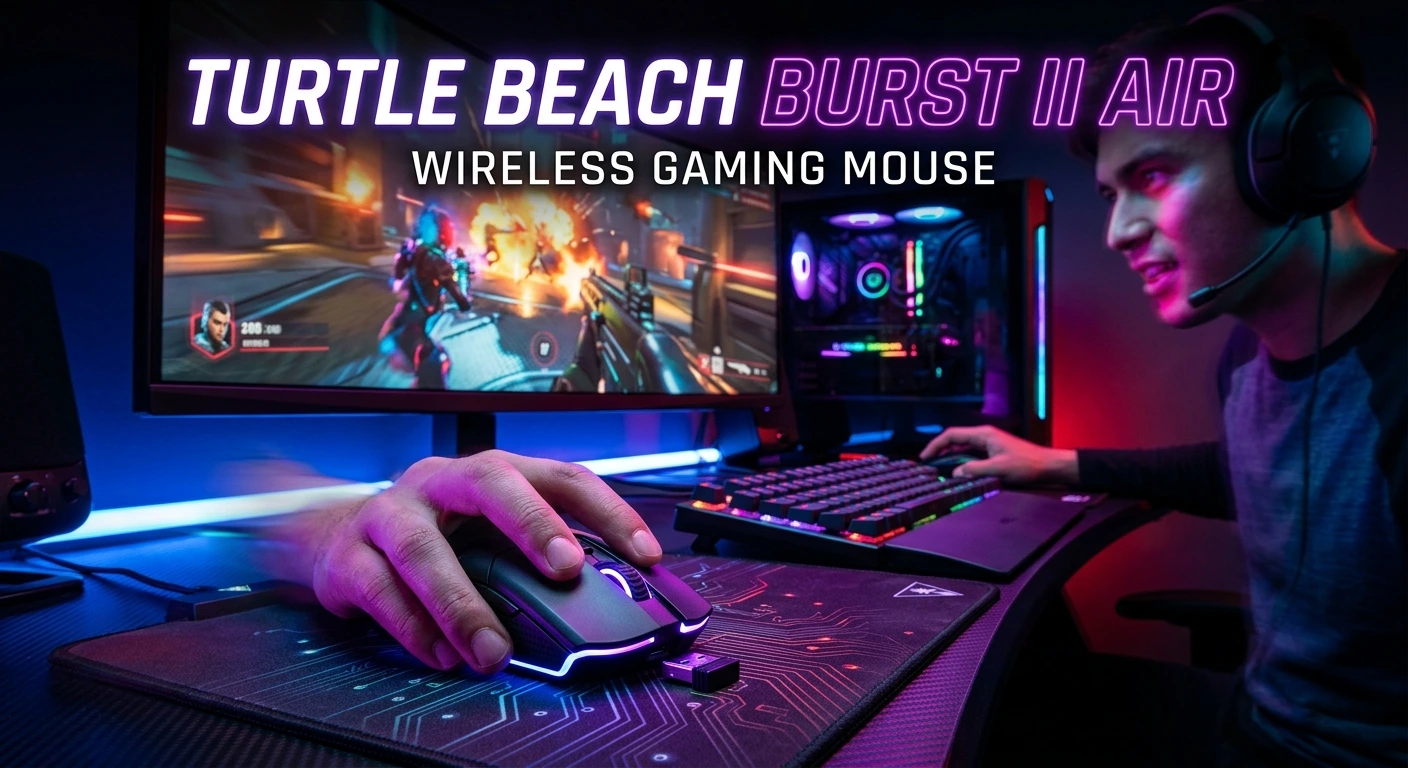
The Turtle Beach Burst II Air Wireless Gaming Mouse is designed for players who want fast, precise movement without the extra weight of a traditional gaming mouse. At just 47 grams, it combines an ultra-lightweight body with a 26,000 DPI optical sensor, 2.4GHz wireless connectivity, Bluetooth, and wired USB connectivity. Turtle Beach also equips it with TITAN Optical Switches rated for up to 100 million clicks.
For competitive FPS players, weight and tracking performance can make a noticeable difference, especially during quick flicks and long gaming sessions. At the same time, its symmetrical right-handed shape and dual wireless modes make it useful beyond competitive gaming. This guide explores its design, performance, battery life, software, connectivity, comfort, strengths, weaknesses, and overall value.
What Is the Turtle Beach Burst II Air Wireless Gaming Mouse?
The Turtle Beach Burst II Air is an ultra-lightweight wireless gaming mouse built primarily for fast and responsive PC gaming. Its 47g weight is one of its defining characteristics, allowing players to move the mouse across a desk with relatively little effort. Turtle Beach pairs that lightweight construction with its Owl-Eye 26K optical sensor, which supports sensitivity from 50 DPI up to 26,000 DPI and tracking speeds of up to 650 IPS.
The mouse supports three connection methods: 2.4GHz wireless, Bluetooth, and USB wired connectivity. The 2.4GHz mode is intended for gaming, while Bluetooth can provide longer battery life and convenient everyday use. Wired USB connectivity provides another option when charging or when you prefer a cable.
Its design uses a right-handed symmetrical shape rather than a fully ambidextrous layout. The solid top shell avoids the large honeycomb openings found on some ultra-light mice.
Turtle Beach also includes extra skates and grip tape, allowing users to customize the feel of the mouse. The combination of low weight, high sensor specifications, optical switches, and multiple connection options makes the Burst II Air an interesting choice for competitive and everyday PC gamers.
Turtle Beach Burst II Air Design and Build Quality
The Burst II Air focuses on reducing weight while maintaining a conventional solid-shell design. At 47g, it is considerably lighter than many mainstream gaming mice. Turtle Beach lists its dimensions as approximately 122.2mm long, 67.3mm wide, and 39.2mm high.
The solid upper shell is important because some lightweight mice achieve their low weight through perforated or honeycomb bodies. The Burst II Air takes a different approach. It keeps the exterior relatively clean and simple while using internal design choices to reduce mass.
The overall appearance is understated. Gamers looking for extensive RGB lighting or aggressive visual styling may find the design fairly simple. The lack of RGB also has a practical advantage: there is no lighting system constantly consuming battery power.
Build quality is generally suitable for its intended purpose, although some reviewers have described the plastic construction as feeling less premium than heavier flagship mice. PC Gamer praised the mouse’s lightweight design, responsiveness, and battery life while noting that the plastic can attract fingerprints.
The mouse also includes a flexible PhantomFlex USB-C charging cable. This cable is designed to reduce the feeling of being tethered when the mouse is used in wired mode.
47g Ultra-Lightweight Gaming Mouse
The 47g weight is arguably the most important feature of the Turtle Beach Burst II Air. A lightweight gaming mouse requires less physical effort to move, which can be particularly useful for players who use low sensitivity.
FPS gamers often make broad arm movements when aiming at low sensitivity. A lighter mouse can make those movements feel easier and faster. It can also help reduce fatigue during extended sessions, although comfort ultimately depends on your grip, desk setup, and personal preferences.
The low weight does not mean the mouse is limited to competitive shooters. Players who enjoy strategy games, MOBAs, RPGs, or everyday desktop work can also benefit from a lighter design.
However, lightweight does not automatically mean better for everyone. Some gamers prefer heavier mice because they provide a more substantial feeling during movement. Players accustomed to a 90g or 100g mouse may need time to adapt.
The Burst II Air is especially attractive for users who prioritize speed and effortless movement. Its 47g design puts it firmly in the ultra-lightweight category.
For competitive gaming, this lightweight construction works particularly well with a large mouse pad. More available surface area allows players to take advantage of the mouse’s low weight and make wider, controlled movements.
Owl-Eye 26K Optical Sensor Performance
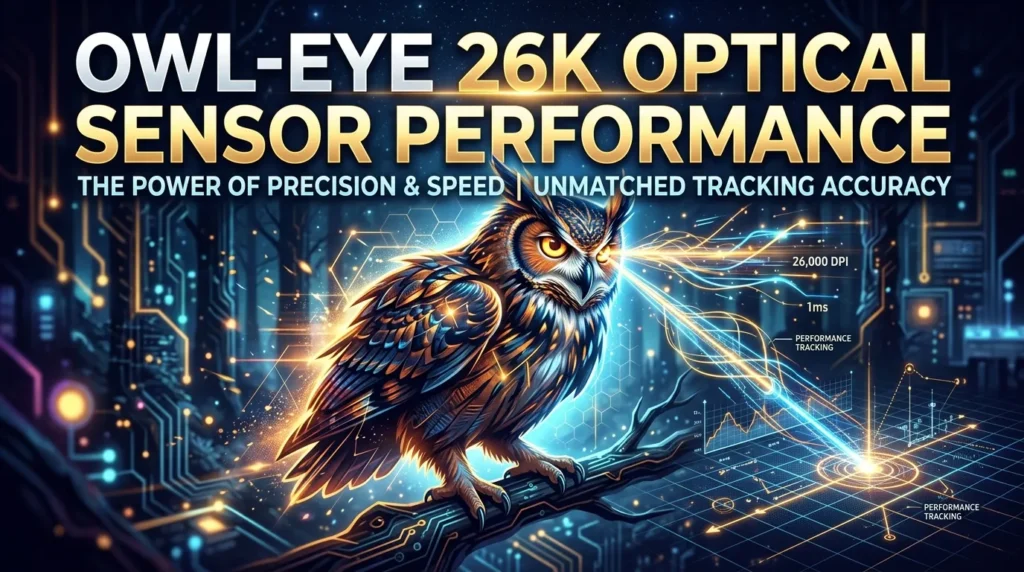
The Burst II Air uses Turtle Beach’s Owl-Eye 26K optical sensor. According to Turtle Beach, the sensor supports up to 26,000 DPI, 650 IPS tracking speed, and up to 50g acceleration.
These specifications are more than enough for normal gaming. Most players do not need to use anything close to 26,000 DPI. Competitive FPS gamers commonly choose much lower sensitivity settings because they value controlled aiming rather than extremely fast cursor movement.
The important advantage is not simply the maximum DPI number. Consistent tracking is much more relevant to gaming performance. Independent testing from PC Gamer found the mouse’s tracking performance and 1,000Hz polling behavior to be consistent during its testing.
The mouse also supports adjustable lift-off distance. This can be useful for low-sensitivity players who frequently lift and reposition their mouse.
A high-quality optical sensor should remain predictable during fast movements. The Burst II Air is designed around that requirement, making it particularly suitable for FPS games.
For everyday use, the sensor provides far more sensitivity range than most people will ever need. The practical benefit is the ability to find a DPI setting that fits your preferred sensitivity rather than being limited by the hardware.
1000Hz Polling Rate Explained
The Turtle Beach Burst II Air supports a USB report rate of up to 1,000Hz. That means the mouse can report its position to the computer at a rate of up to 1,000 times per second, or approximately once every millisecond.
A 1,000Hz polling rate has become a common standard for gaming mice. It provides responsive input and is sufficient for a large majority of players.
However, some newer premium gaming mice support 2,000Hz, 4,000Hz, or even 8,000Hz polling. As a result, the Burst II Air’s 1,000Hz maximum can look modest when compared with the latest high-polling competitors.
That does not mean the mouse is slow. Polling rate is only one component of input performance. Sensor tracking, wireless implementation, click latency, computer performance, display refresh rate, and game engine behavior also affect the overall experience.
For casual gaming and most competitive players, 1,000Hz remains highly usable. Players building an extreme competitive setup may prefer a mouse with a higher maximum polling rate.
Turtle Beach appears to prioritize the balance between responsiveness, weight, and battery efficiency rather than chasing the highest polling number available.
TITAN Optical Switches and Click Feel
The Burst II Air uses Turtle Beach TITAN Optical Switches. The company rates these switches for up to 100 million clicks, while also incorporating adjustable debounce functionality.
Optical switches detect button actuation using light rather than relying entirely on traditional mechanical electrical contacts. This design can provide fast actuation and helps reduce concerns associated with traditional switch contact wear.
The Burst II Air also features pre-tensioned left and right buttons. Turtle Beach says this system is designed to improve reliability and response while creating a more consistent click experience.
Independent reviewers have generally found the clicks responsive. PC Gamer described the switches as satisfying and responsive, although players who prefer very quiet mouse buttons may find the click character less suitable.
For competitive shooters, responsive primary buttons are important because players repeatedly click during matches. The switch design is therefore one of the mouse’s major performance features.
The 100-million-click rating should not be interpreted as a guarantee of a particular lifespan for every individual unit. Actual durability depends on usage, environment, maintenance, and other factors.
Wireless Connectivity and Gaming Performance
Wireless connectivity is one of the strongest features of the Burst II Air. The mouse supports 2.4GHz wireless for low-latency gaming, Bluetooth for general use, and USB wired connectivity.
For gaming, 2.4GHz is the connection mode to prioritize. It is designed to provide a responsive wireless experience without the physical restriction of a cable.
Bluetooth is more useful for productivity and battery conservation. Turtle Beach rates the mouse for up to 120 hours through Bluetooth compared with up to 40 hours using 2.4GHz wireless.
The ability to switch between wireless technologies makes the mouse more versatile than a single-mode gaming mouse.
Wireless performance also depends on the receiver’s placement and surrounding interference. For the best experience, position the receiver where it has a clear connection to the mouse rather than hiding it behind a computer or other electronics.
For competitive gaming, 2.4GHz remains the preferred option. Bluetooth is better viewed as a convenient secondary connection rather than the primary esports mode.
Turtle Beach Burst II Air Battery Life
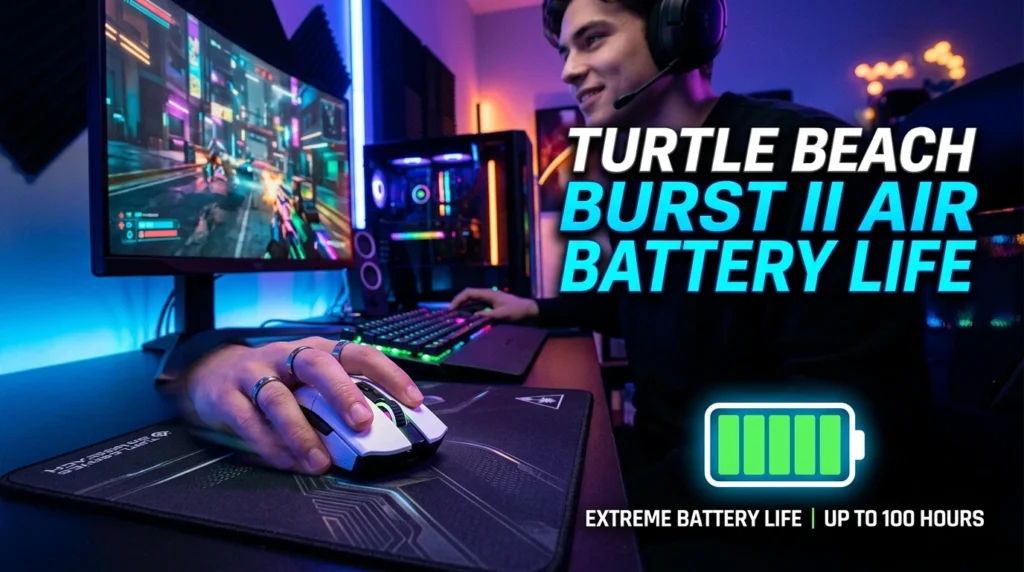
Battery life is another major attraction of the Burst II Air. Turtle Beach states that the mouse can deliver up to 40 hours of continuous use through 2.4GHz wireless and up to 120 hours through Bluetooth.
These figures are usage estimates rather than guaranteed real-world results. Battery performance can vary depending on connection mode, polling settings, standby behavior, and other factors.
The difference between the two modes is important. Competitive players will generally use 2.4GHz because it is intended for gaming, while Bluetooth is useful when maximizing battery longevity.
The rechargeable battery means you do not need to replace disposable batteries. When the battery becomes low, you can connect the included USB-C cable.
One advantage of the low weight is that the mouse does not appear to sacrifice portability for a large battery. Turtle Beach has instead balanced battery capacity with the 47g design.
For most gamers, 40 hours of 2.4GHz use can cover several gaming sessions before charging becomes necessary. Bluetooth can extend usage significantly when the mouse is being used for general computing.
Swarm II Software and Customization
Turtle Beach provides Swarm II software for configuring the Burst II Air. The software allows users to adjust different mouse settings and create a more personalized setup.
Depending on the configuration, users can adjust DPI, polling rate, button assignments, debounce settings, lift-off behavior, and other performance options. The mouse also includes onboard memory, allowing selected configurations to remain available without depending entirely on the computer’s software environment.
This is useful for gamers who use the mouse across multiple systems. Instead of manually rebuilding every setting each time, onboard profiles can make the transition easier.
The software also provides firmware and device management features.
However, software quality can be subjective. TechRadar found Swarm II less intuitive than some competing peripheral software, while other reviewers found it relatively straightforward to use.
The best approach is to configure your basic settings once and then avoid unnecessary adjustments. For most players, DPI, polling rate, button assignments, and lift-off distance are the most important options.
Ergonomic Shape and Grip Comfort
The Burst II Air uses a right-handed symmetrical ergonomic design. This means the overall shape is symmetrical enough to feel balanced, but it is designed specifically for right-handed use.
Grip style has a major effect on comfort. Palm, claw, and fingertip users may experience the shape differently depending on hand size.
The relatively low weight makes repositioning easy, while the full-size shape provides more surface area than some extremely small lightweight mice.
Players with larger hands should pay attention to the mouse dimensions before buying. A lightweight mouse can still feel uncomfortable if its shape does not match your hand.
Similarly, users who prefer a highly sculpted ergonomic mouse may find the Burst II Air’s symmetrical design less supportive.
The best way to judge shape is to consider your current mouse. If you already enjoy a medium-sized symmetrical gaming mouse, the Burst II Air may feel familiar.
Comfort is particularly important for long gaming sessions. A mouse should allow you to maintain a relaxed grip rather than forcing you to constantly adjust your hand.
PTFE Skates and Mouse Gliding
Smooth movement is essential for a lightweight gaming mouse. The Burst II Air uses a hybrid skate design and includes additional skate options in the box. Turtle Beach states that users can choose between four small or two larger heat-treated pure PTFE skates.
PTFE is commonly used in gaming mouse feet because it provides low-friction movement across compatible surfaces.
The combination of PTFE skates and a 47g body can make the mouse feel extremely easy to move. This is particularly useful for FPS players who make large swipes.
Your mouse pad still matters. A dirty, rough, or damaged surface can reduce glide regardless of how good the mouse feet are.
The included extra skates and grip tape also provide some flexibility. If you prefer more surface contact or need replacement feet later, having alternatives included is convenient.
Independent reviews have praised the Burst II Air’s glide, although PCGamesN noted that its smaller skates could accumulate grime.
Regular cleaning of the mouse feet and mouse pad can help maintain consistent movement over time.
NVIDIA Reflex Compatibility
The Burst II Air supports NVIDIA Reflex technology. Turtle Beach lists NVIDIA Reflex support as one of the mouse’s features.
NVIDIA Reflex is designed to help reduce and measure system latency in supported gaming environments. Its usefulness depends on the rest of the system, including the graphics card, display, and game support.
This feature is most relevant to competitive players who care about minimizing input and system latency. For a casual player, the practical difference may be difficult to notice.
It is also important not to treat Reflex compatibility as a replacement for a fast monitor, capable gaming PC, stable frame rates, and good network conditions.
The mouse’s low weight and responsive switches remain useful independently of Reflex.
Competitive FPS players who already use compatible NVIDIA hardware may appreciate having Reflex support available as part of the overall low-latency setup.
Turtle Beach Burst II Air for FPS Gaming
FPS gaming is where the Burst II Air makes the strongest case for itself. Its combination of low weight, precise optical tracking, responsive switches, adjustable lift-off behavior, and wireless connectivity fits the needs of fast-paced shooters.
Games that involve frequent flick shots and large mouse movements can particularly benefit from a lightweight design. Less physical mass means less effort is required to change direction.
The 26K sensor provides accurate tracking, although most competitive players will use much lower DPI settings. The important factor is consistent sensor behavior rather than maximum sensitivity.
The 1,000Hz polling rate is sufficient for most players, although enthusiasts who specifically want 4K or 8K polling will need to consider other models.
The mouse also works well with a large control-oriented mouse pad. A low-sensitivity FPS setup can take advantage of the available space.
Ultimately, performance depends on the player. A lightweight mouse cannot automatically improve aim. However, it can remove some physical friction from the process and provide a responsive platform for practicing aim.
For players who value speed and low weight, the Burst II Air is particularly compelling.
Advantages and Disadvantages of the Burst II Air
The Burst II Air has several strengths that make it competitive in the wireless gaming mouse market. Its 47g weight is the most obvious advantage, especially for players who prefer fast movements. The 26K optical sensor provides more than enough tracking capability, while the optical switches offer fast actuation and a claimed 100-million-click lifecycle.
Dual wireless connectivity is another useful feature. Players can use 2.4GHz for gaming and Bluetooth for battery-saving everyday use.
The mouse also includes extra skates and grip tape, which adds practical value.
On the other hand, the 1,000Hz maximum polling rate is less impressive than newer high-polling competitors. TechRadar specifically identified the 1K polling limit as one of the mouse’s weaknesses.
The plastic shell may also feel less premium to some users. Independent reviews have mentioned the simple construction and fingerprint-prone surface.
Battery life also requires some context: the 120-hour figure applies to Bluetooth, while Turtle Beach rates 2.4GHz gaming use at up to 40 hours.
Overall, the Burst II Air prioritizes lightweight performance rather than maximum specifications in every category.
Is the Turtle Beach Burst II Air Worth Buying?
The Turtle Beach Burst II Air is worth considering if your priorities are low weight, accurate tracking, wireless freedom, and responsive clicks. Its 47g construction makes it especially attractive to competitive FPS players who prefer lightweight mice.
It is less compelling if your primary goal is the newest possible technology. Players specifically searching for an 8K polling rate, elaborate RGB lighting, or an extremely premium shell may find other products more suitable.
Price also matters. Turtle Beach currently lists the Burst II Air at $99.99 on its official product page, although retail prices and promotions can change.
At that price, the mouse competes with several strong wireless gaming mice. Independent reviews have therefore offered mixed opinions about value while generally recognizing its performance strengths. TechRadar described its value as average, while PC Gamer gave the mouse a positive overall assessment based on its lightweight design, battery life, and responsiveness.
For someone who values a 47g wireless mouse, the specifications are compelling. For someone who wants the absolute highest polling rate or the most advanced software, there are reasons to look elsewhere.
Conclusion
The Turtle Beach Burst II Air Wireless Gaming Mouse is a focused gaming mouse that puts speed and low weight at the center of its design. At only 47g, it is exceptionally light while still providing a solid-shell construction, 26K optical sensor, TITAN Optical Switches, PTFE skates, and multiple connectivity options.
Its 2.4GHz wireless mode is designed for gaming, while Bluetooth provides a convenient battery-saving option. The 40-hour 2.4GHz and 120-hour Bluetooth ratings give users flexibility depending on how they use the mouse.
The main limitations are its 1,000Hz maximum polling rate and relatively simple design. Some competitors now offer higher polling rates and more advanced software features.
Still, players who prioritize lightweight movement, responsive clicks, accurate tracking, and wireless convenience should take the Burst II Air seriously. It is particularly well suited to competitive FPS gaming and users who prefer a fast, effortless mouse.
FAQs
1. How much does the Turtle Beach Burst II Air weigh?
The Turtle Beach Burst II Air weighs 47 grams, making it an ultra-lightweight wireless gaming mouse.
2. What DPI does the Burst II Air support?
Its Owl-Eye optical sensor supports a range from 50 DPI to 26,000 DPI. It also supports tracking speeds up to 650 IPS. 3. How long does the Burst II Air battery last?
Turtle Beach rates it for up to 40 hours through 2.4GHz wireless and up to 120 hours through Bluetooth. Actual battery life can vary according to settings and usage.
4. Is the Turtle Beach Burst II Air good for FPS games?
Yes. Its 47g weight, precise optical sensor, responsive optical switches, adjustable lift-off distance, and low-latency 2.4GHz wireless connection make it particularly suitable for fast-paced FPS gaming.
5. Does the Burst II Air support Bluetooth?
Yes. It supports 2.4GHz wireless, Bluetooth, and USB wired connectivity, giving users several ways to connect the mouse to compatible devices.