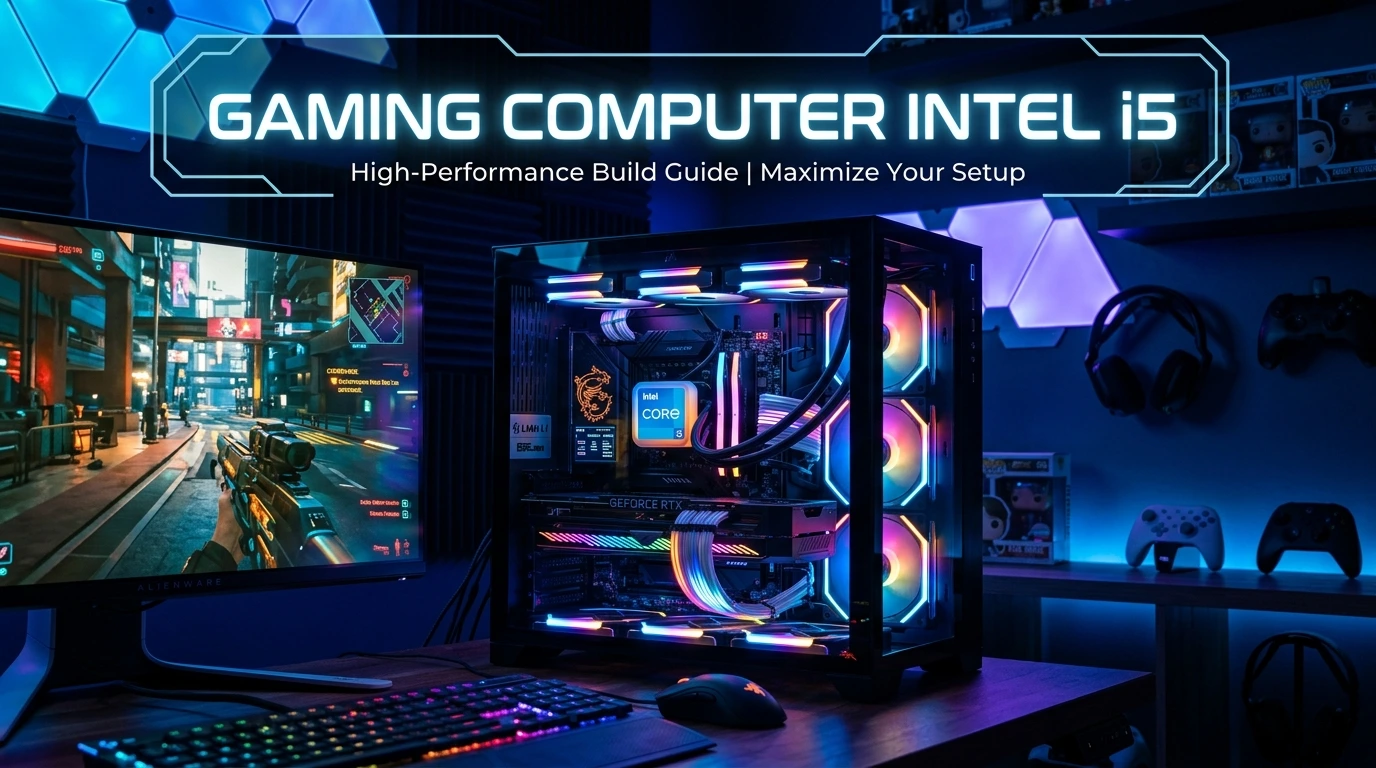
If you want a gaming PC that delivers strong performance without pushing your budget too far, a gaming computer Intel i5 is one of the most practical choices available. Intel Core i5 processors have long been popular among gamers because they offer a useful balance of gaming performance, multitasking ability, power efficiency, and price. Whether you enjoy competitive esports, open-world adventures, racing games, or modern AAA titles, an i5-based computer can provide an excellent gaming experience when paired with the right graphics card, RAM, SSD, and cooling system.
The key is choosing the right generation and components rather than buying a computer simply because it carries the “Core i5” name. In this guide, you will learn how to choose an Intel i5 gaming computer, what specifications matter most, which GPU combinations make sense, and how to build a balanced system for smooth gaming.
Why Choose a Gaming Computer Intel i5?
An Intel Core i5 gaming computer can be an excellent choice for players who want dependable performance at a reasonable price. The biggest advantage is balance. Instead of spending most of your budget on a very expensive processor, you can use an i5 and put more money toward the graphics card, which usually has a greater influence on gaming performance at higher resolutions.
Modern Core i5 processors can provide enough processing power for demanding games, esports titles, streaming, and everyday tasks. Depending on the generation and exact model, an i5 may offer different core counts, thread counts, clock speeds, cache sizes, and power requirements. Therefore, it is important to look beyond the simple “i5” label.
For a gaming-focused computer, the processor should work together with the GPU rather than competing for your budget. A well-balanced i5 system with a capable graphics card can outperform a poorly balanced PC that has a stronger CPU but a weak GPU.
An Intel i5 gaming PC is also attractive for users who want flexibility. You can choose a prebuilt desktop, purchase a custom-built machine, or assemble your own PC. The right option depends on your technical experience, budget, upgrade plans, and warranty preferences.
For most mainstream gamers, the i5 category remains a sensible middle ground between entry-level processors and premium gaming CPUs.
Best Intel i5 Generations for Gaming
Not every Intel Core i5 processor provides the same gaming performance. Intel has released multiple generations of Core processors, and improvements in architecture, core design, clock speeds, cache, memory support, and platform features can make newer models substantially different from older ones.
When shopping for an Intel i5 gaming computer, always identify the exact processor model. For example, an older i5 and a newer i5 may have the same “i5” branding but very different specifications. The generation is often indicated by the numbers following the i5 designation.
Newer platforms can offer support for technologies such as faster DDR5 memory, newer PCIe standards, and improved connectivity. However, an older i5 paired with a strong GPU can still be suitable for budget gaming, especially when playing at 1080p.
Your target games should influence your decision. Competitive games that prioritize high frame rates can benefit from strong CPU performance, while graphically demanding AAA games may place more emphasis on the GPU.
Rather than automatically choosing the newest i5, compare the complete system. A slightly older processor paired with a significantly better graphics card may provide better gaming value than a newer CPU paired with an underpowered GPU.
For a new purchase, prioritize a modern platform with a reasonable upgrade path, especially if you expect to keep the computer for several years.
Intel i5 Gaming PC Performance at 1080p
For many PC gamers, 1080p remains an attractive resolution because it can deliver high frame rates without requiring an extremely expensive graphics card. An Intel i5 gaming computer can be particularly effective at this resolution when paired with an appropriate GPU.
At 1080p, the CPU can become more important when you are targeting very high frame rates. Competitive games such as shooters and esports titles may benefit from a capable processor because the system has to prepare many frames quickly. A balanced i5 system can therefore work very well with a high-refresh-rate monitor.
However, actual frame rates depend on much more than the processor. Graphics settings, GPU model, RAM configuration, game optimization, background applications, drivers, and cooling can all affect performance.
For casual gaming, an i5 paired with a mid-range graphics card can provide a smooth experience in many games. Competitive players may want a stronger GPU and a monitor with a high refresh rate.
It is also important to avoid judging performance from CPU specifications alone. A computer with an excellent processor but an entry-level graphics card may perform worse in GPU-heavy games than an affordable i5 system equipped with a much stronger GPU.
If 1080p gaming is your primary goal, focus on creating a balanced combination of CPU, GPU, memory, storage, and cooling rather than maximizing one specification.
Intel i5 Gaming Computer for 1440p Gaming
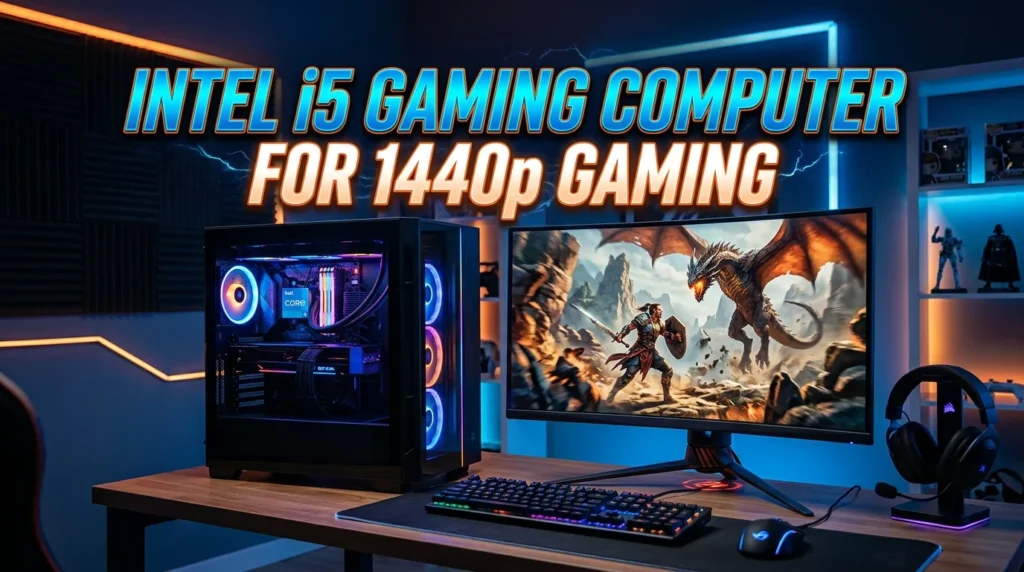
1440p gaming offers a noticeable improvement in image detail over 1080p while generally requiring less graphics power than 4K. For many enthusiasts, it represents a sweet spot between visual quality and performance.
An Intel i5 processor can be a strong foundation for a 1440p gaming PC. At this resolution, the graphics card generally becomes more important because the GPU has to render substantially more pixels. This can reduce the likelihood that the processor becomes the primary performance limitation.
A good 1440p configuration should therefore dedicate a meaningful portion of the budget to the graphics card. The exact GPU should depend on the games you play and whether you want high, ultra, or competitive graphics settings.
Memory also matters. A modern gaming computer should have enough RAM to handle games alongside Windows and background applications. Faster memory can help on some platforms, but capacity and proper configuration should come first.
Storage is another consideration. Modern games can occupy a significant amount of space, so an SSD with sufficient capacity can make the computer much more convenient to use.
Cooling should not be ignored either. A processor that repeatedly reaches high temperatures may reduce sustained performance depending on the system and workload.
For a well-planned 1440p machine, the Intel i5 can provide a practical CPU foundation while allowing more of the budget to go toward graphics performance.
Best Graphics Card for an Intel i5 Gaming Computer
The graphics card is one of the most important components in any gaming PC. Choosing the right GPU for an Intel i5 requires considering your resolution, game library, desired frame rate, monitor, and budget.
There is no single “best” graphics card for every i5 system. A budget-oriented i5 computer should generally use a graphics card that matches its price range. Spending heavily on a premium GPU while using insufficient RAM, storage, or cooling can create an unbalanced system.
For 1080p gaming, a capable mainstream GPU can be enough for many players. If you want high refresh rates or demanding graphical settings, moving up to a stronger GPU makes sense.
For 1440p, more graphics horsepower becomes useful, particularly in modern AAA games. Features such as hardware-accelerated ray tracing and AI-based upscaling can also influence which GPU is appropriate.
For 4K gaming, the graphics card becomes even more critical. An i5 may still be perfectly usable, but you should expect to spend significantly more of your total budget on the GPU.
When evaluating a gaming computer, don’t judge its graphics performance by the amount of GPU memory alone. Architecture, processing capability, memory bandwidth, software support, power consumption, and real-world benchmarks all matter.
The best approach is to select your desired resolution and frame-rate target first, then choose a GPU that can realistically achieve those goals with your preferred games.
How Much RAM Does an Intel i5 Gaming PC Need?
RAM plays an important role in the overall responsiveness of a gaming computer. An Intel i5 processor can deliver excellent results, but insufficient memory may cause stuttering, slow multitasking, and poor system responsiveness.
For a modern gaming PC, having enough RAM is more important than simply chasing the highest memory speed. A sensible configuration should provide sufficient capacity for your games, operating system, browser tabs, communication software, and other background applications.
A computer with adequate RAM can also provide a better experience when you switch between a game and other programs. This is useful for gamers who use voice chat, recording software, music applications, or streaming tools.
Memory configuration matters as well. Many desktop systems perform better when using matched memory modules in the appropriate motherboard slots. This allows the platform to take advantage of its supported memory configuration.
The exact RAM specification should match your motherboard and processor platform. Newer Intel systems may support modern DDR5 memory, while some platforms support DDR4. You should never purchase RAM solely because it has a high advertised speed without checking motherboard compatibility.
Capacity is also worth considering for future use. If you plan to keep your PC for several years, choosing enough RAM from the beginning can reduce the need for an immediate upgrade.
For most buyers, the goal should be a balanced memory setup rather than the most expensive RAM available.
SSD Storage for an Intel i5 Gaming Computer
Storage has a major effect on how convenient a gaming computer feels during everyday use. While the CPU and GPU determine much of the gaming performance, a fast SSD can significantly improve boot times, application loading, game installation management, and general responsiveness.
An Intel i5 gaming computer should ideally use an SSD as its primary storage device. Modern NVMe SSDs can offer very fast data transfer rates and are widely used in contemporary desktop computers.
Storage capacity is just as important as speed. Modern PC games can require substantial amounts of space, especially when high-resolution texture packs and additional downloadable content are installed. A small drive can quickly become frustrating if you regularly install new games.
For a gaming PC, consider how many games you normally keep installed. If you play only a few games at a time, a smaller SSD may be sufficient. If you maintain a large game library, additional storage can be worthwhile.
You should also avoid filling an SSD completely. Leaving some free capacity can help maintain system convenience and provide room for updates, temporary files, and new software.
A good setup might use one larger SSD for Windows and games, or combine a primary SSD with additional storage depending on your budget.
When comparing gaming computers, check whether the advertised storage is actually SSD storage. Some inexpensive systems may use older mechanical hard drives as primary storage, which can make the PC feel considerably slower.
Cooling Requirements for an Intel i5 Gaming PC
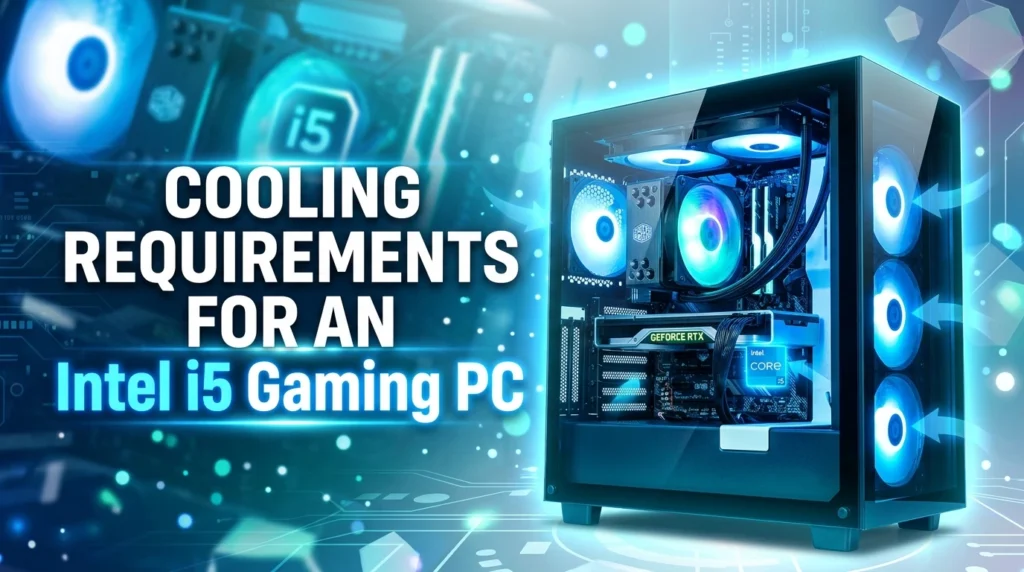
Cooling is easy to overlook when buying a gaming computer, but it has an important role in maintaining stable performance. Gaming places sustained demands on the processor and graphics card, generating heat that needs to be moved away efficiently.
An Intel i5 gaming computer does not necessarily require an extreme cooling system. The appropriate solution depends on the exact processor model, power limits, case design, room temperature, workload, and whether the processor is being pushed beyond its standard configuration.
A quality CPU cooler can help maintain reasonable temperatures and reduce unnecessary fan noise. Case airflow also matters because even a good CPU cooler cannot perform effectively if hot air becomes trapped inside the chassis.
A sensible airflow arrangement generally includes a clear path for cool air to enter and warm air to leave. Dust filters can also help reduce dust accumulation over time.
GPU cooling should receive attention as well. During gaming, the graphics card may produce more heat than the CPU. A case with enough internal space and adequate ventilation can make a noticeable difference.
If you are purchasing a prebuilt PC, look beyond the processor and graphics card. Check the case, cooling solution, fan configuration, and power supply.
For a custom build, choose cooling based on the actual processor rather than assuming every i5 requires the same cooler. Good thermal management supports consistent performance, component longevity, and a more comfortable gaming environment.
Choosing the Right Motherboard for an Intel i5
The motherboard connects the major components of your gaming computer, so it should be selected carefully. An Intel i5 processor must be compatible with the motherboard socket and supported chipset.
Compatibility should always be checked before purchasing components. Different Intel processor generations may use different sockets, and even processors that look similar on paper may require different motherboard platforms.
Beyond compatibility, consider the features you actually need. A motherboard can provide support for multiple memory modules, M.2 SSDs, expansion cards, USB devices, networking features, and other peripherals.
If you plan to upgrade the computer later, motherboard expansion options become especially important. Having additional memory slots or multiple M.2 storage connectors can make future upgrades easier.
The motherboard’s power delivery system can also matter for higher-performance processors and sustained workloads. However, buyers do not necessarily need the most expensive motherboard for a mainstream i5 gaming build.
Connectivity is another useful consideration. Check the number and type of USB ports, display outputs where relevant, network connectivity, audio features, and wireless support.
A common mistake is spending too much money on a premium motherboard while compromising the GPU. For gaming, the motherboard should provide the features and reliability you need without unnecessarily consuming the budget.
The best motherboard is therefore not the most expensive one. It is the model that supports your processor, memory, storage, connectivity, and future upgrade plans at a sensible price.
Power Supply for an Intel i5 Gaming Computer
The power supply unit, or PSU, is one of the most important components in a gaming PC because it provides electrical power to every major component. A poor-quality PSU can create reliability problems, while a properly selected unit can provide stable operation.
When choosing a PSU for an Intel i5 gaming computer, calculate the requirements of the complete system rather than looking only at the CPU. The graphics card can have a significant effect on total power consumption.
A good PSU should provide enough capacity with reasonable headroom. Running a power supply continuously near its maximum rated output is generally less desirable than having appropriate reserve capacity.
Efficiency certification can also provide useful information, although efficiency and overall quality are not the same thing. A reputable model with appropriate protections and suitable specifications is more important than simply selecting the highest wattage number.
Connector availability matters too. Modern graphics cards can use different power connectors, so make sure the PSU provides the connectors required by your GPU.
For a prebuilt gaming computer, check the actual PSU model if possible. A listing that says only “650W power supply” does not tell you enough about its quality.
Avoid choosing a power supply based solely on the cheapest price. The PSU is responsible for supplying power to expensive components such as the CPU, GPU, motherboard, and storage.
A properly selected PSU gives your Intel i5 gaming computer a reliable foundation and can also make future graphics card upgrades easier.
Intel i5 Gaming PC for Streaming and Content Creation
An Intel i5 gaming computer can do more than run games. With enough memory, storage, and graphics performance, it can also handle activities such as game streaming, video editing, screen recording, and content creation.
Streaming performance depends on the software and encoding method you use. Modern graphics cards often include dedicated hardware encoders that can reduce the CPU workload during streaming. This means the GPU can be an important part of a streaming-focused gaming PC.
RAM capacity becomes especially useful when gaming and running multiple applications at the same time. A streamer may have a game, broadcasting software, browser tabs, chat applications, music, and other tools open simultaneously.
Storage also matters because recorded gameplay can consume a large amount of disk space. A dedicated or additional SSD can make file management easier.
The exact i5 model matters for productivity workloads as well. Different generations and models have different core configurations and performance characteristics, so check the processor specifications before buying.
For casual streaming, a balanced i5 system can be a practical solution. If professional video production or heavy multitasking is a major priority, however, you may benefit from a higher-tier processor with additional processing resources.
The important point is to evaluate your complete workload. A gaming PC should not be judged only by its CPU name. Consider CPU performance, GPU encoding capabilities, RAM, SSD capacity, cooling, and connectivity together.
Prebuilt vs Custom Intel i5 Gaming Computer
When buying an Intel i5 gaming computer, you generally have two main choices: purchase a prebuilt system or build the computer yourself. Both approaches have advantages.
A prebuilt gaming PC is convenient. The manufacturer or retailer selects compatible components, assembles the computer, installs the operating system, and typically provides a warranty. This can be especially useful if you do not want to troubleshoot hardware compatibility or assembly issues.
A custom-built PC provides greater control. You can choose the exact processor, graphics card, motherboard, RAM, storage, power supply, and case. This makes it easier to prioritize gaming performance and avoid components you do not need.
Building your own computer can also help you understand how the hardware works. However, you need to research compatibility and be comfortable assembling components and troubleshooting potential problems.
Prebuilt systems should be evaluated carefully. Look beyond the advertised CPU and GPU. Check the RAM configuration, SSD, motherboard, PSU, cooling, case airflow, and warranty.
Custom builds require more effort but can offer excellent value when components are selected intelligently.
For beginners who value convenience, a reputable prebuilt i5 gaming computer can be a good choice. For experienced users who want precise control over every component, a custom build may be more satisfying.
Either way, focus on the complete specification rather than buying based on the Intel i5 label alone.
Intel i5 Gaming Computer for Competitive Gaming
Competitive gamers often prioritize high frame rates, low latency, and consistent performance. Games such as competitive shooters, multiplayer battle arenas, and esports titles can benefit from a well-balanced Intel i5 system.
At high refresh rates, the processor can become increasingly important because the computer must prepare frames quickly. A capable i5 can therefore be an excellent match for a high-refresh-rate gaming monitor when combined with a suitable GPU.
Graphics settings can also be adjusted to prioritize frame rate. Competitive players often reduce certain visual effects to achieve a clearer image and more consistent performance.
A high-refresh-rate monitor is another important part of the setup. A powerful computer paired with a basic low-refresh display may not take full advantage of the system’s capabilities.
Network quality matters as well. Internet latency cannot be fixed simply by buying a faster processor. Stable networking, appropriate server selection, and a reliable connection all contribute to the online gaming experience.
Input devices also play a role. A responsive mouse, keyboard, and monitor can make a gaming setup feel more consistent.
The best competitive gaming computer is therefore more than an i5 processor and a graphics card. It is a complete system designed around responsiveness.
If esports performance is your primary goal, consider CPU capability, GPU frame rates, monitor refresh rate, input latency, cooling, and system stability together.
How to Upgrade an Intel i5 Gaming Computer
One of the major benefits of desktop gaming computers is upgradeability. If your Intel i5 system becomes outdated, you do not necessarily need to replace the entire machine.
The graphics card is often one of the most noticeable upgrades for gamers. If your CPU is still capable of keeping up with your target games, replacing the GPU can provide a substantial improvement in graphical performance.
Adding or upgrading RAM can also help if your current configuration is insufficient. Before purchasing memory, check the motherboard’s supported capacity and memory type.
Storage upgrades are another simple improvement. Installing games on a larger SSD can make managing a growing library easier.
Cooling may need attention after an upgrade as well. A more powerful graphics card can produce additional heat, so make sure the case has adequate airflow and physical space.
The power supply should also be checked before installing a more demanding GPU. A graphics card upgrade may require additional power capacity or different connectors.
CPU upgrades are more complicated because motherboard compatibility must be considered. A newer processor may require a different socket or platform, making a motherboard replacement necessary.
For this reason, upgrade planning should begin when you purchase the original PC. A motherboard with useful expansion options, an adequately sized case, and a quality PSU can provide more flexibility later.
A good Intel i5 gaming computer does not need to remain unchanged. With thoughtful upgrades, it can continue delivering useful performance for years.
How to Choose an Intel i5 Gaming Computer on a Budget
A limited budget does not mean you need to settle for a poor gaming experience. The key is to spend money where it has the greatest effect.
Start by defining your target resolution and games. If you mainly play esports titles at 1080p, you may not need an expensive graphics card. If you want high-quality 1440p AAA gaming, more of the budget should go toward the GPU.
Avoid paying extra for specifications that do not improve your experience. For example, an extremely expensive motherboard may provide features you will never use. That money could potentially be redirected toward a stronger graphics card or larger SSD.
Do not sacrifice the power supply or cooling simply to fit a higher-tier GPU into the budget. A balanced computer is more useful than a system with one impressive component and several weak ones.
RAM and storage should also be practical. Choose enough memory for your gaming and multitasking needs and enough SSD capacity for the games you actually intend to install.
When comparing prebuilt systems, look at the complete component list. If a retailer advertises an “Intel i5 gaming PC,” verify the exact processor generation, GPU model, RAM, storage, PSU, motherboard, and cooling.
Used hardware can sometimes offer value, but inspect condition, warranty availability, component age, and system history carefully.
The best budget gaming computer is not necessarily the cheapest computer. It is the system that delivers the strongest overall experience for your available money.
Common Mistakes When Buying an Intel i5 Gaming PC
One of the most common mistakes is assuming that every Intel i5 processor performs the same. The i5 family includes many generations and models, so the exact processor number matters.
Another mistake is focusing too much on the CPU while ignoring the graphics card. Gaming performance is often heavily influenced by the GPU, particularly at higher resolutions and graphical settings.
Buyers sometimes choose a large amount of RAM without considering whether the rest of the system is balanced. Capacity is important, but a well-balanced configuration is generally more useful than an unnecessarily expensive memory kit.
Storage can also be overlooked. A gaming PC with insufficient SSD space may quickly become inconvenient as modern games grow larger.
Cheap power supplies are another concern. A gaming computer needs a reliable PSU that matches the system’s power requirements and connectors.
Poor airflow is also easy to miss. A powerful CPU and GPU inside a poorly ventilated case can generate significant heat.
Finally, avoid buying based entirely on marketing language. Terms such as “gaming PC,” “high performance,” or “extreme gaming” do not guarantee a specific level of performance.
Always examine the actual specifications and, when possible, independent performance testing for the exact CPU and GPU combination.
A little research before purchasing can prevent expensive mistakes and help you choose an Intel i5 gaming computer that matches your expectations.
Frequently Asked Questions About Gaming Computer Intel i5
1. Is an Intel i5 good for gaming? Yes. A modern Intel Core i5 can be an excellent gaming processor. Actual performance depends on the specific i5 generation and model, graphics card, RAM, game, resolution, and settings. A balanced i5 gaming computer can handle many modern games effectively.
2. Is Intel i5 enough for 1440p gaming? Yes. An Intel i5 can work very well for 1440p gaming. At this resolution, the graphics card generally carries a larger portion of the rendering workload. Pairing the processor with a suitable GPU is more important than simply buying the most expensive CPU.
3. How much RAM should an Intel i5 gaming PC have? The appropriate amount depends on your games and other applications. A modern gaming system should have enough RAM for the operating system, games, and background programs. If you stream, edit video, or multitask heavily, additional memory can be useful.
4. Can an Intel i5 gaming computer run AAA games? Yes. An i5 gaming PC can run many AAA games when paired with an appropriate graphics card. Performance will depend on the GPU, game optimization, resolution, graphics settings, RAM, and specific i5 model.
5. Should I buy a prebuilt or build an Intel i5 gaming PC? A prebuilt PC offers convenience, compatibility, and warranty support, while a custom build provides greater component control. Beginners may prefer a reputable prebuilt system, while experienced users may prefer building their own machine.
Conclusion
A gaming computer Intel i5 can provide an excellent combination of performance, affordability, and flexibility when its components are selected carefully. The processor is only one part of the gaming experience, so buyers should evaluate the complete system instead of focusing exclusively on the Core i5 name.
For the best results, match the i5 processor with a suitable graphics card, enough RAM, fast SSD storage, effective cooling, a reliable power supply, and a compatible motherboard. Your target resolution and games should guide the configuration. A 1080p competitive gaming PC may have different priorities from a 1440p AAA gaming machine.
The most important buying principle is simple: choose a balanced computer rather than the most impressive specification on the box. A well-matched Intel i5 system can deliver smooth gaming, responsive everyday performance, and useful upgrade potential without requiring an unnecessarily expensive build.
Before purchasing, check the exact processor generation, GPU model, memory configuration, SSD capacity, PSU quality, cooling solution, and upgrade options. With those factors in mind, an Intel i5 gaming computer can be a smart choice for both new PC gamers and experienced players looking for strong value.
FAQs
1. Is Intel Core i5 good for a gaming computer?
Yes. Intel Core i5 processors are a strong choice for gaming because they offer a good balance of performance and price. When paired with a suitable graphics card, an i5 gaming computer can handle many modern games smoothly.
2. Can an Intel i5 gaming computer run modern AAA games?
Yes. An Intel i5 gaming PC can run modern AAA games when combined with a capable graphics card, sufficient RAM, and an SSD. Your actual FPS will depend on the specific i5 model, GPU, game, resolution, and graphics settings.
3. Is an Intel i5 good for 1440p gaming?
Yes. Intel i5 processors can work very well for 1440p gaming. At this resolution, the graphics card usually has a larger impact on performance, so pairing the i5 with an appropriately powerful GPU is important.
4. How much RAM does an Intel i5 gaming PC need?
For a modern gaming computer, having sufficient RAM is essential. The ideal amount depends on your games and multitasking requirements. Gamers who stream, record gameplay, or run several applications simultaneously may benefit from more memory.
5. Should I buy a prebuilt Intel i5 gaming computer or build one myself?
A prebuilt Intel i5 gaming computer is convenient and usually comes with warranty support, while a custom PC gives you more control over component selection. If you are comfortable choosing and installing hardware, building your own system can provide greater flexibility.