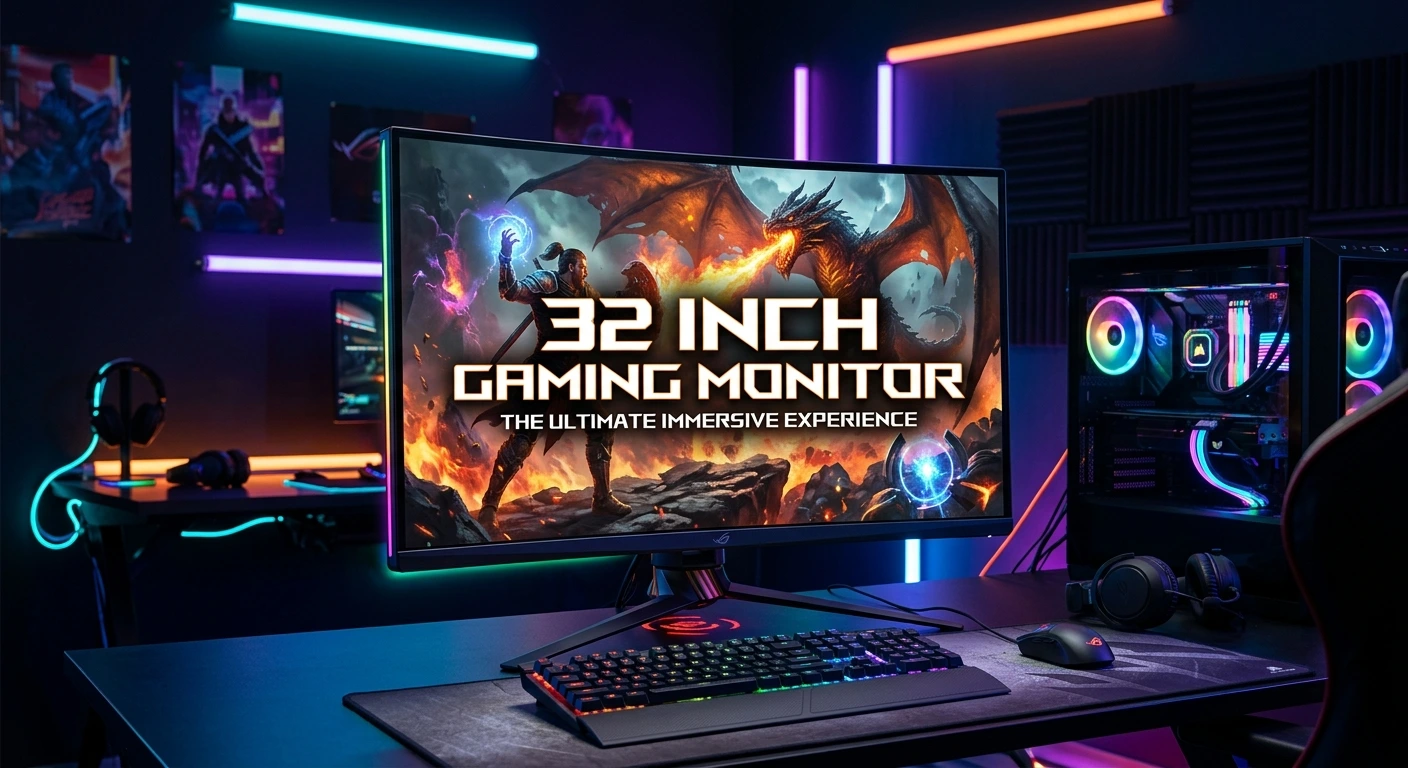
A 32 inch gaming monitor can be an excellent choice for gamers who want a larger and more immersive screen without moving to an ultra-wide display. Its bigger viewing area gives games, movies, and everyday applications more room while maintaining the familiar 16:9 format used by most PC and console games.
A 32-inch monitor can be especially appealing for open-world games, racing titles, RPGs, and competitive gaming when paired with the right resolution and refresh rate. However, screen size alone does not determine gaming performance. Resolution, panel technology, response time, refresh rate, adaptive sync, HDR, connectivity, and ergonomics all matter. This guide explains what to look for when choosing a 32 inch gaming monitor and how to find the right combination of performance, picture quality, comfort, and value for your gaming setup.
Why Choose a 32 Inch Gaming Monitor?
A 32 inch gaming monitor offers a noticeable increase in screen space compared with smaller 24- and 27-inch displays. That extra size can make games feel more immersive because visual details occupy more of your field of view.
The 32-inch format is particularly attractive for gamers who sit slightly farther away from their screen. At a suitable viewing distance, the larger display can provide a comfortable balance between immersion and usability.
Another advantage is versatility. A 32-inch monitor can work well for gaming, streaming, browsing, productivity, photo editing, and general computer use. You can keep multiple windows visible without feeling as cramped as you might on a smaller screen.
For gaming, the ideal specifications depend on the type of games you play. Competitive FPS players may prioritize high refresh rates and low response times, while RPG and simulation gamers may care more about resolution, contrast, color, and HDR.
A larger display can also make split-screen games more enjoyable. If you frequently play local multiplayer titles, the additional screen area can improve visibility for each player.
The main consideration is desk space. A 32-inch monitor requires more room than a 24- or 27-inch model, so measure your desk before buying. You should also consider viewing distance to avoid sitting too close to a large screen.
Best Resolution for a 32 Inch Gaming Monitor
Resolution is one of the most important specifications to consider when buying a 32 inch gaming monitor. Common choices include 1080p, 1440p, and 4K.
For a 32-inch display, 1440p is often a strong middle ground. It provides noticeably sharper images than 1080p while generally requiring less graphics power than 4K. This makes 1440p attractive for gamers who want a balance between image quality and high frame rates.
4K resolution, with 3840 × 2160 pixels, provides much greater image detail. On a 32-inch screen, 4K can look exceptionally sharp, especially in visually rich single-player games. The downside is that rendering games at 4K requires a more powerful graphics card.
A 1080p 32-inch monitor can still work, but the lower pixel density may make text and fine details appear less sharp compared with 1440p or 4K.
Your graphics card should influence your resolution choice. A powerful gaming PC can take advantage of 4K, while a mid-range system may perform better at 1440p.
For console gaming, check the console’s supported resolutions and refresh rates before purchasing.
The best resolution is therefore not simply the highest number. It is the resolution your hardware can drive smoothly while delivering the level of sharpness you expect.
32 Inch 1440p Gaming Monitor
A 32 inch 1440p gaming monitor offers an attractive combination of screen size, sharpness, and gaming performance. With 2560 × 1440 pixels spread across a 32-inch panel, it provides substantially more detail than 1080p while remaining easier to drive than 4K.
This makes 1440p particularly appealing to PC gamers using mid-range or high-end graphics cards.
A 1440p monitor can also support high refresh rates without placing the same rendering demands on your GPU as 4K. Depending on the model, you may find refresh rates such as 144Hz, 165Hz, 180Hz, 240Hz, or higher.
The larger screen can make open-world games feel more immersive. Detailed environments, maps, character models, and user interfaces have more physical space to display.
For competitive gaming, a 32-inch 1440p monitor is more of a personal preference than a universal recommendation. Some esports players prefer 24- or 27-inch screens because they can view the entire display more easily. Others appreciate the larger image.
Pixel density is also worth considering. A 32-inch 1440p panel has lower pixel density than a 27-inch 1440p display, so it will not look quite as sharp up close.
If you want a large screen without the GPU requirements of 4K, 1440p is one of the most practical options.
32 Inch 4K Gaming Monitor
A 32 inch 4K gaming monitor is designed for gamers who prioritize sharp images, detailed graphics, and immersive visual quality. With 3840 × 2160 resolution, it provides four times as many pixels as a 1920 × 1080 display.
The additional detail is especially noticeable in large single-player games, open-world adventures, strategy games, and simulation titles. Fine textures and distant objects can appear clearer when the game and graphics settings take advantage of the higher resolution.
A 32-inch screen is also an excellent size for 4K because it provides a large viewing area without requiring the extremely large physical footprint of some televisions.
The biggest challenge is GPU performance. Rendering modern games at 4K with high graphical settings can demand substantial graphics processing power.
If you want both 4K and a high refresh rate, you should pay close attention to your graphics card and the games you play. Competitive players may lower graphics settings to maintain higher frame rates.
4K is also useful outside gaming. Text, images, video, and productivity applications can look crisp and detailed.
For users who want a premium all-purpose gaming display, 32-inch 4K is one of the strongest formats available. However, it can cost more than comparable 1440p monitors and may require a more capable gaming PC.
Refresh Rate and Gaming Performance
Refresh rate determines how many times a monitor can update the image each second. It is measured in hertz, or Hz.
A 60Hz monitor refreshes the image up to 60 times per second. Gaming monitors commonly offer 120Hz, 144Hz, 165Hz, 180Hz, 240Hz, or higher refresh rates.
Higher refresh rates can make movement appear smoother and can provide a more responsive gaming experience when your PC can produce enough frames.
For many gamers, 144Hz or 165Hz provides a significant improvement over 60Hz without requiring an extreme setup. Competitive players may prefer 240Hz or higher, particularly in fast esports titles.
However, buying a very high-refresh-rate monitor does not automatically produce a smoother experience. Your computer needs to generate enough frames to take advantage of the display’s refresh capability.
For example, a powerful PC capable of consistently producing very high frame rates can make better use of a 240Hz monitor than a system that struggles to reach 100 FPS.
For slower games, high refresh rate may be less important than resolution, HDR, contrast, and color quality.
When choosing a 32 inch gaming monitor, consider refresh rate together with your GPU, CPU, game selection, and preferred gaming style.
Response Time and Input Lag
Response time and input lag are important specifications for gamers, but they describe different things.
Response time refers to how quickly individual pixels can change from one color or shade to another. A slower response time can produce visible ghosting or motion blur.
Input lag refers to the delay between an input from your mouse, keyboard, or controller and the corresponding action appearing on the screen.
Competitive gamers should look for a monitor with strong real-world motion performance and low input latency. Manufacturer response-time numbers can sometimes be based on specific testing conditions, so independent measurements can provide more useful information.
A monitor with a high refresh rate and fast pixel response can make quick movement look clearer.
For casual gaming, you do not necessarily need the fastest monitor available. Modern gaming displays can provide excellent responsiveness across different price ranges.
If you play competitive FPS games, racing games, or fighting games, responsiveness becomes more important because small delays and motion artifacts can affect your ability to react.
The ideal 32-inch gaming monitor should therefore combine a suitable refresh rate with genuinely fast pixel response rather than relying on a single advertised response-time figure.
IPS, VA, and OLED Panels
Panel technology strongly influences how a 32 inch gaming monitor looks and performs. The most common options include IPS, VA, and OLED.
IPS panels are known for strong viewing angles, good color reproduction, and generally fast response performance. They are popular among gamers who want a balance between gaming and general multimedia use.
VA panels typically offer stronger native contrast than IPS. This can make dark scenes appear deeper and more atmospheric. VA displays can be particularly appealing for movies and games with dark environments, although individual models vary significantly in motion performance.
OLED panels provide individually controlled pixels, allowing them to produce extremely deep blacks and very high contrast. OLED can deliver outstanding image quality and very fast pixel response.
Each technology has trade-offs. OLED monitors can be more expensive and require users to consider long-term image-retention or burn-in management. IPS may offer a more traditional all-purpose experience, while VA can provide excellent contrast at competitive prices.
Your choice should depend on what matters most. Competitive gamers may focus on motion performance, while cinematic gamers may prioritize contrast and HDR.
There is no single panel technology that is perfect for everyone.
HDR on a 32 Inch Gaming Monitor
High Dynamic Range, or HDR, can improve gaming visuals by expanding the range between bright highlights and dark areas. When implemented well, HDR can make sunlight, explosions, reflections, and other bright elements appear more realistic.
However, HDR quality varies significantly between monitors. Simply seeing “HDR” on a specification sheet does not guarantee a dramatic improvement.
A monitor needs appropriate brightness, contrast, local dimming or pixel-level control, and suitable HDR support to deliver a convincing experience.
OLED displays can produce extremely deep blacks because individual pixels can turn off. Some advanced LCD gaming monitors use local dimming to improve contrast as well.
HDR can be especially useful on a 32-inch screen because the larger display provides more space for visually impressive scenes.
If you frequently play cinematic games, watch HDR movies, or use your monitor for content consumption, HDR may be worth prioritizing.
For competitive gaming, HDR may be less important than refresh rate, latency, and motion clarity.
When comparing 32-inch gaming monitors, look beyond the HDR label. Consider actual brightness, contrast behavior, local dimming technology, and independent reviews.
Adaptive Sync Technology
Adaptive sync technologies help synchronize the monitor’s refresh behavior with the graphics card’s frame output. This can reduce visible screen tearing and improve perceived smoothness.
Depending on the monitor and graphics hardware, you may encounter technologies such as AMD FreeSync or NVIDIA G-SYNC compatibility.
Screen tearing can happen when the graphics card and monitor are not synchronized. One portion of the screen may display information from one frame while another portion shows a different frame.
Adaptive sync can make gameplay appear smoother when frame rates fluctuate.
This is particularly useful in demanding games where your frame rate may move between different levels rather than staying fixed.
When purchasing a 32 inch gaming monitor, check compatibility with your graphics card. Some displays work across multiple platforms, while others have more specific requirements.
Adaptive sync is not a substitute for good hardware, but it can improve the overall visual experience.
For most modern gaming setups, adaptive sync is a useful feature and should be considered when comparing monitors at similar prices.
Curved vs Flat 32 Inch Gaming Monitor
A 32-inch gaming monitor can be either flat or curved, and both designs have advantages.
A curved screen can make a large display feel more immersive by bringing the edges slightly closer to the viewer. This can be particularly appealing for racing games, RPGs, simulations, and cinematic gaming.
The effectiveness of curvature depends on the monitor’s curve radius and your viewing distance. A very curved display can feel unusual if you are accustomed to flat monitors.
Flat monitors are more traditional and can be easier to position. They are also often preferred by users who combine gaming with productivity or content creation.
For competitive FPS gaming, personal preference matters more than marketing claims. Some players prefer flat screens because they provide a familiar visual perspective.
A 32-inch curved monitor can be an excellent choice if immersion is your primary goal. A flat 32-inch display may be more versatile for mixed workloads.
Before choosing, think about how far you sit from your monitor and how much desk space you have.
Neither design is universally better. The best option is the one that feels natural for your eyes and gaming style.
Best 32 Inch Gaming Monitor for PC Gaming
PC gamers have the widest range of options when choosing a 32 inch gaming monitor. Because PCs can use different graphics cards and performance settings, you can select a display that matches your system.
A mid-range gaming PC may pair well with a 32-inch 1440p monitor at 144Hz or higher. A high-end system may be better suited to a 32-inch 4K display with a high refresh rate.
Competitive FPS players should prioritize refresh rate, response performance, adaptive sync, and low input latency.
Single-player gamers may prefer 4K resolution, strong HDR, deep contrast, and accurate colors.
PC gaming also benefits from flexible connectivity. DisplayPort is commonly useful for high-resolution, high-refresh-rate PC gaming, while HDMI is important for consoles and other devices.
Your graphics card outputs should match the monitor’s inputs. Check the exact supported resolution and refresh-rate combinations rather than assuming every port supports the maximum specification.
You should also consider your desk and viewing distance. A 32-inch monitor can dominate a small desk.
The best PC gaming monitor is not necessarily the most expensive model. It should match your GPU performance, favorite games, desired image quality, and budget.
32 Inch Gaming Monitor for PS5 and Xbox
A 32 inch gaming monitor can also work well with modern gaming consoles. PlayStation and Xbox systems support high-resolution gaming and high-refresh-rate output on compatible displays.
For console gaming, HDMI connectivity is particularly important. Check the monitor’s HDMI version and supported resolution and refresh-rate combinations.
A 4K 32-inch display can be attractive for console players who want detailed graphics. A high-refresh-rate 1440p display can also be useful depending on the console and games being played.
Console gamers should not pay for PC-specific features they cannot use. Instead, focus on resolution, HDMI capabilities, HDR, response time, speakers if needed, and overall image quality.
The larger 32-inch screen can create an immersive console experience while remaining more compact than a large television.
It can also work well for players who use the same desk for both PC and console gaming.
Before buying, verify that the monitor supports the console’s desired resolution and refresh rate. Features such as variable refresh rate may also depend on the exact console, game, monitor, and connection.
A versatile 32-inch display can therefore become the central screen for a multi-platform gaming setup.
Connectivity and Ports
Connectivity determines how easily you can connect a 32 inch gaming monitor to your gaming devices.
DisplayPort is commonly used for PC gaming and can support high-resolution, high-refresh-rate configurations on compatible hardware.
HDMI is essential for consoles and can also be used with gaming PCs, laptops, streaming devices, and other hardware.
Some monitors include multiple HDMI ports, which can be convenient if you regularly switch between a PC and console.
USB ports are another useful feature. A monitor with USB connectivity can sometimes function as a hub for peripherals such as keyboards, mice, storage devices, or other accessories.
USB-C is increasingly valuable for laptop users because a compatible monitor may carry video, data, and power through a single connection.
A headphone jack can also be convenient if the monitor receives audio through HDMI or DisplayPort.
Before buying, list the devices you intend to connect. Then confirm that the monitor has enough ports and supports the required resolutions and refresh rates on those ports.
Good connectivity can extend the useful life of your gaming monitor because you can continue using it as your setup changes.
Ergonomics and Desk Setup
A large monitor needs an appropriate desk setup. A 32-inch gaming monitor takes up more physical space than smaller displays, so desk depth and width matter.
Ideally, you should have enough distance between your eyes and the screen to view the entire display comfortably. Sitting too close can make a large panel feel overwhelming.
Adjustability is another important consideration. A monitor stand with height, tilt, and swivel adjustments can help you position the screen correctly.
VESA compatibility can provide additional flexibility because you can mount the monitor on an arm or wall bracket.
Cable management also becomes more important as your setup grows. A clean cable layout can make the desk more comfortable and easier to maintain.
Think about monitor height as well. The top portion of the display should generally sit around your natural eye level rather than forcing you to look sharply upward.
Lighting can affect comfort too. Avoid strong reflections directly behind or in front of the display.
A 32-inch monitor can become the centerpiece of a gaming desk, but it should be positioned thoughtfully. Good ergonomics can make long gaming and work sessions much more comfortable.
How to Choose the Right 32 Inch Gaming Monitor
Choosing the right model becomes easier when you identify your priorities first. Start with resolution. Choose 1440p if you want a balance between sharpness and performance, or 4K if maximum detail is important and your hardware can handle it.
Next, consider refresh rate. Around 144Hz to 180Hz is suitable for many gamers, while competitive players may prefer 240Hz or higher.
Then evaluate panel technology. IPS can provide a strong all-purpose balance, VA can offer excellent contrast, and OLED can deliver exceptional blacks and response performance.
Do not overlook adaptive sync. It can help maintain smooth gameplay when frame rates fluctuate.
Check connectivity carefully, especially if you use both a gaming PC and console.
Your budget should include more than the monitor itself. You may also need a monitor arm, appropriate DisplayPort or HDMI cable, larger desk, or stronger graphics card to get the most from your display.
Finally, read independent reviews and look for real-world testing of brightness, contrast, response time, input lag, HDR, and color performance.
The best 32-inch gaming monitor is the one that matches your hardware and priorities rather than simply having the longest specification list.
Conclusion
A 32 inch gaming monitor offers an excellent combination of large-screen immersion and practical desktop usability. It can be a strong choice for PC gamers, console players, streamers, and users who want one display for gaming and productivity.
For many gamers, 32-inch 1440p provides an effective balance between image quality and performance. Those with powerful hardware and a preference for maximum detail may want 32-inch 4K instead. High refresh rates, fast response performance, adaptive sync, HDR, and appropriate connectivity can further improve the experience.
Panel technology also matters. IPS, VA, and OLED each provide different strengths, so your choice should reflect how you play.
Before buying, consider your graphics card, gaming platform, viewing distance, desk size, preferred genres, and budget. A well-matched 32-inch monitor can provide years of enjoyable gaming while also serving as a capable everyday display.
FAQs
1. Is a 32 inch gaming monitor too big for gaming?
Not necessarily. A 32-inch monitor can be excellent for immersive gaming, particularly when you sit at a comfortable viewing distance. However, competitive players who prefer smaller screens may find 24- or 27-inch displays easier to manage.
2. Is 1440p good for a 32 inch gaming monitor?
Yes. 1440p provides a good balance between image quality and gaming performance. It is less demanding than 4K while offering considerably more detail than 1080p.
3. Is 4K worth it on a 32 inch gaming monitor?
4K can be worthwhile if you have a sufficiently powerful gaming PC and prioritize sharp visuals. A 32-inch screen provides enough physical space for the increased detail to be noticeable.
4. What refresh rate should I choose for a 32 inch gaming monitor?
For many gamers, 144Hz to 180Hz is an excellent range. Competitive players may prefer 240Hz or higher if their gaming PC can consistently produce high frame rates.
5. Is OLED better than IPS or VA for a 32 inch gaming monitor?
OLED can provide exceptional contrast, deep blacks, and extremely fast pixel response. IPS and VA displays can offer excellent performance as well and may be more suitable depending on price, brightness requirements, usage, and personal preferences.